- Year: 2025
- Category: Product
- Benefits: Fast, Reliable Testing, Cross-Module Consistency, Better Governance
- YouTube share link: https://youtube.com/embed/ctzpwv4jyGo
- Documentation link: https://hub.synerise.com/docs/settings/configuration/test-profiles/
- Security & Performance: No
- Featured?: No
- Quarter only: 60d78142f940ca57f105e4498226dd9c
- Quarter: 72fa4497711a77b89bf2a5c4d4460464
- Module: 611e12f7b9035bcf04539e5ec6cb0425
Say goodbye to repetitive searches and unreliable test runs. With test profiles, you can now define specific Profiles users—and access them instantly across the platform. From message previews to campaign simulation, your testing process just got faster, cleaner, and fully under control.
Build. Preview. Repeat — Now faster than ever
Testing your setup shouldn’t slow down your work. That’s why Synerise introduces test profiles, a new capability that lets you define specific profiles as test subjects directly in your workspace settings.
Here’s how it changes the game:
- Designate test profiles once — and access them instantly across modules
- No more searching — your test profiles are always visible in the profile picker, the selection panel you use when previewing content for a specific user
- Run consistent, reliable tests — Across Recommendations, Documents, AI Search, Analytics and Communication
Why it matters
Efficient testing is key to speed and precision. Whether you're checking templates or verifying aggregates — having pre-defined profiles at your fingertips keeps your workflows tight and your focus intact.
How it works
Creating and using test profiles in Synerise is simple—and gives you full control over testing across modules.
Define your test profiles
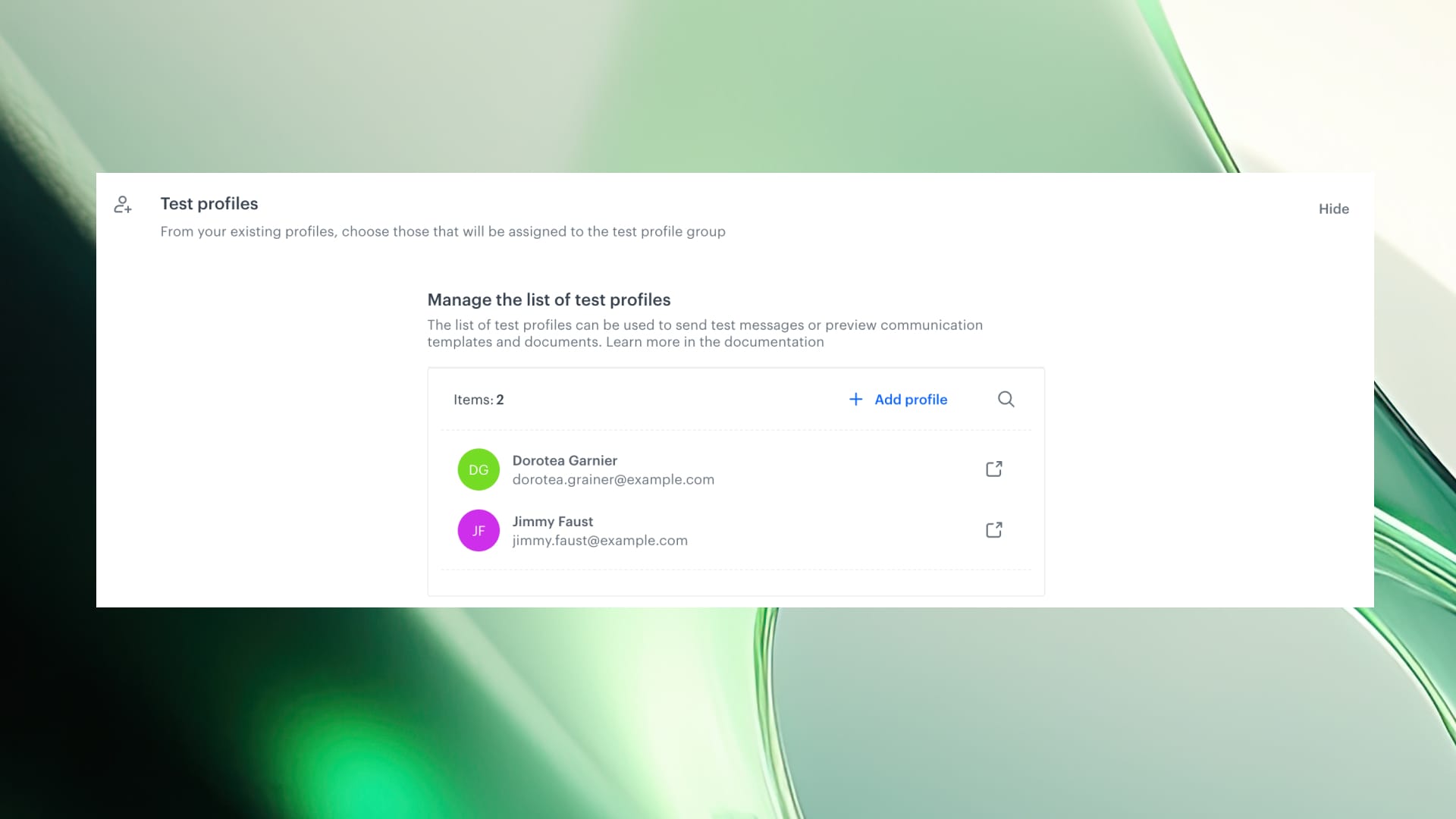
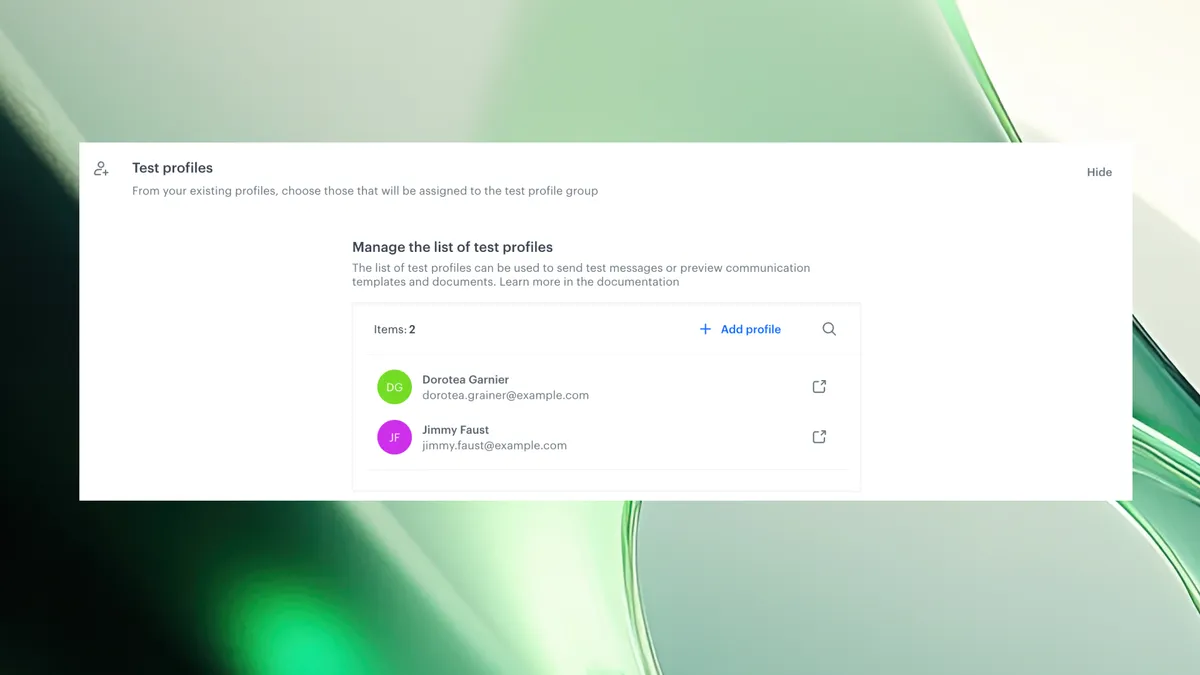
- Go to Settings > Test profiles.
- Click Show to open the configuration panel.
- Use Add Profiles to select up to 99 existing profiles from your Profiles module.
- Mark them with a checkbox and click Apply.
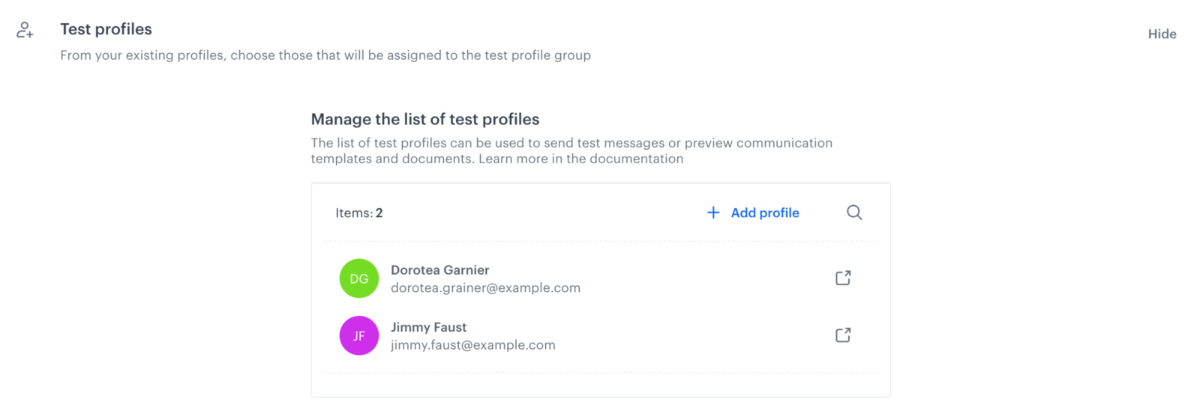
These profiles will now appear in a dedicated section of the profile picker — always ready for preview or testing purposes.
Use test profiles to:
- Preview content — which may be personalized for each customer in AI Recommendations, AI Search, Documents, Communication and more
- Send test messages — Simulate delivery and content for specific test users
- Target test profiles in real campaigns or analytics — Just like regular profiles
💡 Tip: Test profiles are listed at the top of the picker dropdown when previewing any message type.