- Year: 2025
- Category: Product
- Benefits: Smarter workflows, Faster execution, Built-in guidance
- Security & Performance: No
- Featured?: No
- Quarter only: 60d78142f940ca57f105e4498226dd9c
- Quarter: 72fa4497711a77b89bf2a5c4d4460464
- Module: 4c6698dca829ee8a0fcb167b62e6d5d0
Build once. Reuse everywhere.
Snippets now expand into Synerise Automation, becoming your single source of truth for reusable, standardized content across all channels.
What’s new
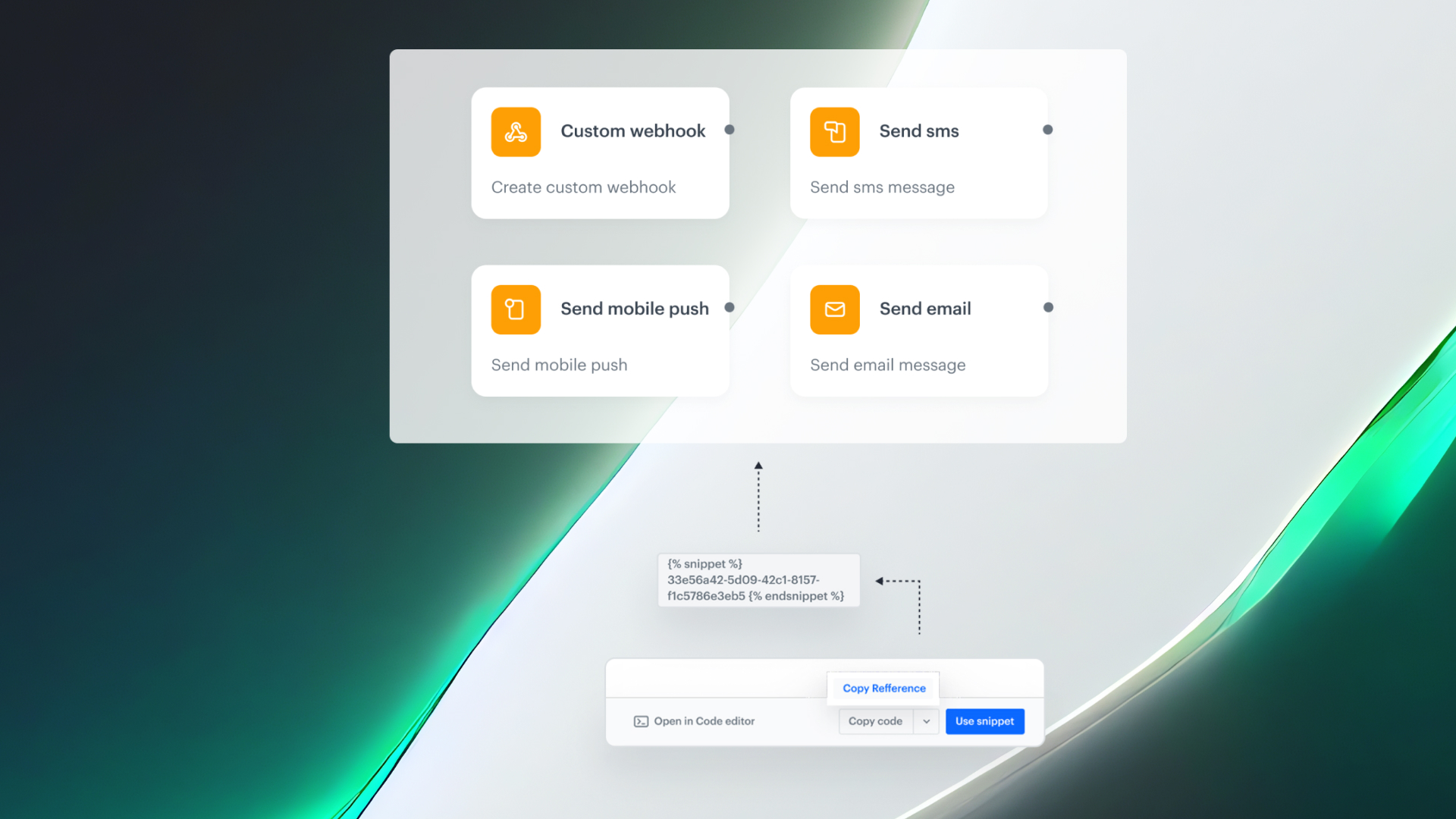
Creating consistent, dynamic messages in automation just got easier. With the new Snippet widget, you can insert any predefined snippet - text, vouchers, recommendations - directly into emails, SMS, push, or webhook nodes. No copy-pasting. No manual syncing. Just content that stays aligned, everywhere it’s used.
Wherever dynamic content is supported, you’ll now see a snippet icon. Clicking it opens a library where you can browse existing snippets or create new ones, without breaking your flow.
The widget automatically recognizes and tracks every compatible field across all nodes in your diagram, so you'll always know where dynamic values can be used.
Why This Matters
This enhancement speeds up the entire automation process. Instead of recreating message content from scratch, teams can now insert approved, reusable content blocks in seconds. It also solves a long-standing challenge - figuring out where Jinjava-based dynamic references are allowed. With clearly marked fields and the snippet icon as your guide, you’ll always know exactly where and how dynamic content can be applied.
How It Works
- Select any action block in Workflow builder (Email, SMS, Web Push, Webhook, etc.).
- Fields that accept dynamic values now display the snippet icon.
- Click the icon to launch the Snippet widget: search, add, or manage snippets.
- Preview content and metadata (find more on Predefined Snippet Details & Direct Object Access).
- Insert the snippet.
- Publish the workflow. Any future edit to the snippet propagates to every live automation that references it – no redeploys required. If the snippet is included as a reference, all updates are automatically reflected without needing to republish each workflow individually.