
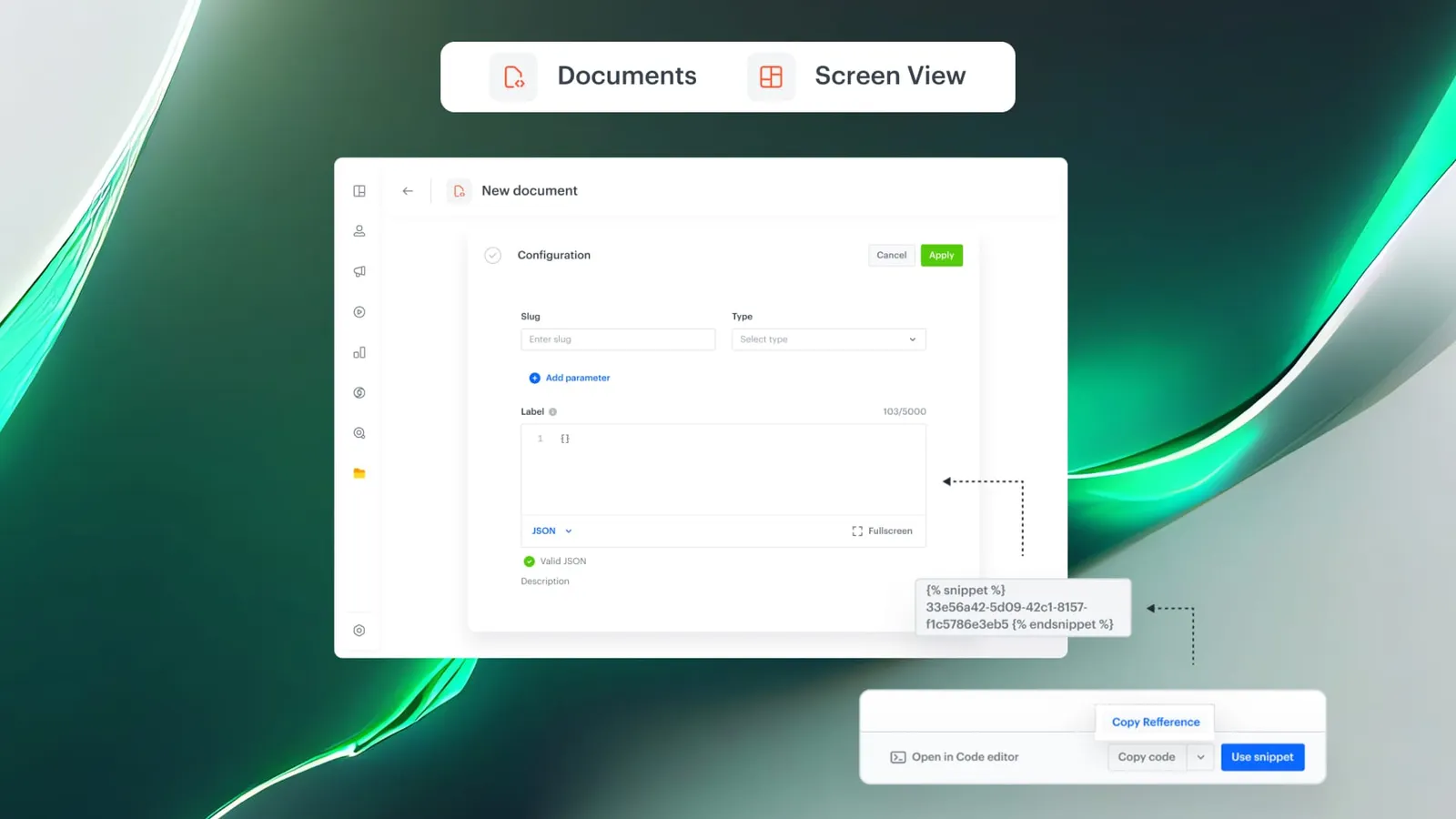
Feature Overview
Snippets in Documents and Screen Views extends dynamic snippet references to the Documents and Screen Views modules in Synerise. Snippets referenced in these modules behave the same as in other channels: edit once, and every change propagates automatically — eliminating manual content duplication and version drift.
The feature is available in the Documents and Screen Views modules within the Synerise platform.
What Are Snippets in Documents and Screen Views?
Snippets in Documents and Screen Views is an extension of Synerise's snippet system that allows dynamic snippet references to be used in Documents and Screen Views — the same way they work in Dynamic Content, Communication, and Automation. When a snippet is referenced, any edit to the source snippet is automatically reflected in all Documents and Screen Views that use it.
Why Snippets in Documents and Screen Views Matter
Before this update, reusing content across Documents and Screen Views required manual duplication. Any change to shared content — such as a message block, logic component, or layout — had to be applied in every location separately, creating version drift, maintenance overhead, and governance risk.
Snippets in Documents and Screen Views address this by:
- Enabling dynamic snippet references in Documents and Screen Views — edit once, update everywhere
- Eliminating manual copy-paste and content duplication across modules
- Reducing version drift by maintaining a single source of truth for shared content
- Simplifying governance and approval workflows for reusable content
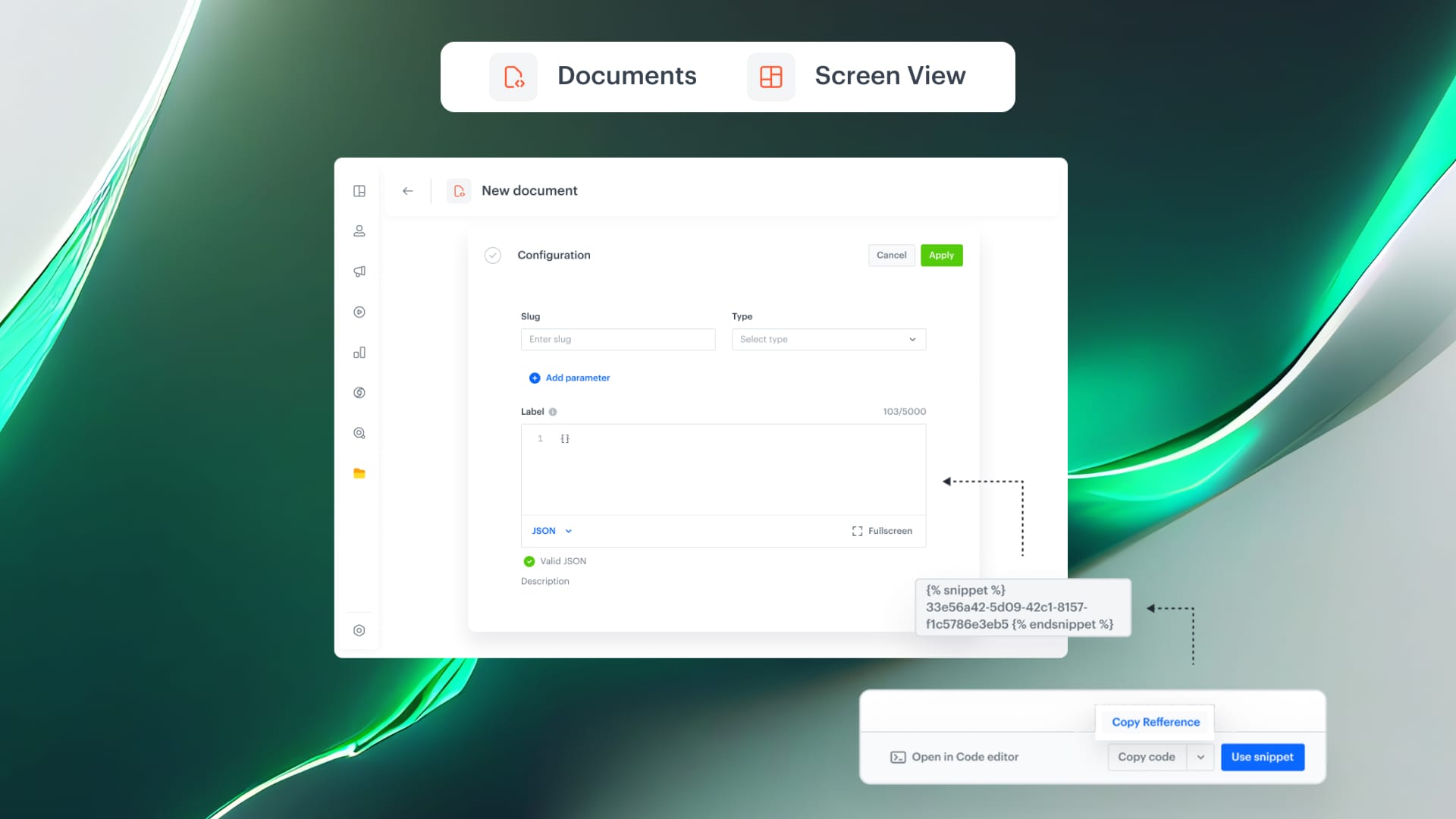
Key Capabilities
Dynamic snippet references in Documents
Snippets can be referenced directly within Documents. When the source snippet is edited, changes propagate automatically to all Documents using that reference.
Dynamic snippet references in Screen Views
The same snippet reference behavior extends to Screen Views, ensuring consistent content across all visual interfaces built with Screen Views.
Consistent behavior across modules
Snippets in Documents and Screen Views work identically to snippets in Dynamic Content, Communication, and Automation — providing a unified content management experience across the entire Synerise platform.
How Snippets in Documents and Screen Views Work
- Create or select an existing snippet in the Synerise snippet library.
- Reference the snippet within a Document or Screen View.
- The snippet content is rendered dynamically wherever it is referenced.
- Edit the source snippet at any time — changes propagate automatically to all Documents and Screen Views using the reference.
Example Use Case
A company uses a standard legal disclaimer across multiple Documents and Screen Views. Instead of copying the text into each one, they create a "Legal Disclaimer" snippet and reference it in all locations. When the legal team updates the disclaimer wording, they edit the snippet once — and the change is immediately reflected in every Document and Screen View that references it.
FAQ
What are Snippets in Documents and Screen Views?
Dynamic snippet references that work in Documents and Screen Views, enabling edit-once-update-everywhere content management.
Do snippet edits propagate automatically?
Yes. Any change to the source snippet is automatically reflected in all Documents and Screen Views that reference it.
Are snippets in Documents and Screen Views the same as in other modules?
Yes. They behave identically to snippets in Dynamic Content, Communication, and Automation.
Key Facts
| Attribute | Value |
|---|---|
| Feature | Snippets in Documents and Screen Views |
| Product | Synerise |
| Module | Documents, Screen Views |
| Purpose | Dynamic snippet references with automatic propagation in Documents and Screen Views |
| Auto-propagation | Yes — edits propagate to all referencing Documents and Screen Views |
| Consistent with | Dynamic Content, Communication, Automation snippets |
Related Concepts
- Snippet Playground in Synerise
- Snippets Widget in Automation
- Snippet metadata and direct object access
- Documents module in Synerise
- Reusable content management
TL;DR
Snippets are now supported as dynamic references in Synerise Documents and Screen Views. Reference a snippet once, and any edit to the source propagates automatically to all locations — eliminating manual duplication, version drift, and maintenance overhead. The behavior is consistent with snippets in Dynamic Content, Communication, and Automation.




