- Year: 2025
- Category: Product
- Benefits: Shared visibility, zero friction, Better governance, less risk, Work in flow
- Documentation link: https://hub.synerise.com/docs/assets/snippets/
- Security & Performance: No
- Featured?: No
- Quarter only: 60d78142f940ca57f105e4498226dd9c
- Quarter: 72fa4497711a77b89bf2a5c4d4460464
- Module: 611e12f7b9035bcf04539e5ec6cb0425
Stop guessing. Start executing.
Now, every predefined snippet comes with rich metadata and instant navigation, helping you stay in flow and in control.
Overview
How many tabs do you need to answer one question?
"What is the type of this recommendation?"
“How many unassigned vouchers are in the pool?”
"Who owns this recommendation?"
Until now, even small checks meant bouncing between menus, documentation, and different views - slowing down your work and breaking focus.
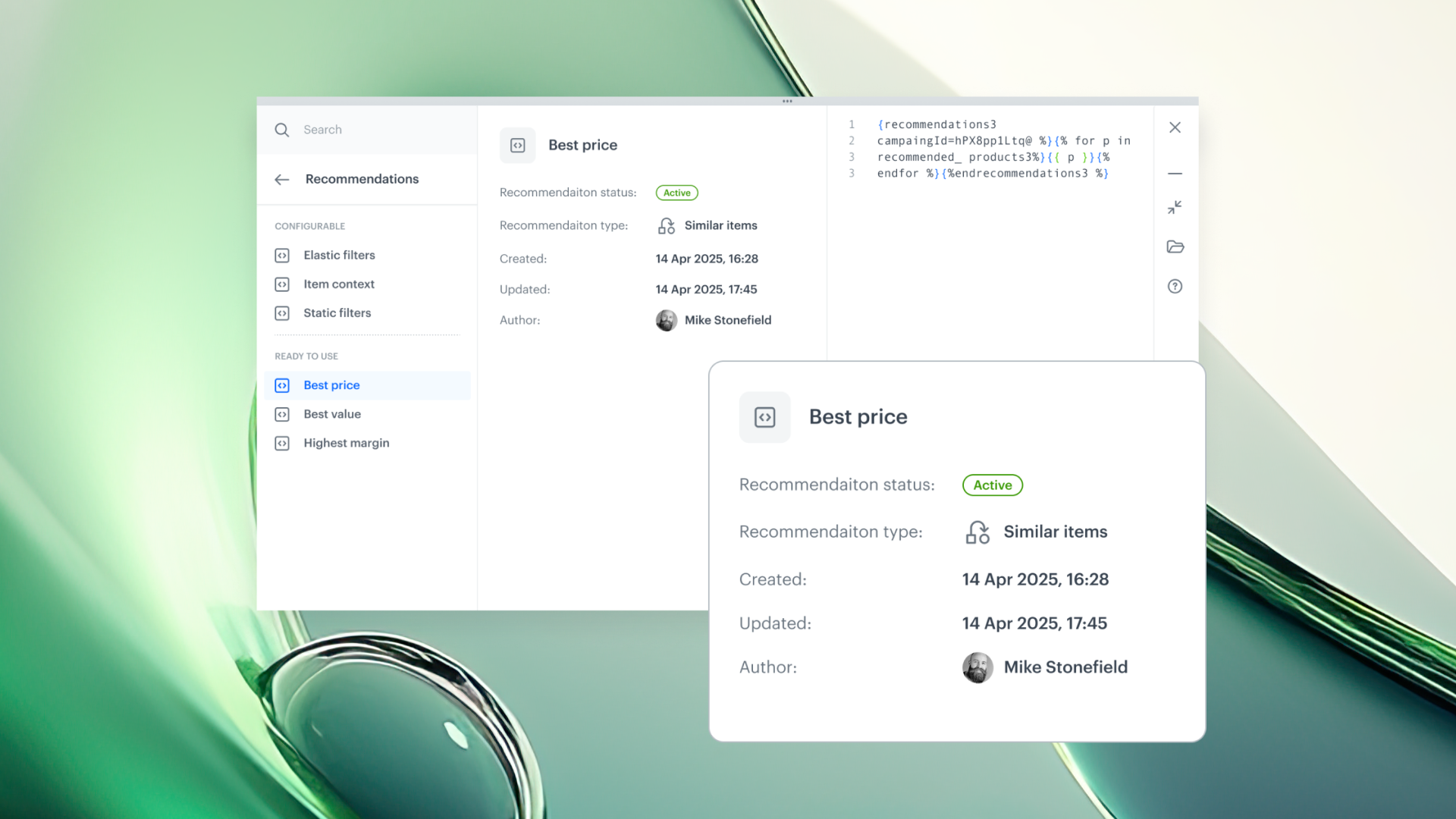
The latest upgrade introduces a smarter way to work with Snippets. With a built-in metadata panel and direct access to related objects, every answer is exactly where you need it - contextual, real-time, and one click away.
What’s New
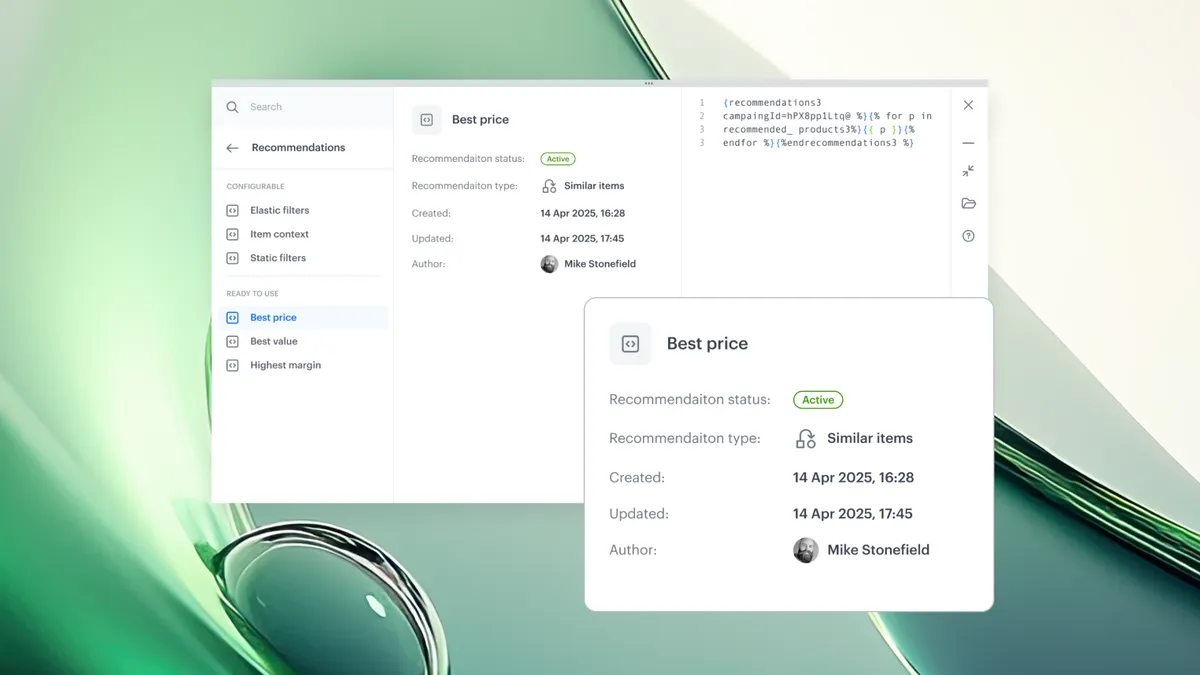
Every predefined snippet now shows contextual metadata - automatically. Depending on object type, you’ll see:
- Creation and update dates– instantly check if content is still up to date
- Recommendation type and status – understand business rules at a glance
- Voucher pool size / assignment count – monitor available inventory
And now:
- Open objects directly from the Snippet panel
- Jump into documentation without leaving your workspace
Smarter Snippets = fewer questions, faster execution.
No more second-guessing. Just build, reuse, and scale with confidence.