- Year: 2025
- Author: Kamil Gaczoł
- Category: Product
- Benefits: Prevent unauthorized data exports , Enhance data security, Improve compliance
- YouTube share link: https://www.youtube.com/embed/5c6iY4LawyU
- Documentation link: https://hub.synerise.com/docs/automation/actions/synerise-integrations/get-profiles/#prerequisites
- Security & Performance: No
- Featured?: No
- Quarter only: fe2d257f9b00112c9e9c7daf74b6b74c
- Quarter: 905911dd435556819c0263d282da14ea
- Module: 4c6698dca829ee8a0fcb167b62e6d5d0
At Synerise, we're committed to strengthening data security and giving businesses the tools they need to manage access with confidence. That’s why we’ve introduced dedicated permissions for key export nodes in Automation.
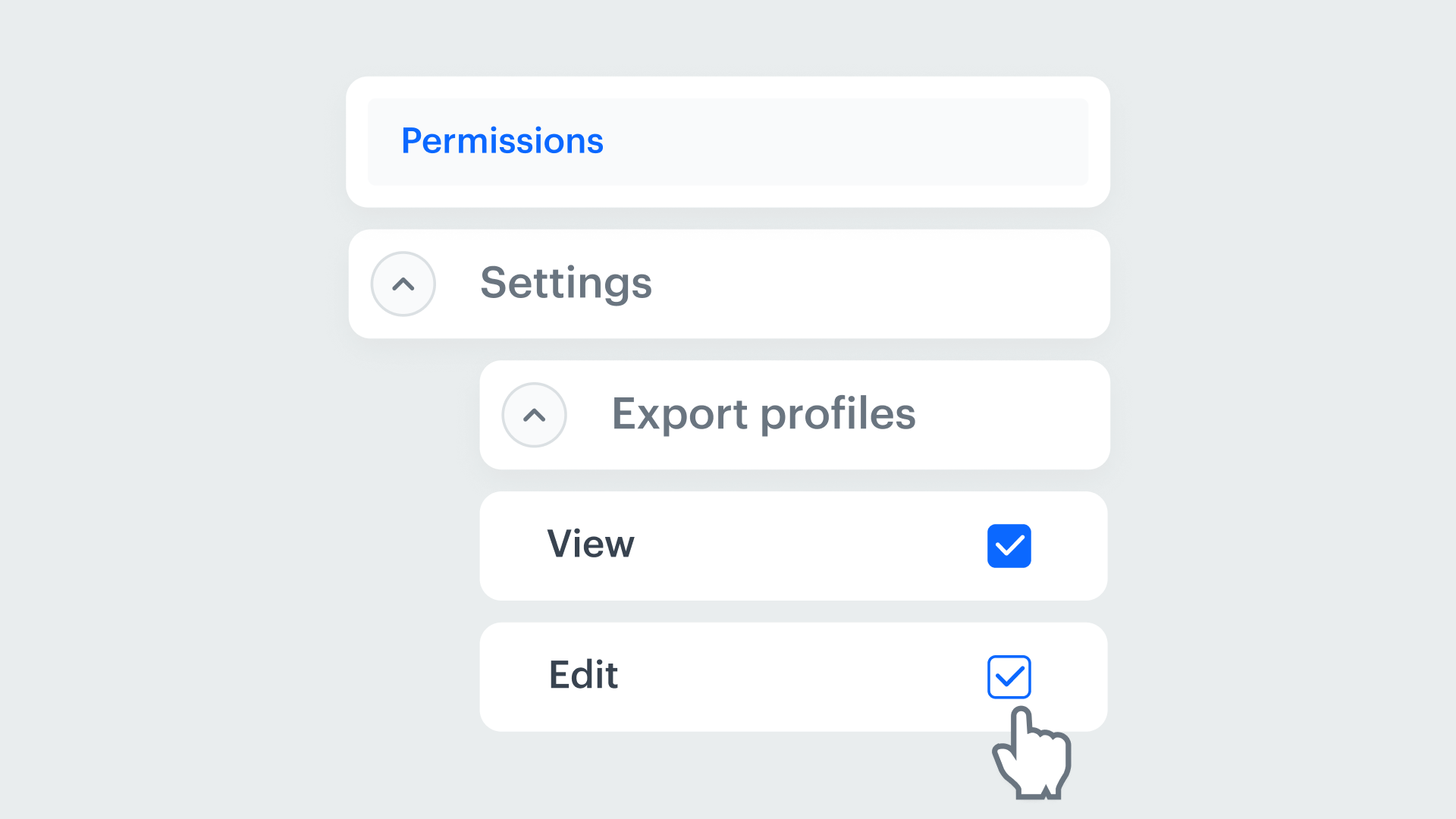
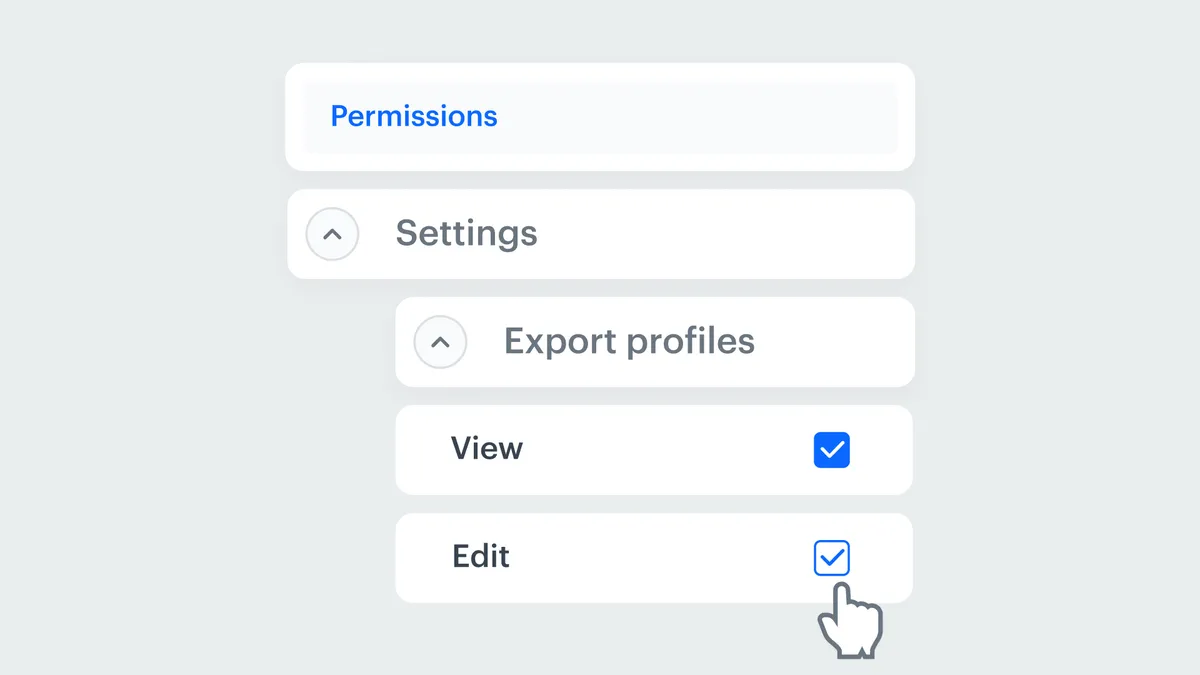
With this update, administrators can now precisely control who has access to export operations using the Get Profiles, Get Statistics, and Get Analytics Report nodes. This level of granularity brings an added layer of protection to your workflows—ensuring that only authorized team members can access or extract sensitive information.
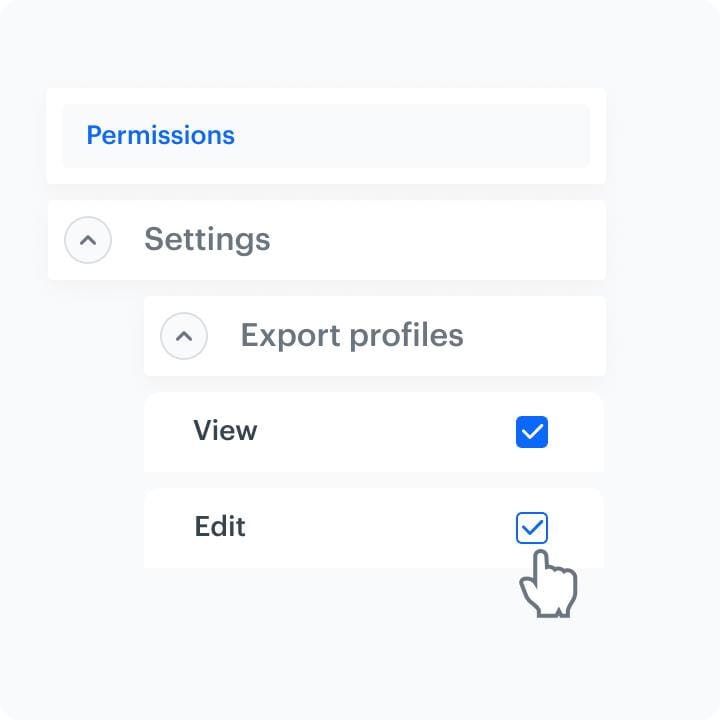
How this feature works
Permissions can now be configured within the user role settings. Administrators can grant or restrict access to each export node separately, giving teams just the right level of access based on their responsibilities. Whether you want to isolate access for analysts, marketers, or external partners—this feature makes it possible, without disrupting workflows.
By giving you greater control over who can export what, we’re helping you stay secure, compliant, and efficient—no matter how complex your data operations become.
Why Are Dedicated Permissions Important?
As organizations grow, so does the complexity of managing data access. With role-based permissions in place, you can:
- Prevent unauthorized data exports – Only users with the right roles can access export nodes, reducing risk of data leaks or misuse.
- Enhance data security – Protect sensitive customer and campaign data
- Improve compliance – Align with your internal data governance policies and meet industry or regulatory standards (e.g., GDPR).
- Simplify user management – Assign access levels by role, not by individual case, making onboarding and team changes much easier.