
Feature Overview
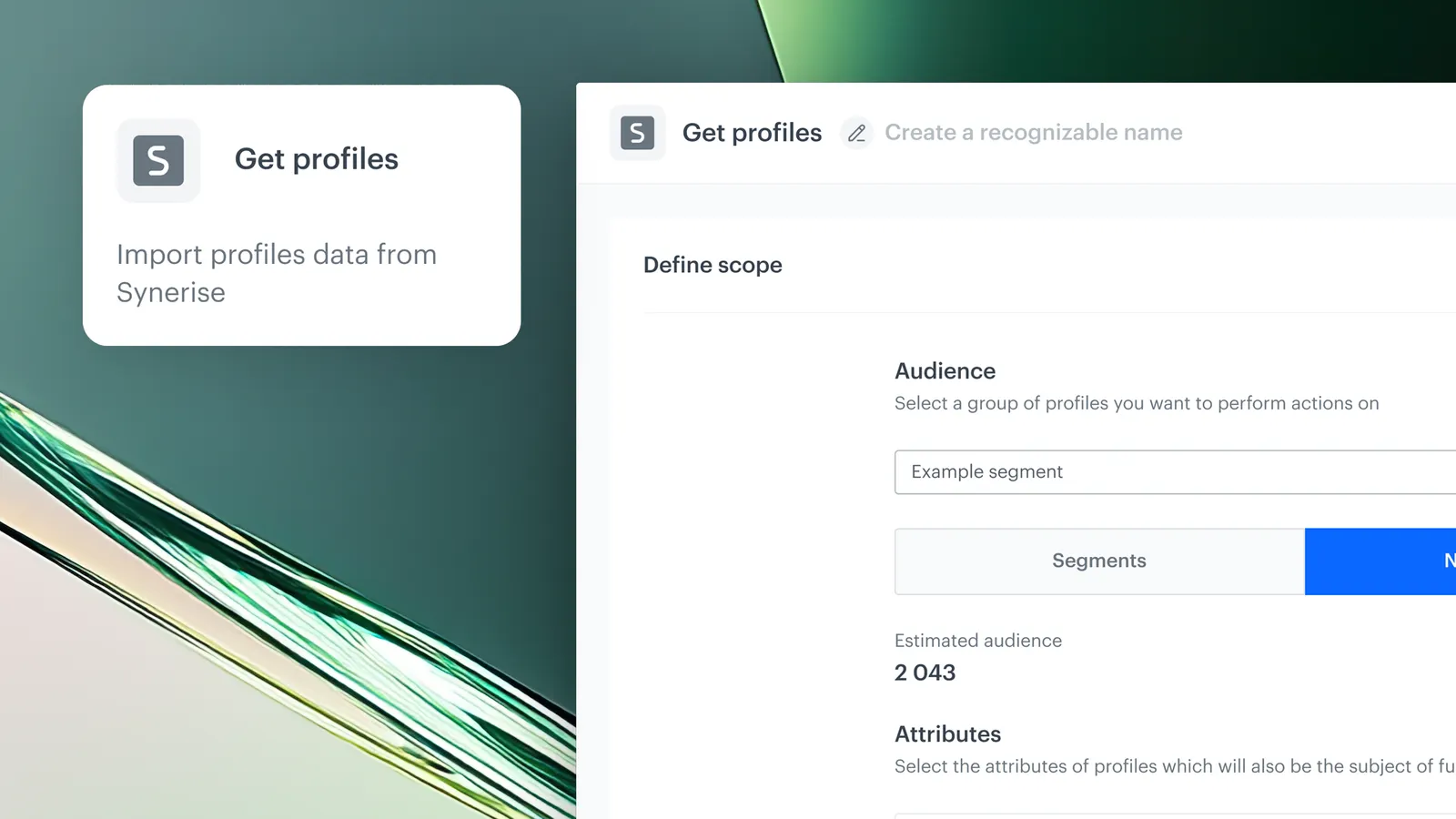
Advanced Data Export with Dynamic Expressions and Aggregates is an enhancement to the Get Profiles node in Synerise Automation that enables exporting dynamic, real-time calculated customer data — including expressions, aggregates, profile tags, and segment affiliations. Instead of exporting only static profile attributes, the node now calculates values dynamically at the moment of export.
The feature is available in the Get Profiles node within Synerise Automation workflows.
What Is Advanced Data Export?
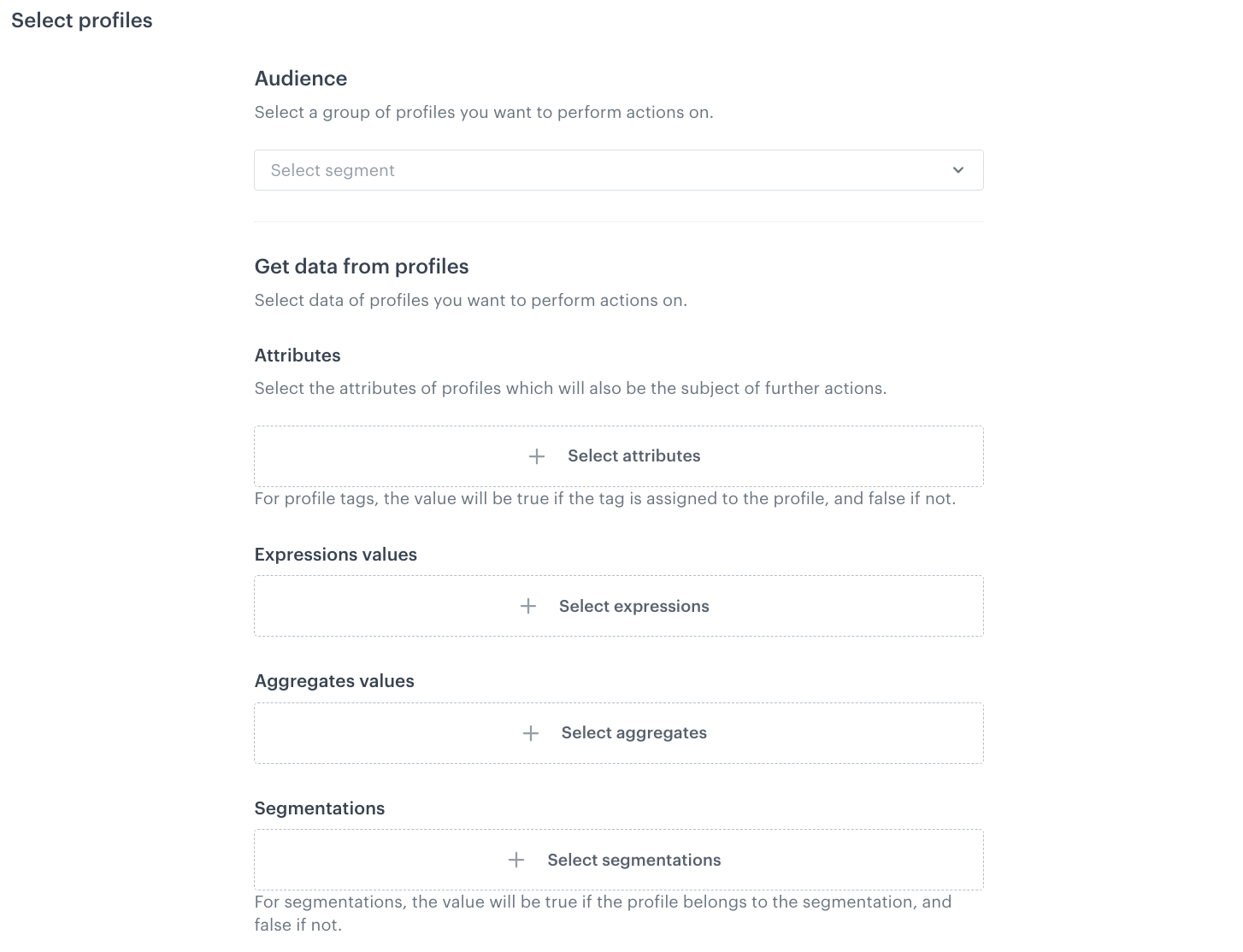
Advanced Data Export extends the Get Profiles automation node with four new export capabilities: profile tags (true/false columns indicating tag assignment), expressions (custom calculations computed dynamically per customer at export time), aggregates (computed per customer profile before export), and segment affiliation checks (true/false indicating membership in specified segments). All values are calculated at the moment of export, ensuring data is fresh and context-aware.
Why Advanced Data Export Matters
Exporting only static profile attributes limits the insights available in external systems, dashboards, and campaign tools. Dynamic values like predicted LTV, engagement scores, or loyalty tier calculations need to be computed in real time to be useful — not stored as stale snapshots.
Advanced Data Export addresses this by:
- Enabling export of dynamically calculated expressions and aggregates per customer
- Computing all values at the moment of export for fresh, context-aware data
- Adding profile tag export with true/false columns per tag
- Supporting segment affiliation checks to verify membership at export time
Key Capabilities
Dynamic expression export
Custom expressions are calculated dynamically per customer at the moment of export. Values are exported as separate columns, ensuring insights are always fresh and context-aware.
Aggregate export
Aggregates are computed for each customer profile before export, providing deeper insights into purchase behavior, engagement levels, and other metrics.
Profile tag export
Selected profile tags create dedicated columns in the export file with true/false values indicating whether each customer has a given tag.
Segment affiliation check
Specific customer segments can be selected to check whether each profile belongs to them (true/false) at the time of export.
How Advanced Data Export Works
- Open or create a workflow in Synerise Automation.
- Add the Get Profiles node to the workflow.
- Configure the export: select profile attributes, tags, expressions, aggregates, and/or segments to include.
- Connect the node to an output destination (file, external system, etc.).
- When the workflow runs, all dynamic values are calculated per customer at export time and included as columns in the output.
Example Use Case
A company wants to export customer profiles with predicted LTV and loyalty tier to Google Cloud Storage for an external analytics dashboard. Using Advanced Data Export, they configure the Get Profiles node to include: customer attributes (email, name), a "predicted_ltv" expression (calculated dynamically), a "total_purchases_30d" aggregate, and a "VIP_segment" affiliation check. At export time, all values are computed fresh — ensuring the dashboard receives current, calculated data rather than stale snapshots.
FAQ
What can I export with the enhanced Get Profiles node?
Profile attributes, profile tags (true/false), custom expressions (dynamically calculated), aggregates (computed per profile), and segment affiliation checks (true/false).
Are values calculated in real time?
Yes. Expressions, aggregates, and segment checks are computed at the moment of export, ensuring fresh, context-aware data.
How are tags and segments exported?
As dedicated columns with true/false values indicating whether each customer has the tag or belongs to the segment.
Where can I send the exported data?
The Get Profiles node can be connected to any output destination available in the Automation catalog (files, cloud storage, external systems, etc.).
Key Facts
| Attribute | Value |
|---|---|
| Feature | Advanced Data Export (Get Profiles Enhancement) |
| Product | Synerise |
| Module | Automation |
| Purpose | Export dynamic expressions, aggregates, tags, and segment affiliations from customer profiles |
| Calculation | All values computed at the moment of export |
| Export types | Attributes, tags (true/false), expressions, aggregates, segment affiliation (true/false) |
| Documentation | hub.synerise.com — Get Profiles |
Related Concepts
- Synerise Automation Get Profiles node
- Dedicated permissions in data export nodes
- Data transformation in Automation
- Customer segmentation and expressions
- Aggregates in Synerise
TL;DR
Advanced Data Export enhances the Get Profiles node in Synerise Automation with four new capabilities: profile tags (true/false), dynamically calculated expressions, aggregates computed per profile, and segment affiliation checks (true/false). All values are computed at the moment of export, ensuring fresh, context-aware data for external systems, dashboards, and campaign tools.




