- Year: 2025
- Author: Klaudia Pociecha
- Category: Product
- Benefits: Customize unsubscribe settings, Improved deliverability & reputation, Easy multi-email account management
- Documentation link: https://hub.synerise.com/docs/campaign/e-mail/configuring-email-account/#unsubscribe-configuration
- Security & Performance: No
- Featured?: No
- Quarter only: fe2d257f9b00112c9e9c7daf74b6b74c
- Quarter: 905911dd435556819c0263d282da14ea
- Module: 611e12f7b9035bcf04539e5ec6cb0425
We’re introduced a new level of flexibility in managing the one-click unsubscribe header for outbound emails in Synerise. This feature gives you greater control over how recipients can opt out of your email communications—ensuring that your approach is aligned with your brand, your compliance needs, and your customer experience strategy.
What's new
Previously, the List-Unsubscribe header was automatically included in all outbound emails. While this made compliance straightforward, it offered limited flexibility in how and when the unsubscribe option appeared. With this update, you can now customize the behavior of the unsubscribe header, making it adaptable to different use cases and communication goals.
What is the List-Unsubscribe Header
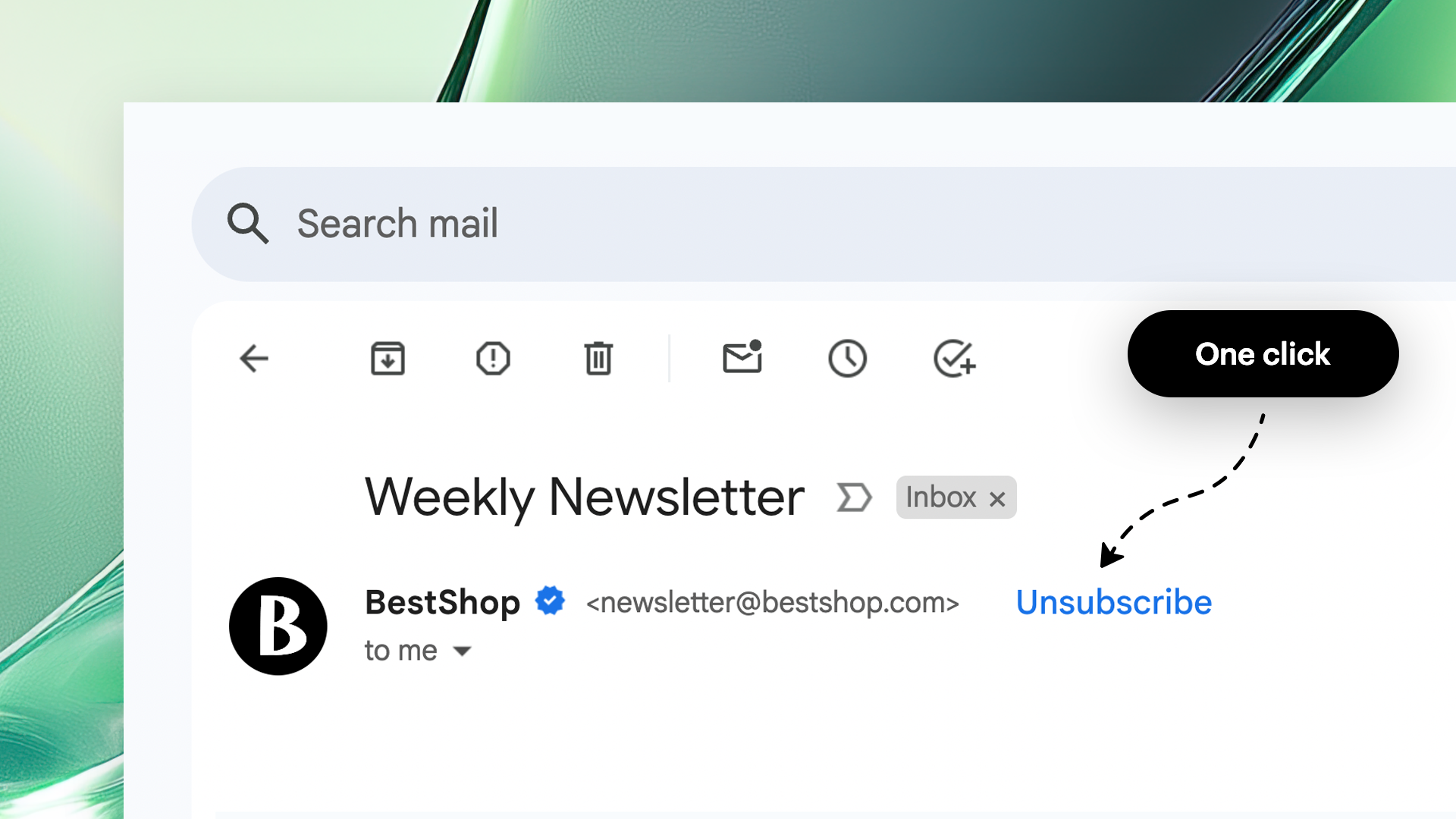
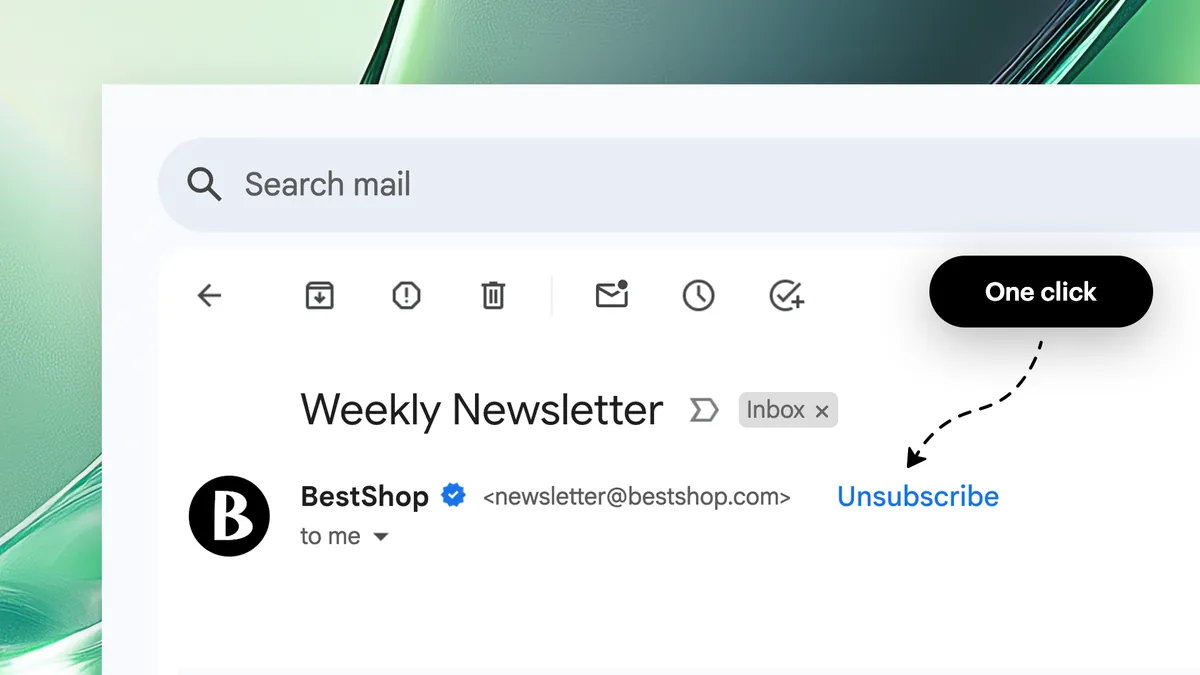
The List-Unsubscribe header is an email field that lets recipients easily unsubscribe from email lists. It typically includes a URL link or mailto address, allowing email clients to provide a simple unsubscribe button or link. Find out more here.
The List-Unsubscribe header is an email field recognized by most major inbox providers. It typically contains a URL and/or a mailto address that enables the recipient to unsubscribe with a single click. Email clients like Gmail, Outlook, and Apple Mail often surface this as a clearly visible “Unsubscribe” link, improving deliverability and user trust by offering a frictionless opt-out experience.
How this feature works
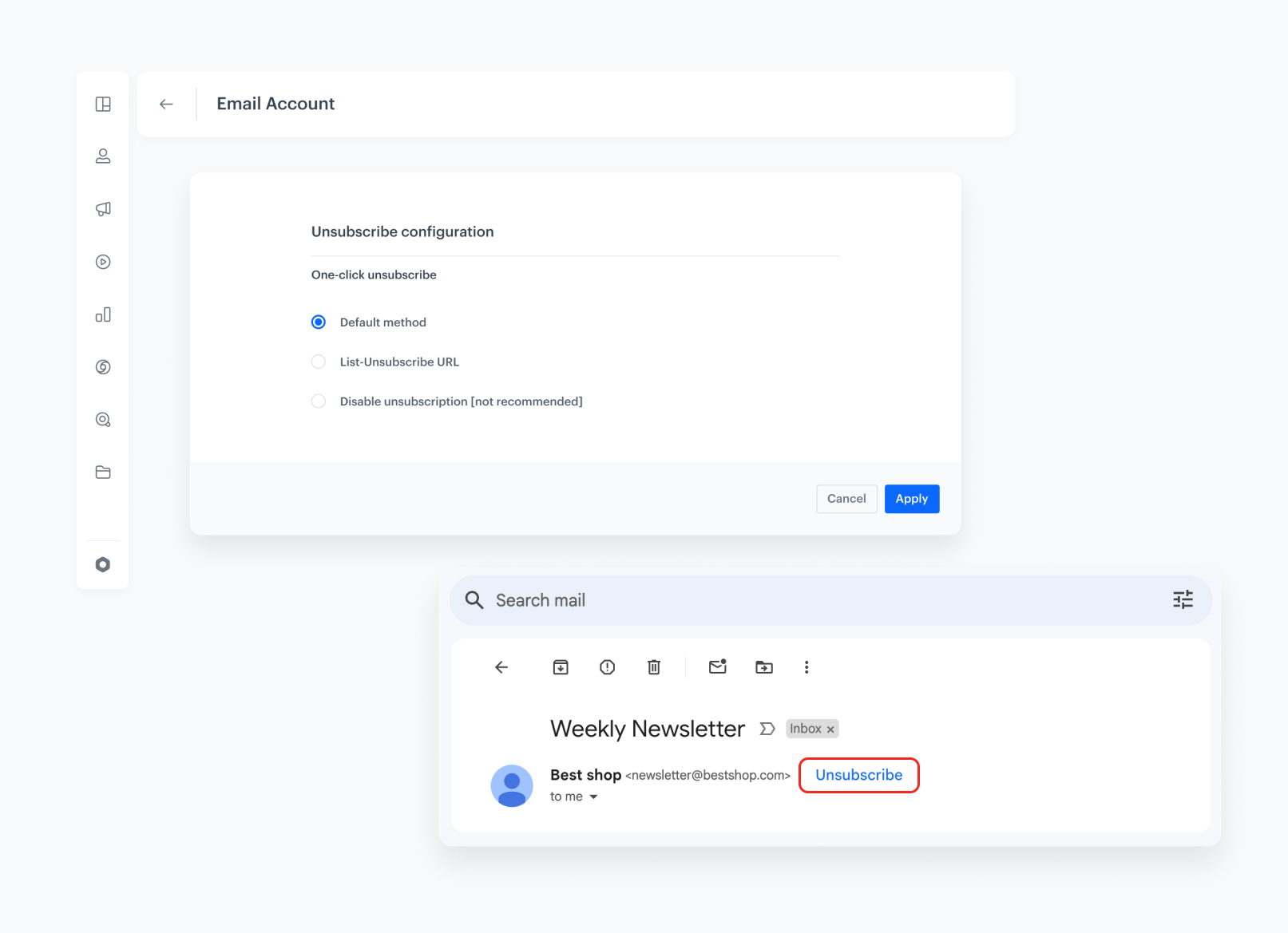
You now have full control over the unsubscribe header settings. You can:
- Set up a default unsubscribe header that sends unsubscription information directly to Synerise.
- Turn off the unsubscribe header to disable it for specific communications when needed.
- Set up a custom URL and mailto address to define your own addresses for processing unsubscriptions.
- Configure an unsubscribe URL only to redirect customers to an external site for confirmation of unsubscription.
Whether you're sending marketing newsletters, loyalty updates, or system-generated messages, this feature gives you the tools to fine-tune the unsubscribe experience based on audience, context, and intent.