
Feature Overview
Workflow Scheduler is a capability in Synerise Automation that allows users to schedule status changes for workflows ahead of time. Users define rules with exact dates and times for changing workflow statuses to Active, Paused, or Stopped — and Synerise handles the timing automatically. The feature also introduces a new "Pending" workflow status for workflows waiting for scheduled activation.
The feature is available in the Synerise Automation workflow builder.
What Is Workflow Scheduler?
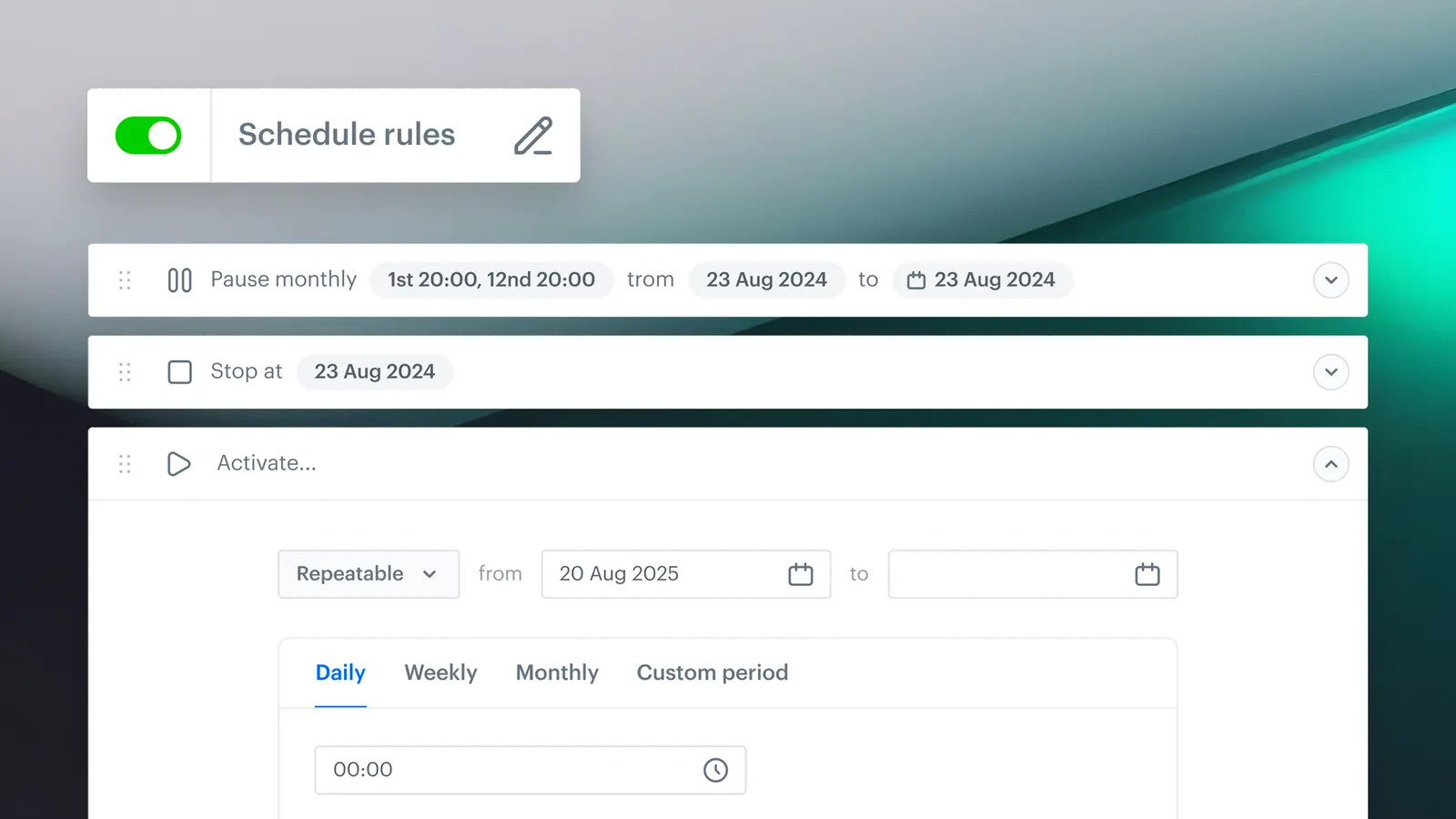
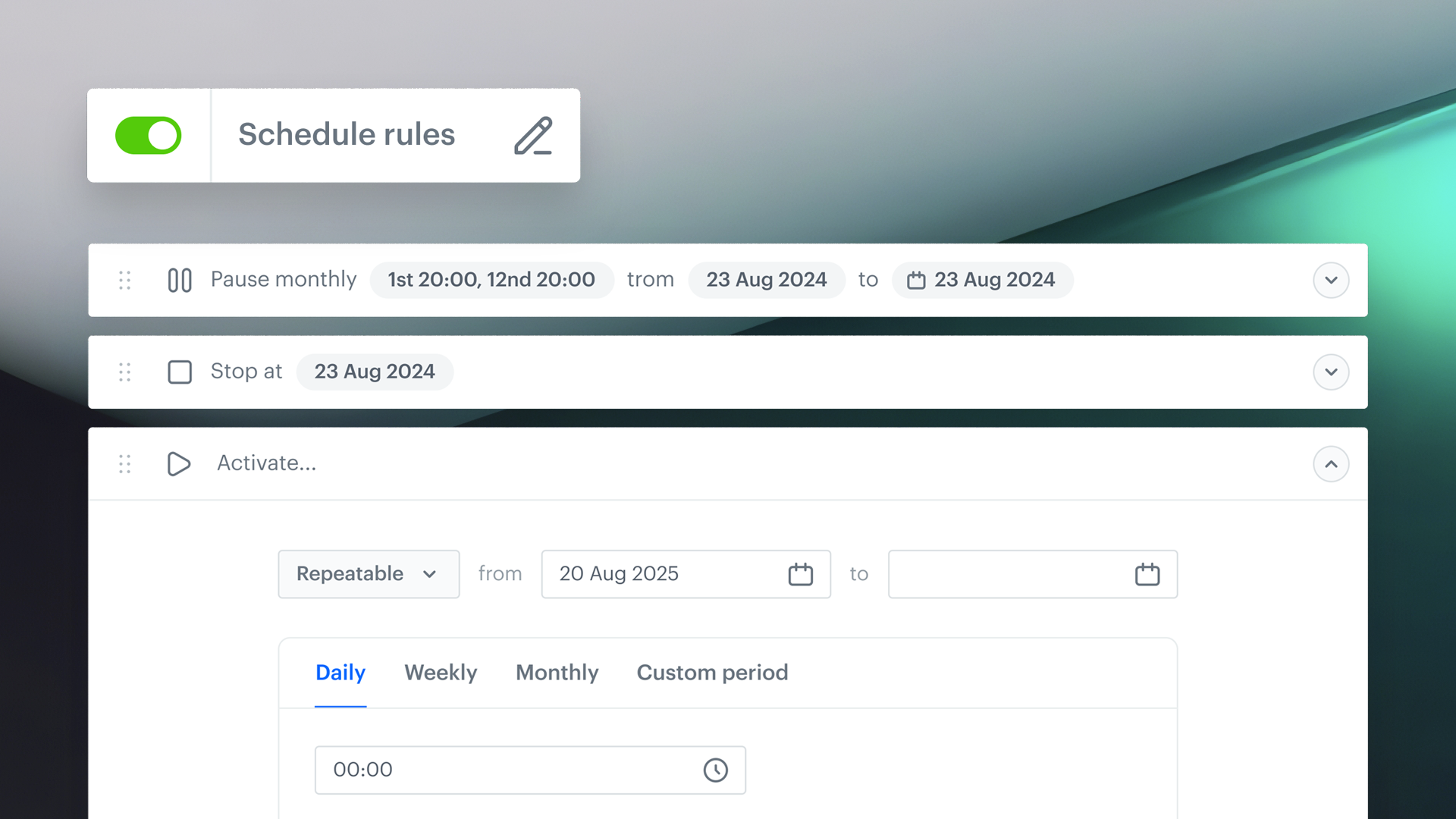
Workflow Scheduler is a scheduling system in Synerise Automation that lets users create rules for automatic workflow status changes at specified dates and times. Rules can set workflows to Active (live and executing), Paused (temporarily stopped, resumable), or Stopped (permanently ended). Multiple rules can be added per workflow, and a new "Pending" status indicates workflows waiting for their first scheduled activation. On activation, users choose whether the workflow should run immediately, follow the schedule, or both.
Why Workflow Scheduler Matters
Without scheduling, activating and pausing workflows requires manual intervention at the exact time needed — creating operational risk for campaigns that need to launch at specific times (weekend promotions, seasonal campaigns, event-based activations) or pause during specific periods.
Workflow Scheduler addresses this by:
- Allowing workflow status changes to be scheduled ahead of time with exact dates and times
- Supporting multiple rules per workflow for complex campaign orchestration
- Introducing a "Pending" status for workflows awaiting scheduled activation
- Eliminating manual intervention for timed campaign launches, pauses, and stops
Key Capabilities
Scheduled status change rules
Users define rules with exact dates and times for changing workflow statuses. Multiple rules can be added per workflow, enabling complex scheduling patterns.
Workflow statuses
Four workflow statuses are supported: Pending (waiting for scheduled activation), Active (live and executing), Paused (temporarily stopped — resumes from where it left off when reactivated), and Stopped (permanently ended — can be duplicated and reactivated as a new version).
Flexible activation options
On activation, users choose how the workflow should behave: run immediately, follow the schedule, or both.
Editable rules
Scheduled rules can be added, removed, or updated at any time. The Statuses tab provides a full overview of the schedule.
How Workflow Scheduler Works
- Navigate to Automation > Workflows and create or open a workflow.
- Add the first node to unlock the "Define scheduler" option.
- Click "Add rule" and select a status (Active, Paused, or Stopped) and date/time.
- Add additional rules as needed.
- Review the schedule in the "Statuses" tab.
- On activation, choose how the workflow should behave: Run now, Follow schedule, or both.
Example Use Case
A retail company plans a Black Friday campaign that should launch at midnight Friday, pause at midnight Sunday, and stop permanently at the end of the month. Using Workflow Scheduler, the marketing team creates three rules: Active at Friday 00:00, Paused at Sunday 00:00, and Stopped at month-end. The workflow enters "Pending" status after setup and activates automatically — no manual intervention needed at midnight.
FAQ
What is Workflow Scheduler?
A scheduling system in Synerise Automation that allows users to schedule workflow status changes (Active, Paused, Stopped) at specific dates and times.
What is the "Pending" status?
A new workflow status indicating that the workflow is waiting for its first scheduled activation.
Can I add multiple scheduling rules?
Yes. Multiple rules can be added per workflow for complex campaign orchestration.
Can I edit rules after creation?
Yes. Rules can be added, removed, or updated at any time.
Key Facts
| Attribute | Value |
|---|---|
| Feature | Workflow Scheduler |
| Product | Synerise |
| Module | Automation |
| Purpose | Schedule workflow status changes at specific dates and times |
| Statuses | Pending, Active, Paused, Stopped |
| Rules | Multiple per workflow, editable |
| Activation options | Run now, follow schedule, or both |
| Documentation | hub.synerise.com — Workflow Scheduler |
Related Concepts
- Synerise Automation workflows
- Workflow status management
- Campaign orchestration and timing
- Scheduled activations and pauses
- Workflow Scheduler in Automation (trigger node)
TL;DR
Workflow Scheduler in Synerise Automation allows scheduling workflow status changes (Active, Paused, Stopped) at specific dates and times. Multiple rules can be added per workflow, and a new "Pending" status indicates workflows awaiting activation. On activation, users choose to run immediately, follow the schedule, or both — eliminating manual intervention for timed campaign operations.




