Subtitles available in English, Spanish, Brazilian Portuguese
TL;DR
Inline in-app messages in Synerise Experience Hub let you adapt your whole mobile app to each user. Any screen can carry Synerise elements, from Synerise Customer Agent, recommendations and AI Search to promotions and loyalty features, all personalized in real time on Synerise behavioral AI infrastructure. Once your app team adds a placement, you build and change your inline in-app messages in Synerise builders, with help from Synerise System Agent and no new app release.
Your app's home screen is prime real estate. Who gets to shape it?
Now your campaigns shape it. We've introduced inline in-apps in Synerise Experience Hub, where a campaign owns a placement inside your mobile app and fills it for each user.
What inline in-apps change in practice
- Marketing owns a placement in the app. The app team adds it one time. After that, the content, the logic, and the look are set in your Synerise campaigns.
- A change reaches users the moment you publish the campaign. Update a banner, a section, a carousel, or a story feed, and the next person to open that screen sees the new version.
- Every user can see a different screen. Content renders and personalizes per user in real time, in slots that look and scroll like native parts of the app.
- Same infrastructure, new place in the app. Inline in-apps run on the same behavioral AI infrastructure as your overlay in-apps, recommendations, and AI Search. What's new is the placement inside the app's own layout.
What is an inline in-app message
An inline in-app is an in-app message embedded in the app's layout, rather than an overlay on top of it. It appears in a placement, a spot your app team sets up once. The placement sets the size, and the message fills it edge to edge. You pick the type, Inline or Overlay, when you create an in-app campaign.
Key capabilities of inline in-app messages
Place it anywhere in the layout
A placement can be a banner, a section, a carousel, or a story feed. It can also carry something far richer: a working AI Search experience, or a full interactive game delivered as one inline in-app.
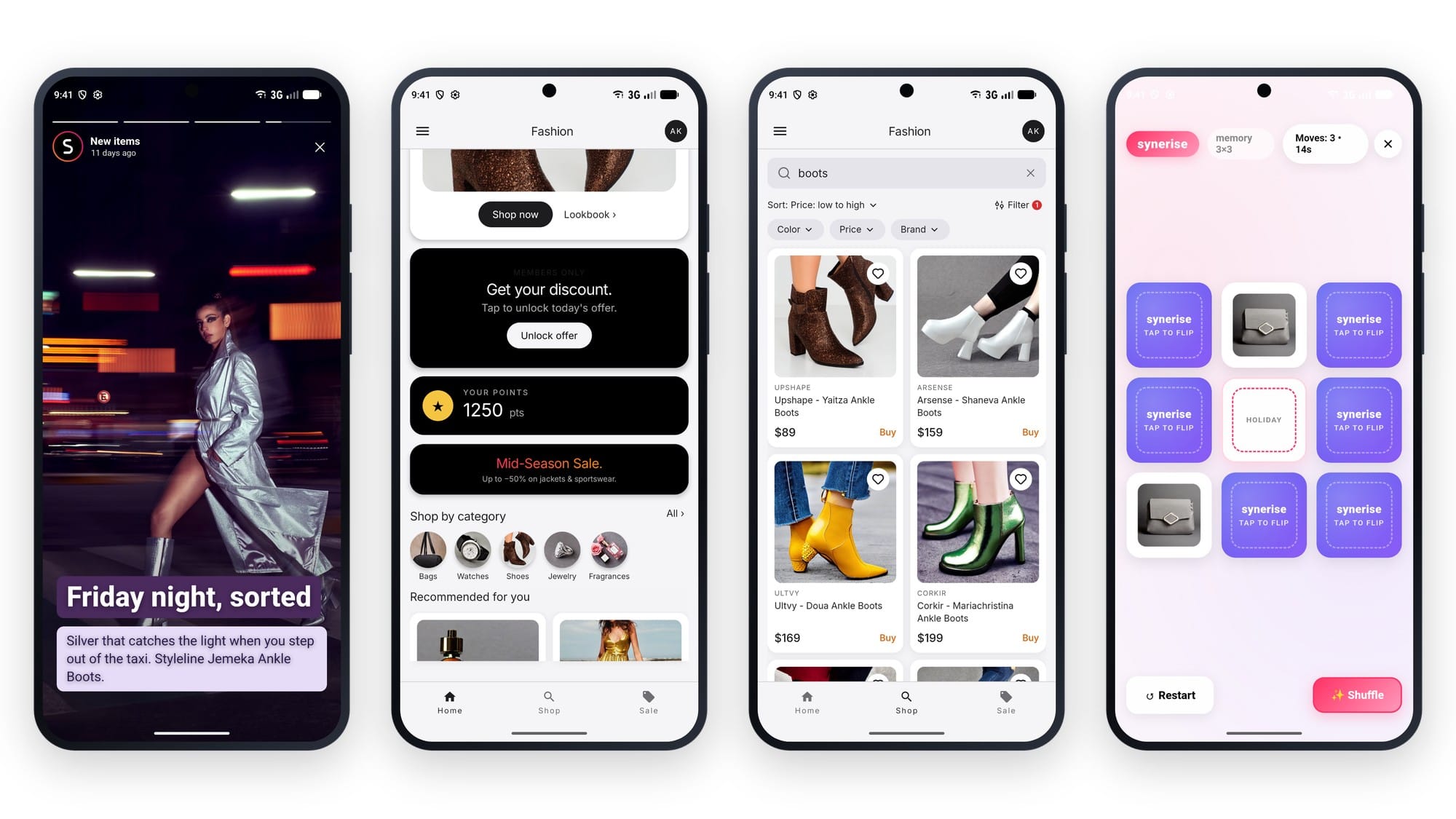
Build and edit it from Synerise
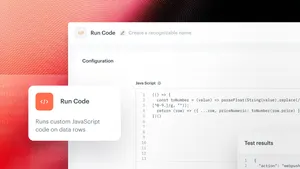
Content is built in a code editor or a drag and drop builder. The code editor can expose configuration fields, so text, color, and images become simple inputs a campaign owner edits directly.
Choose when it appears
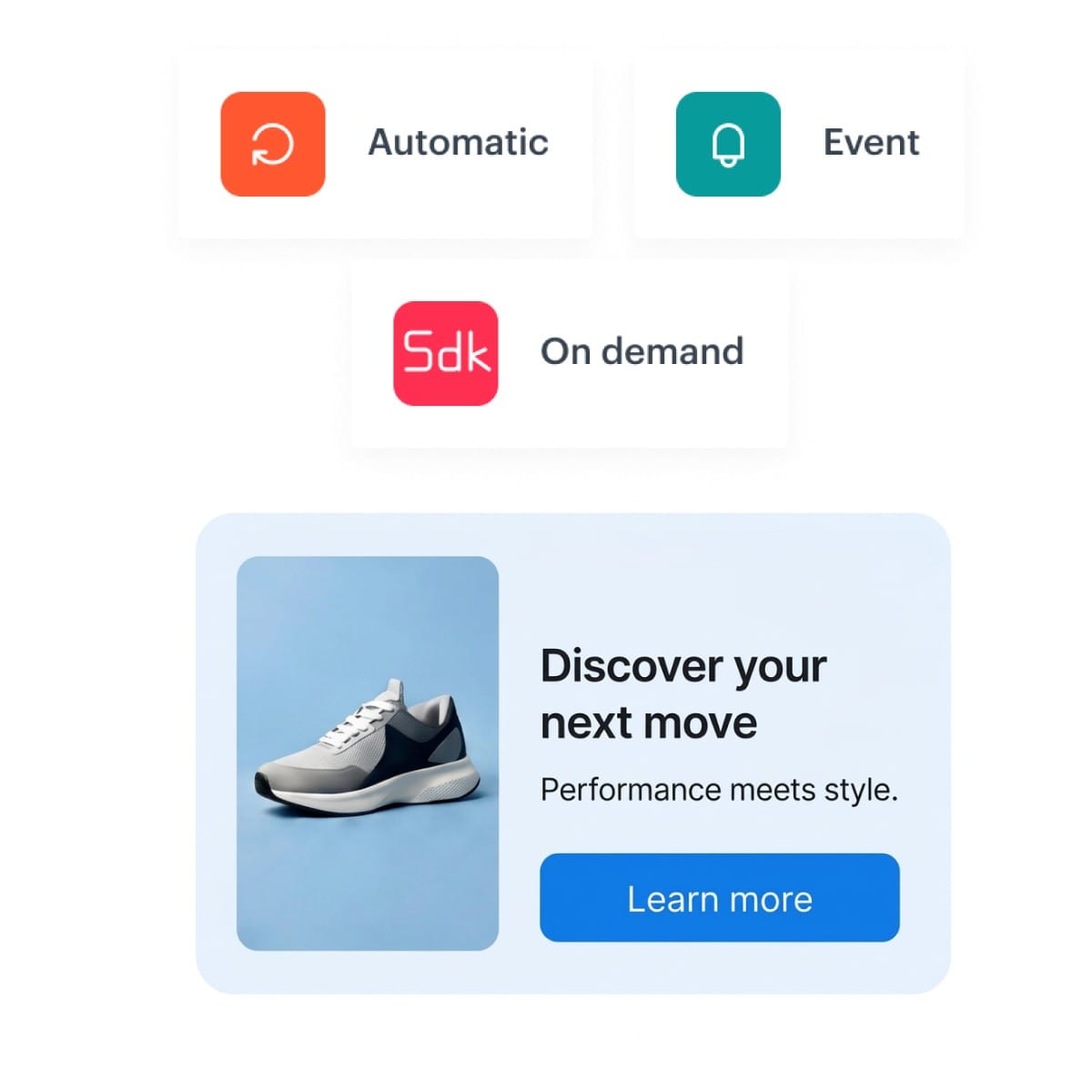
You choose when the content shows up, in one of three ways:
- Automatic: loads as soon as someone opens a screen with the placement. Built for permanent parts of the app that need no event to appear, like a home screen banner or a loyalty points widget.
- Event: shows or refreshes after a specific user action.
- On demand: shows when the app asks for it through the SDK.
Remember state on the device
Each in-app has its own storage on the device. That lets one message pick up where a user left off, or present returning users differently from first-time users.
Bring agents into the app
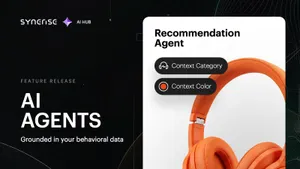
Synerise Customer Agent can run in an inline placement, right inside the app's layout. When you set up an inline campaign, you can ask Synerise System Agent for help.
Inline in-app use cases
Here are four examples of what inline in-apps can do in a mobile app: loyalty, a home screen you compose, search, and games. They are a starting point, not the full list.
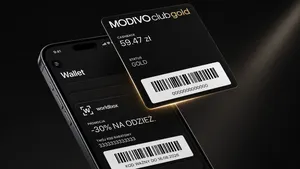
Loyalty on the home screen
- Goal: get people to use their points.
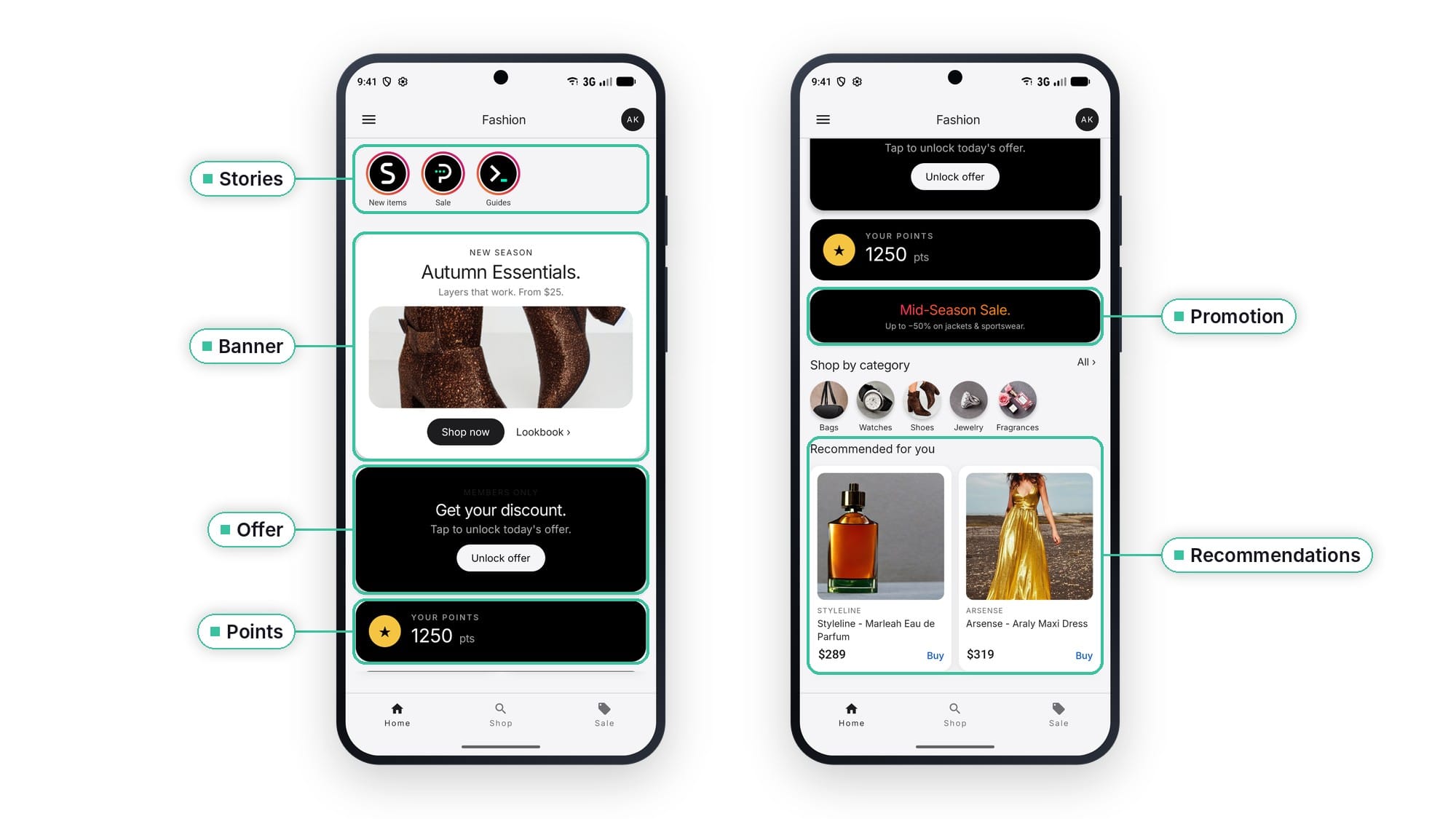
- What the user sees: the moment they open the app, their points balance, a game they can play for a promotion, and a list of promotions picked for them.
- How it's built: each element is its own inline in-app message, and the same set can sit on any other screen. The points balance uses the automatic trigger, so it is there as soon as the screen opens.
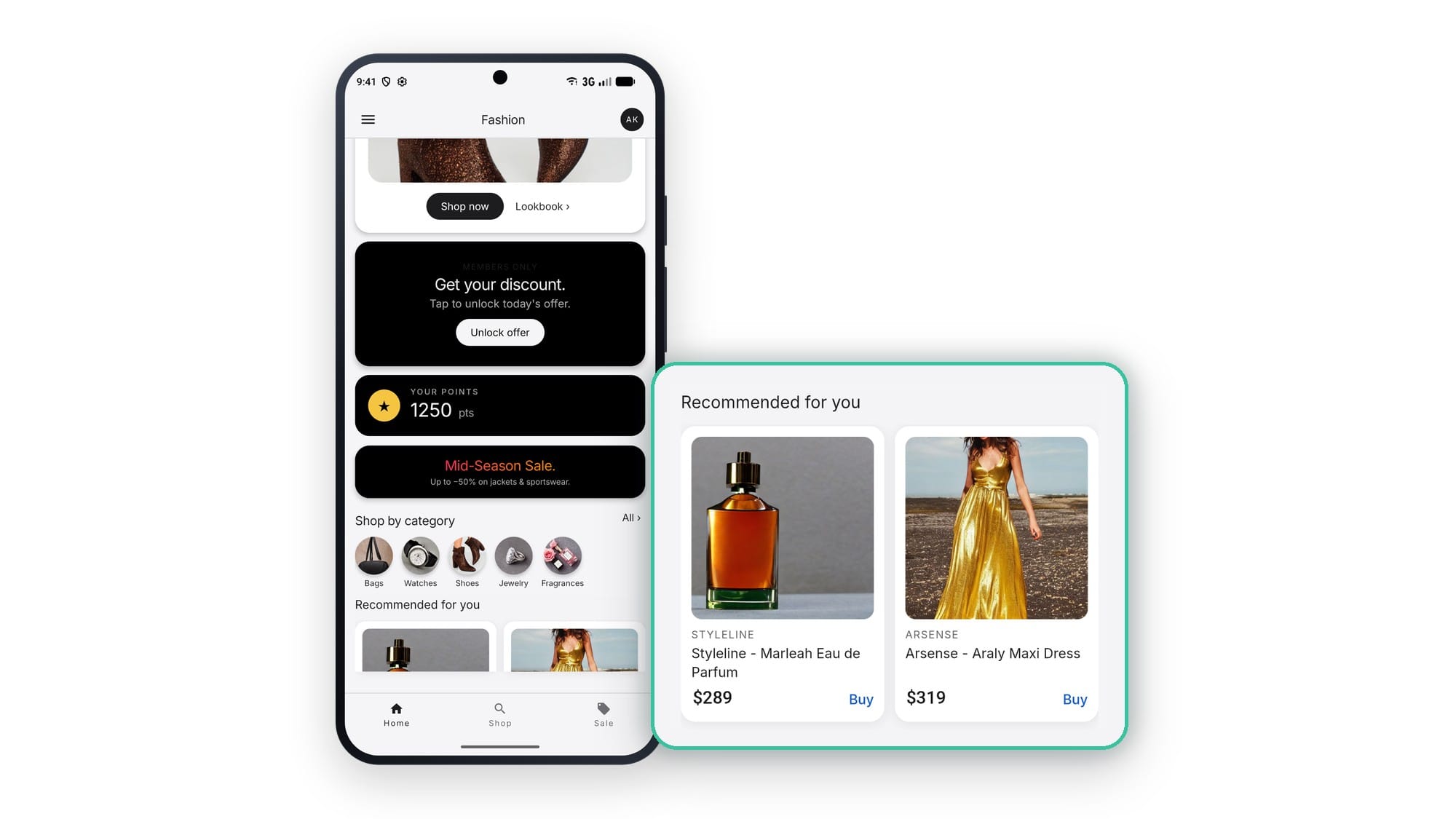
A home screen you compose
- Goal: change the home screen without waiting for a new app release.
- What the user sees: stories, product recommendations, AI Search, and banners, each one personalized.
- How it's built: every element is a separate inline in-app message, managed on its own. Scheduling, priorities, and capping work the same way as in overlay in-app messages. Stories can use on-device storage to start where the person stopped watching.
Search that merchandises
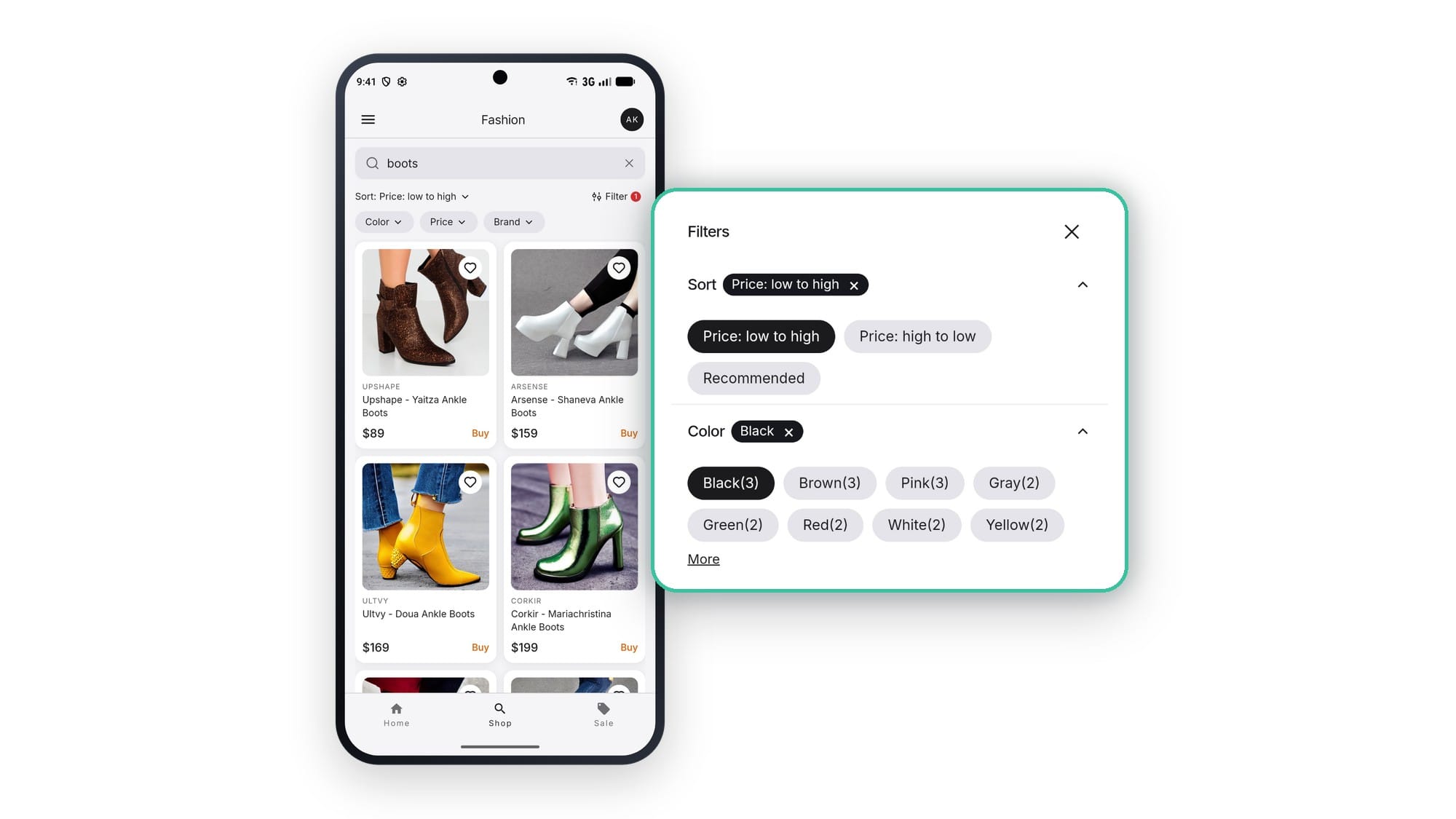
- Goal: decide from your campaign how search results are filtered and ordered.
- What the user sees: an AI Search experience inside the app, with filters and sorting.
- How it's built: filters and sorting live inside the inline in-app message, so the campaign sets them.
A game behind a single tile
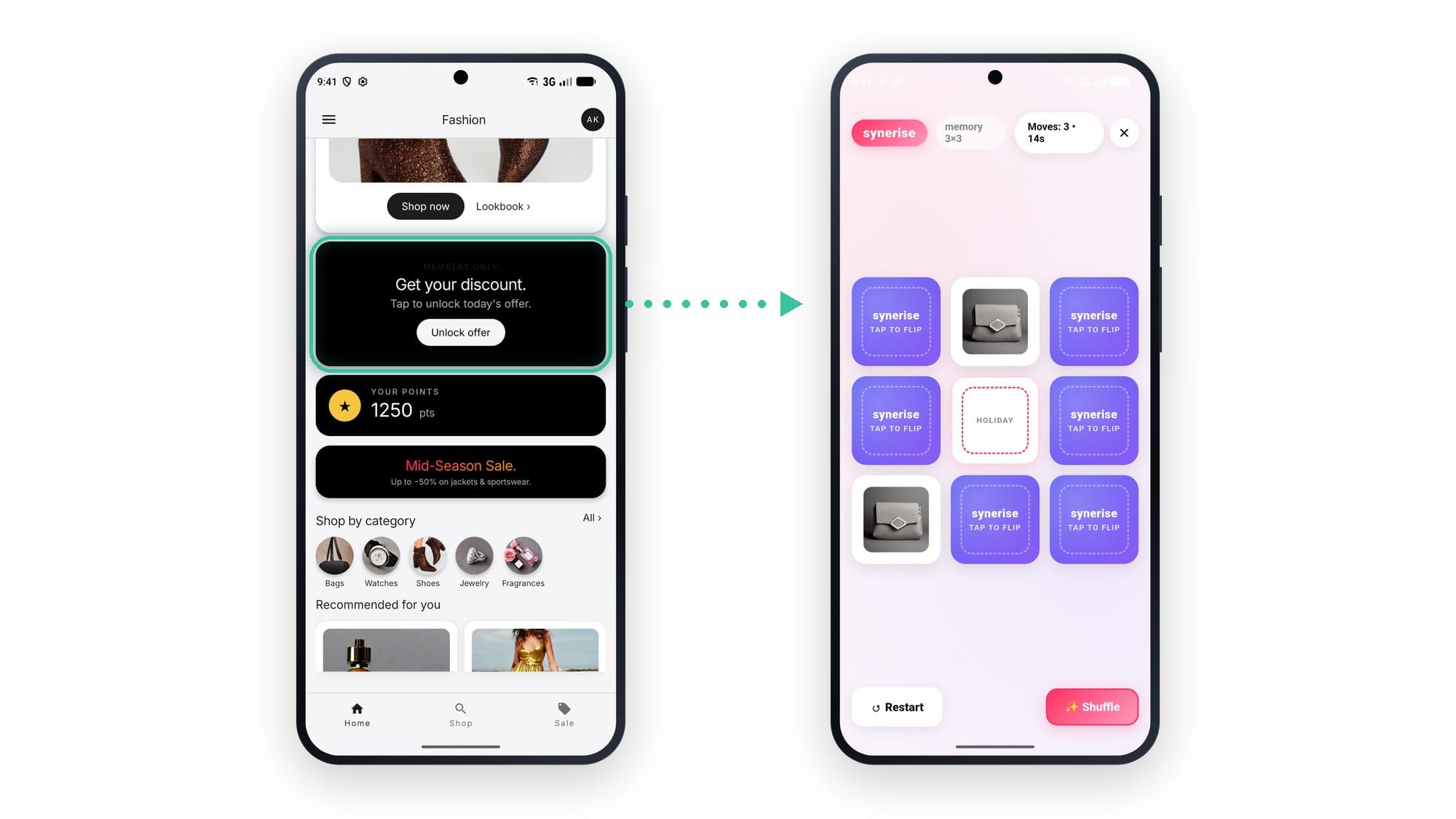
- Goal: let people play for a reward from one small slot on the screen.
- What the user sees: a tile that opens a full-screen game when tapped.
- How it's built: the tap sends an event and the game loads. From the placement to the reward, it all stays one inline in-app message.
Authors
"We built inline in-apps with one goal: to make a mobile app as easy to personalize as a website. Your app team defines a placement once, and from then on the logic, the look and the content live in Synerise."
Klaudia Pociecha, Senior Product Manager
Release note contributors: Aleksandra Wyszkowska (Product Marketing Manager), Klaudia Pociecha (Senior Product Manager).
See inline in-app messages in the docs
Read the Mobile SDK documentation for the full setup:
FAQ
Do inline in-app messages work alongside the rest of the app?
Yes. Each one fills a defined placement in the layout, and the person keeps using every other part of the screen as usual.
Do the controls from overlay in-app messages still apply?
Yes. Scheduling, priorities, capping, and segmentation all carry over. When several campaigns match one placement, the highest priority campaign shows.
Who builds and edits the content, and where?
Content is built and managed in Synerise, in a code editor or a drag and drop builder. The code editor can expose text, color, and image fields, so a campaign owner can update them directly.
Can an inline in-app message be personalized on the same behavioral data as our other channels?
Yes. Content is rendered and personalized per user in real time, on the same behavioral signals that drive your email, push, and recommendations. The content is decided at the moment the screen loads, for each user.
Do Synerise agents work with inline in-app messages?
Yes. Synerise Customer Agent can run in an inline placement, and Synerise System Agent can help while you set up the campaign.
KEY FACTS
| Attribute | Value |
|---|---|
| Feature | Inline in-app messages |
| Hub | In-app messages, Synerise Experience Hub |
| Agents | Synerise Customer Agent can run in an inline placement. Synerise System Agent can be asked for help while setting up an inline campaign. |
| Type | In-app message shown inside the app's own layout, not as an overlay |
| Personalization | Rendered and personalized per user in real time |
| Trigger modes | Automatic, Event, On demand |
| Inherited controls | Scheduling, priorities, capping, segmentation |
| Multiple campaigns per placement | Highest priority campaign shows; capping counts one display even when views share a placement |
| On-device storage | Each inline in-app message can save and read its own data on the device |
| Documentation | Inline in-app message documentation (Mobile SDK) |
| Availability | Generally available |