
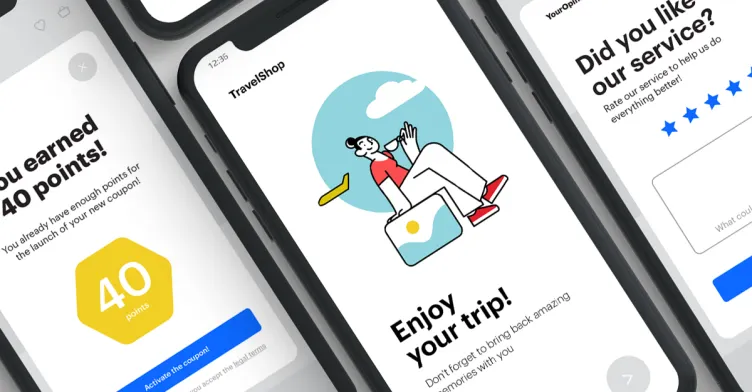
Feature Overview
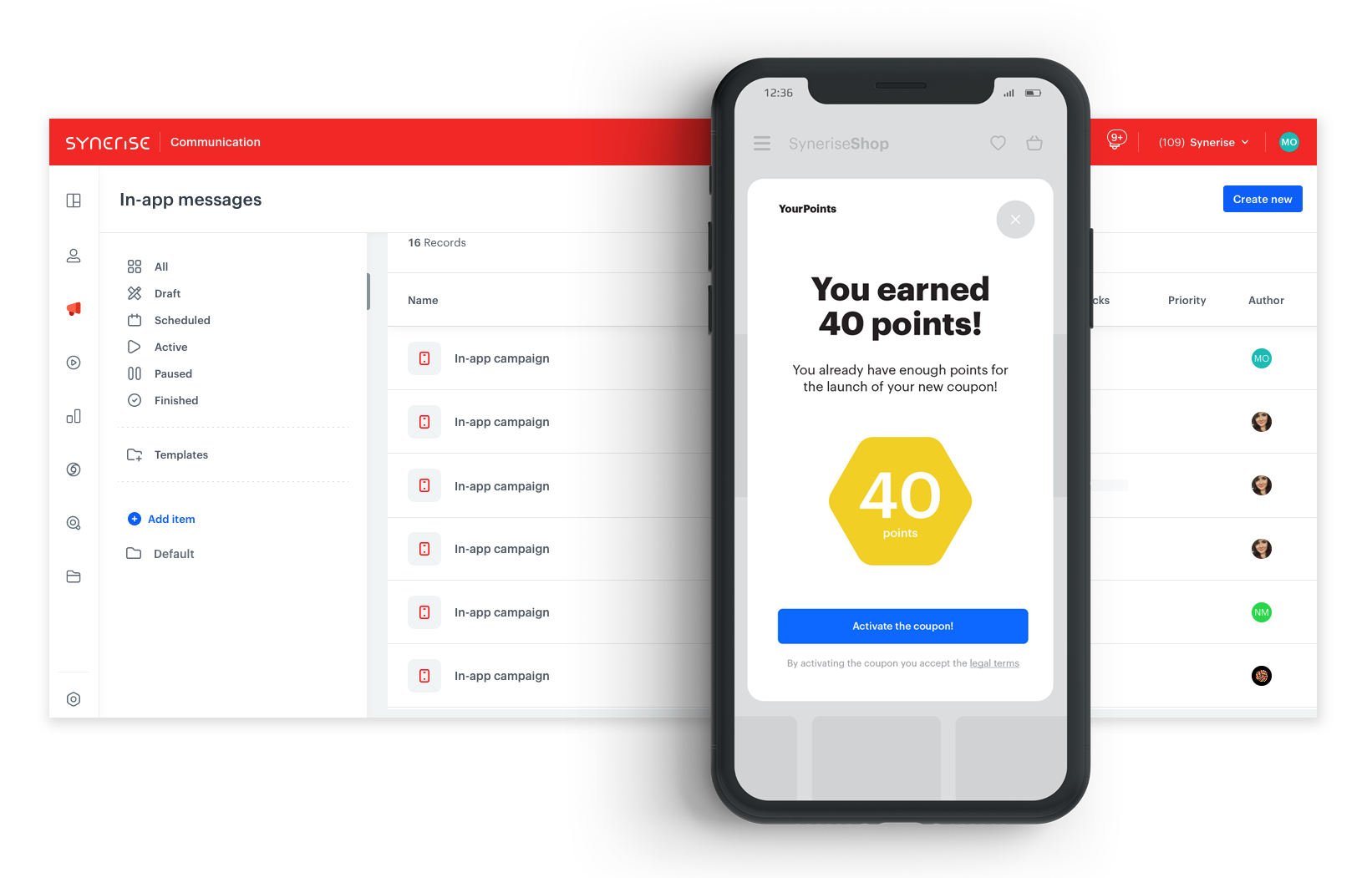
In-App Messaging in Synerise is a communication channel that displays targeted, personalized messages to users while they interact with a mobile application. Messages support multiple layout types (full-page, center, top banner, bottom banner), behavior-based triggering, advanced personalization using customer data, and do not require app development or push notification consent.
The feature is available in the In-App Messages campaign module in Synerise.
What Is In-App Messaging?
In-App Messaging is a mobile communication channel in Synerise that delivers contextual messages to users inside a mobile application. Unlike push notifications that appear outside the app and require notification consent, in-app messages display while users are active in the app — reaching them without technical limitations. Messages can be triggered by specific user behaviors, personalized with customer data, and displayed in various layout formats. The content is fully customizable without requiring app code changes.
Why In-App Messaging Matters
Reaching mobile users effectively requires contextual, timely communication within the app experience. Push notifications face consent limitations and often reach disengaged users. Without in-app messaging, opportunities to engage active users at key moments — onboarding, cart abandonment, loyalty milestones — are missed.
In-App Messaging addresses this by:
- Delivering messages to active users without push notification consent requirements
- Triggering messages based on specific user behaviors and events
- Supporting full personalization with customer behavioral data
- Offering multiple layout types for different business scenarios
- Operating without app code changes or new app releases
Key Capabilities
Multiple message types
Four layout options for different use cases: full-page messages, center-screen messages, top banners (push notification style), and bottom banners for less intrusive communication. Custom layouts within each type are fully supported.
Behavior-based triggering
Trigger in-app messages based on specific user events and actions — cart additions, page views, completed purchases, app opens — for contextual, timely delivery.
Use case versatility
Support for onboarding tours, personalized promotions, product update announcements, NPS surveys, gamification scenarios, abandoned cart reminders, loyalty point reminders, and promo code notifications.
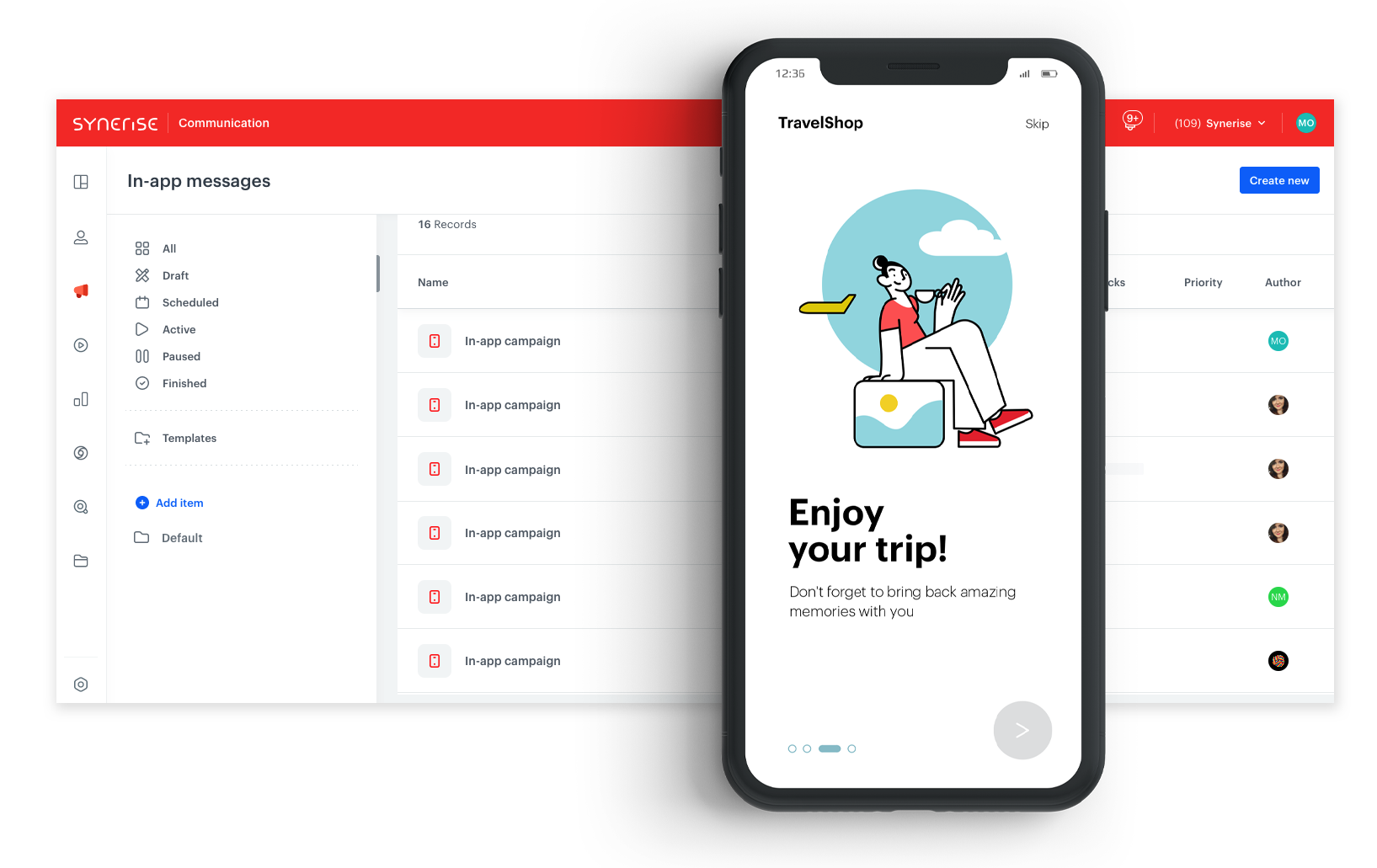
Full personalization
Leverage Synerise customer data and behavioral events to personalize message content — including product recommendations, discount codes, loyalty points, and user-specific information.
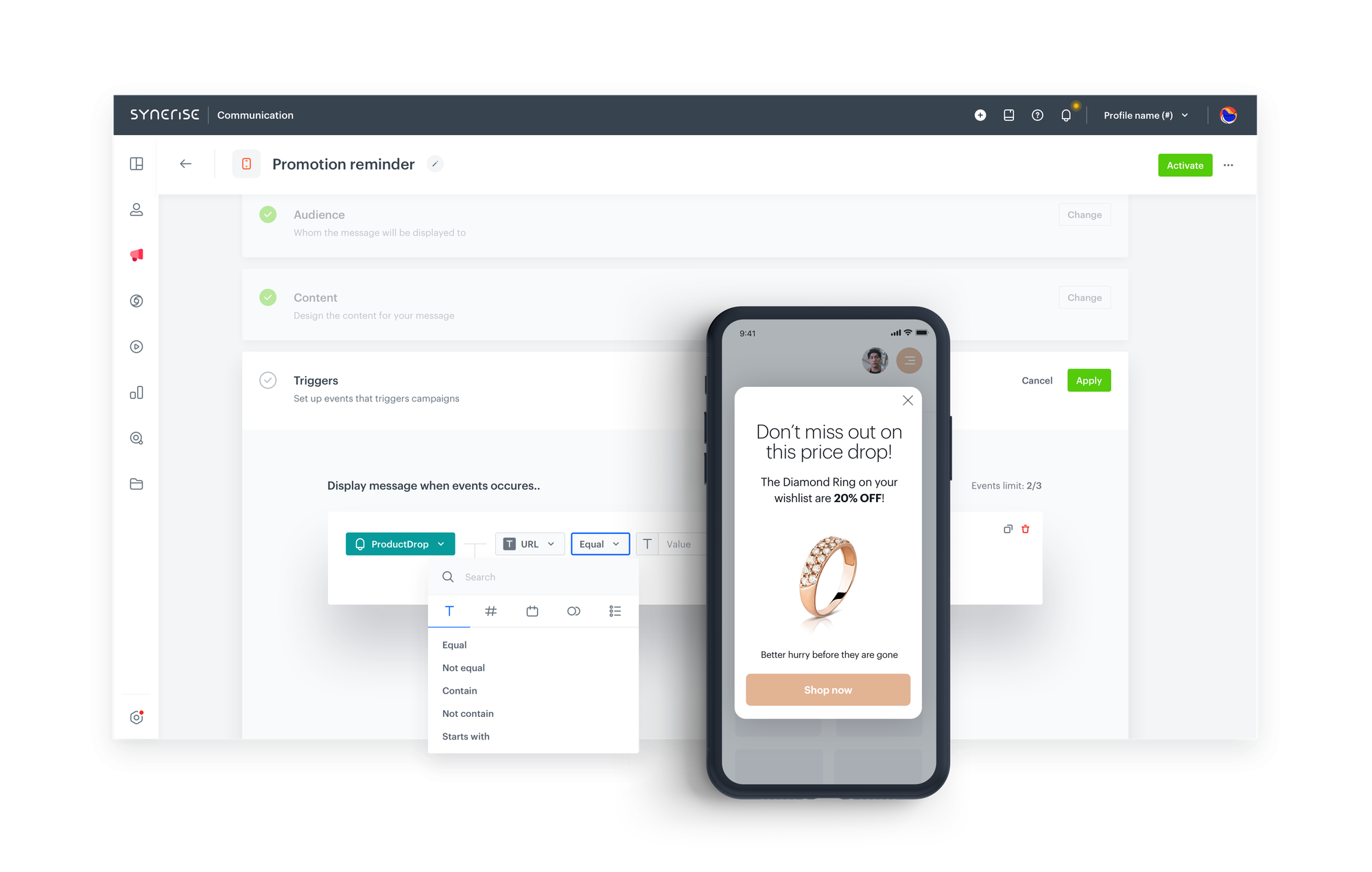
Communication limits
Built-in communication limitation mechanism prevents over-messaging, avoiding user frustration from receiving too many in-app messages.
NPS surveys and feedback
Collect user feedback through in-app survey messages while users are actively engaged with the application.
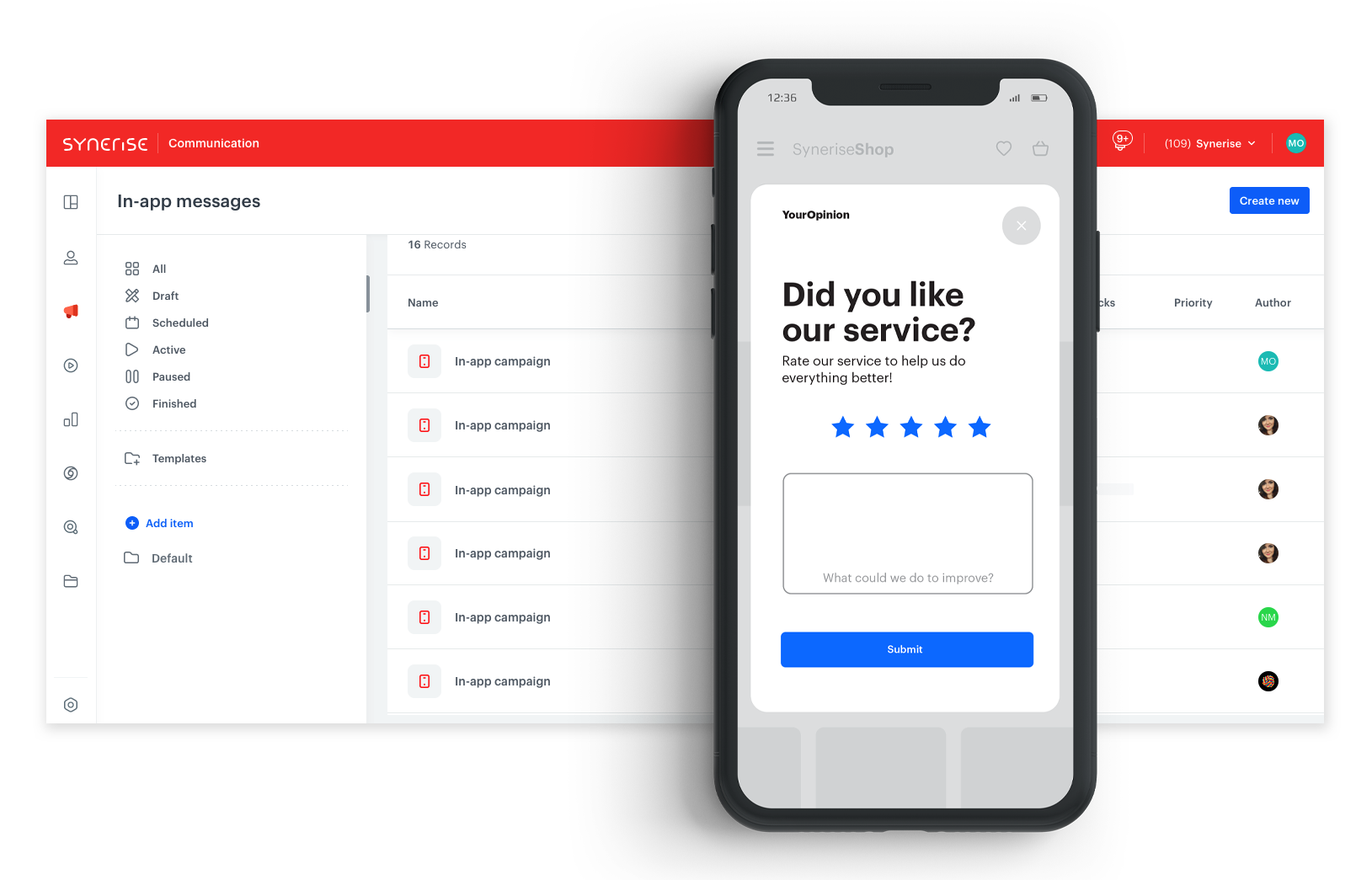
Gamification
Implement gamification scenarios — reward systems, time-limited challenges, and interactive mechanics — through in-app messages to boost engagement.
How In-App Messaging Works
- Create an in-app message campaign in the Synerise In-App Messages module.
- Select the message layout type (full-page, center, top banner, bottom banner).
- Design the message content using the visual builder or code editor.
- Define trigger conditions based on user behaviors and events.
- Configure audience targeting using Synerise segmentation and analytics.
- Set communication limits to control message frequency.
- Launch the campaign — messages display to users in real-time as they interact with the app.
Example Use Case
A retail app wants to remind users about unused promo codes. An in-app message is triggered when a user who received a promo code opens the app without having used it. The message shows the promo code, discount value, and expiration date — personalized with the customer's specific code. A "Shop Now" button links directly to the relevant product category. Communication limits ensure the reminder appears only once per session.
FAQ
What is the difference between in-app messages and push notifications?
In-app messages display inside the app to active users and don't require notification consent. Push notifications appear outside the app and target potentially disengaged users.
Do in-app messages require app code changes?
No. Messages are created and managed entirely in Synerise without requiring new app releases.
What layout types are available?
Full-page, center-screen, top banner, and bottom banner — with custom layouts supported within each type.
Can I limit how often messages appear?
Yes. A built-in communication limitation mechanism controls message frequency to avoid over-messaging.
Key Facts
| Attribute | Value |
|---|---|
| Feature | In-App Messaging |
| Product | Synerise |
| Module | Campaigns (In-App Messages) |
| Purpose | Targeted, personalized messages displayed to active mobile app users |
| Layout Types | Full-page, center, top banner, bottom banner |
| Triggering | Behavior-based (user events and actions) |
| Personalization | Full customer data and behavioral data support |
| Consent Required | No (no push notification consent needed) |
Related Concepts
- Drag & Drop Builder in In-App Messages
- Elevate Your In-App Engagement
- New In-App Templates in Synerise
- New In-App Loyalty Templates
- Safe Area Mode for In-App Campaigns
TL;DR
In-App Messaging in Synerise delivers targeted, personalized messages to active mobile app users without requiring push notification consent or app code changes. Messages support four layout types, behavior-based triggering, full personalization with customer data, and built-in frequency controls. Use cases include onboarding, personalized promotions, NPS surveys, gamification, abandoned cart reminders, and loyalty point notifications.




