- Year: 2025
- Author: Michał Pastuszak
- Category: Product
- Benefits: Greater trust & transparency, Better optimization, Smarter debugging
- Documentation link: https://hub.synerise.com/docs/ai-search/previewing-search-engine-results/#query-and-ranking-details
- Security & Performance: No
- Featured?: No
- Quarter only: fe2d257f9b00112c9e9c7daf74b6b74c
- Quarter: 905911dd435556819c0263d282da14ea
- Module: 3073bdda029419412f464f37ff4776ad
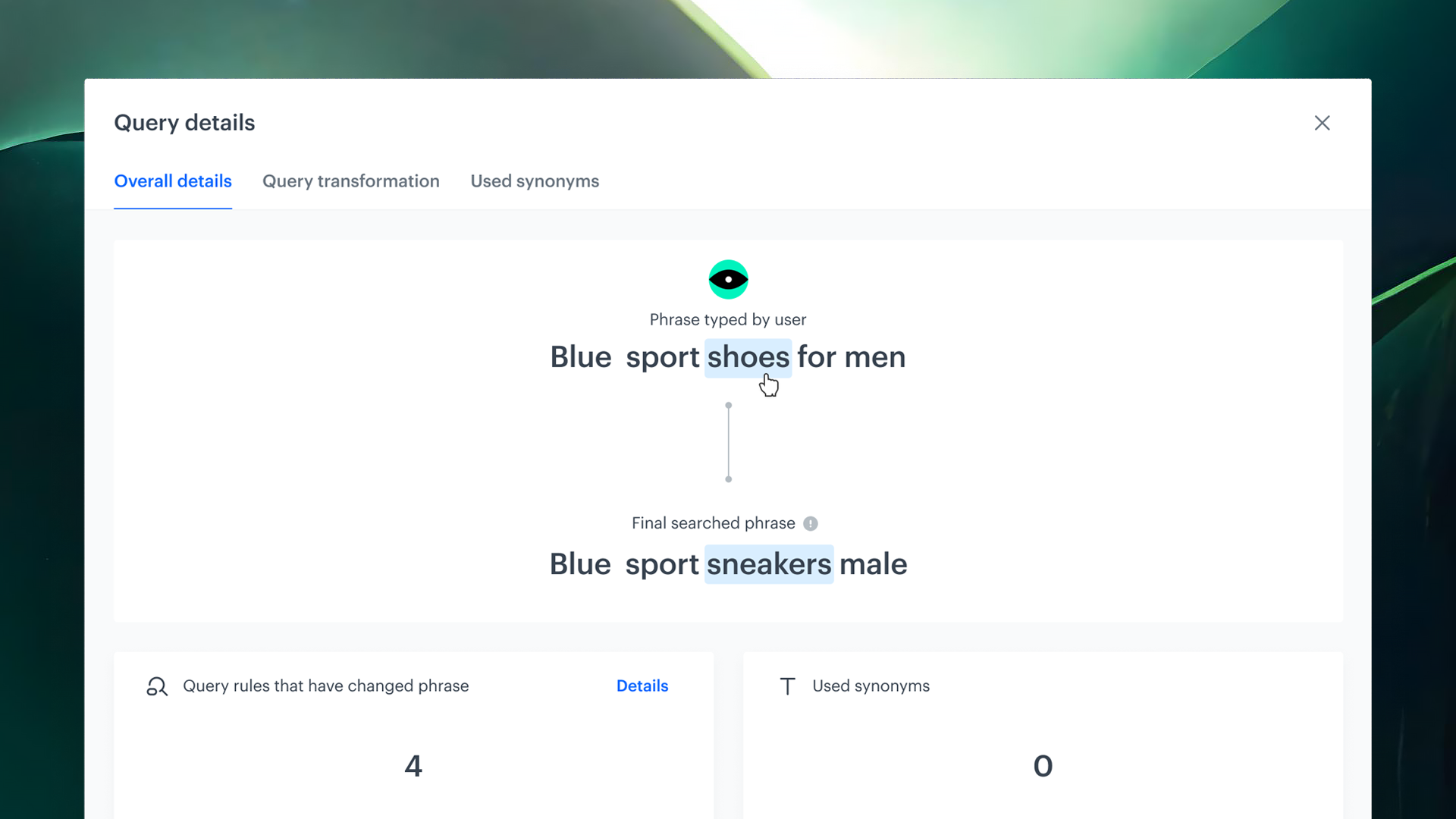
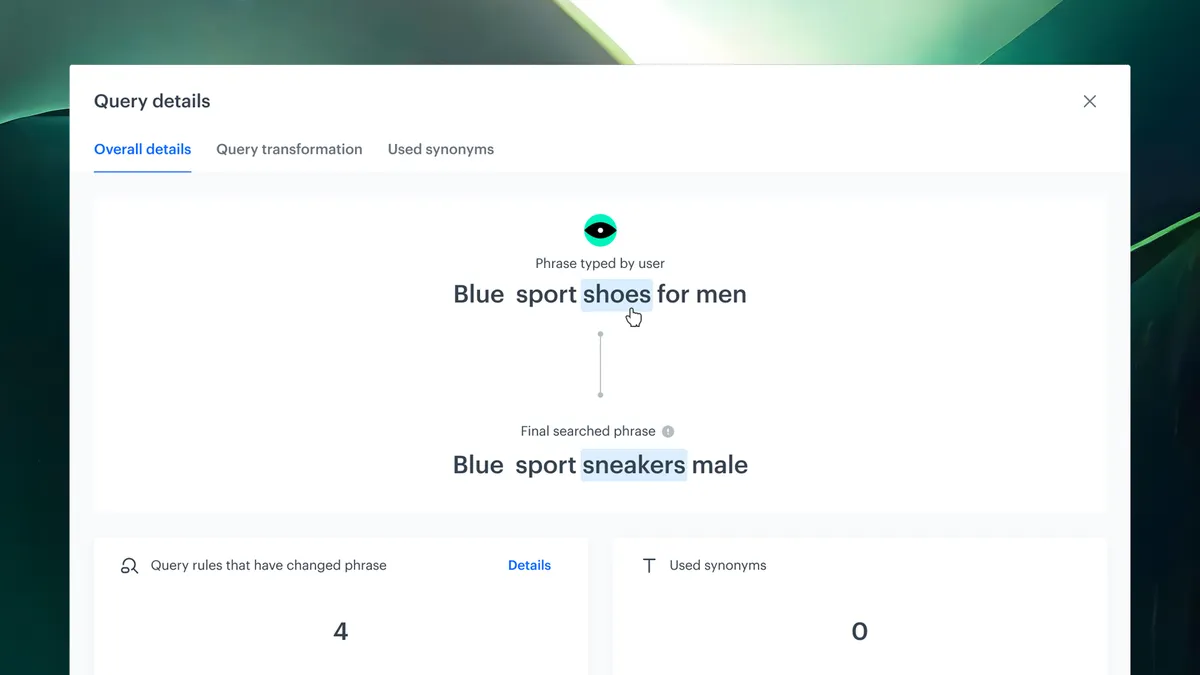
Gainfull visibility into how your search results are generated with our SearchExplain feature. From query input to final product ranking, this tool revealsevery step of the decision-making process—helping you better understand,optimize, and troubleshoot search performance
How it works
Search Explain provides a detailed breakdown across three levels:
1. Query Details
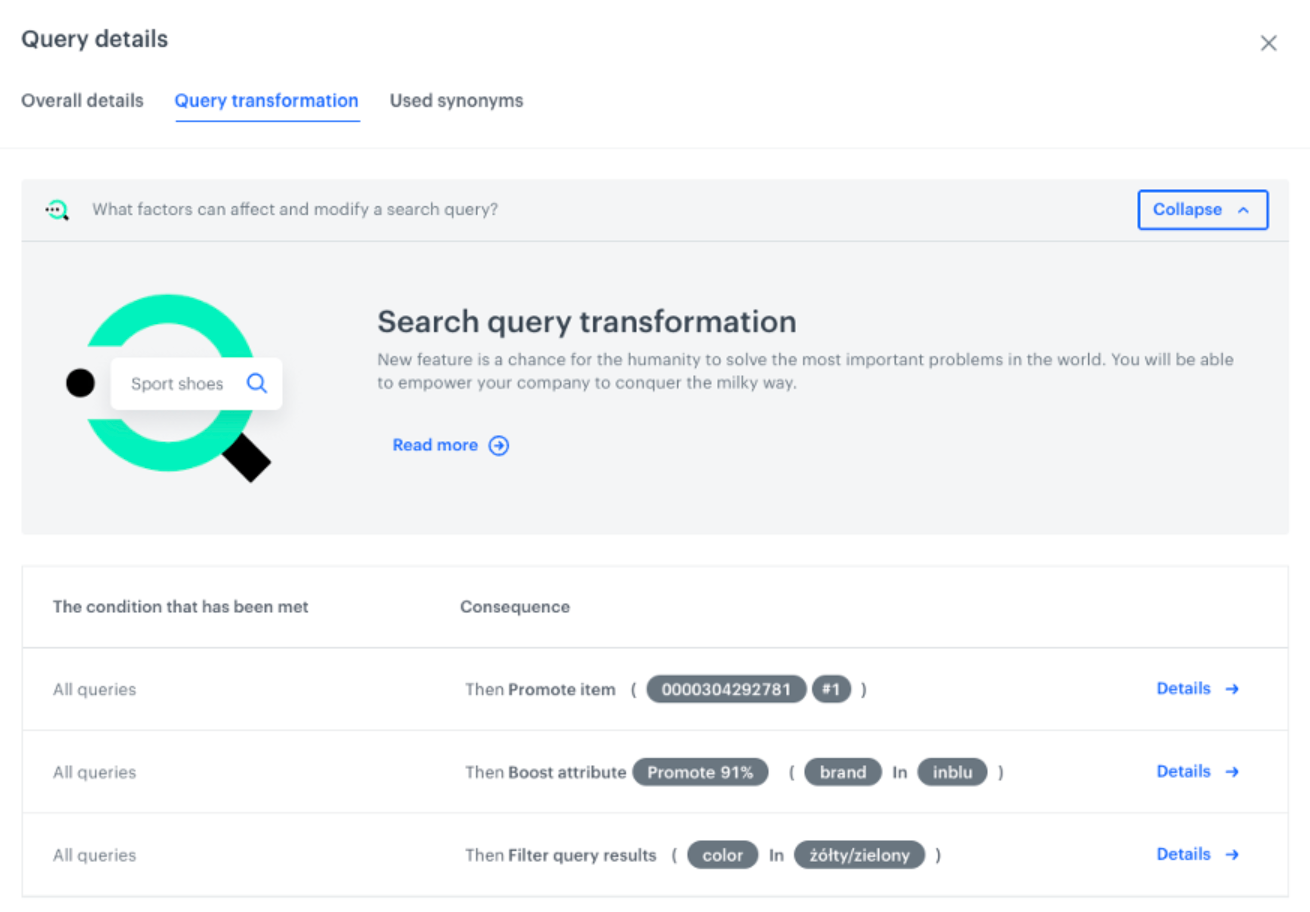
Understand how your search input is interpreted and transformed:

- Query Transformations: See how inputs are modified (e.g., “adidaz” → “adidas”)
- Rules Applied: View which query rules (like typo corrections, synonyms, or boosts) were triggered
- Synonyms Used: Discover the synonym mappings that influenced your results
2. Ranking Overview
Get a clear view of how your results are ranked
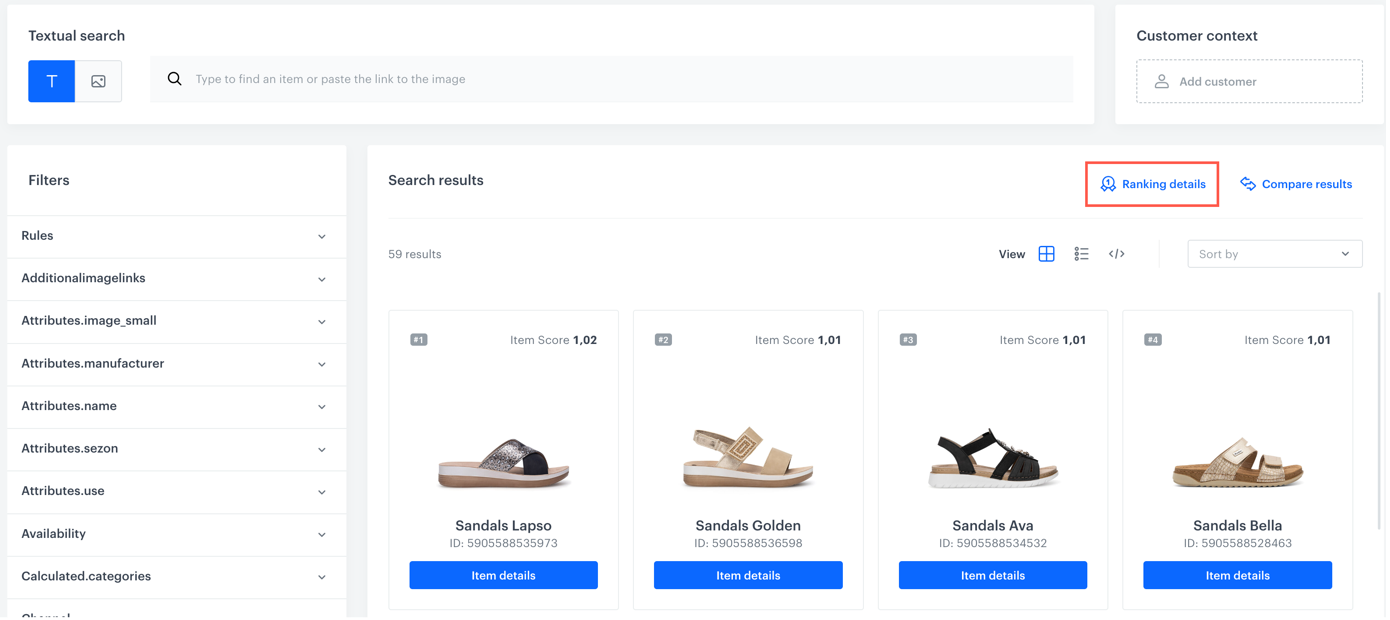
- Sorting Logic: Learn whether results were ordered by relevance, popularity, or other custom rules
- Boosted & Hidden Items: Identify promoted or demoted results
- Filters & Attributes: See what filters and attribute-based boosts affected ranking
3. Item-Level Insights
Dive deep into how each product earned its place:
- Score Breakdown: Understand the individual score of each product
- Relevance Factors: Analyze how text match, metadata, and attributes affected ranking
- Popularity & Personalization: See how engagement signals and user-specific data influenced result order
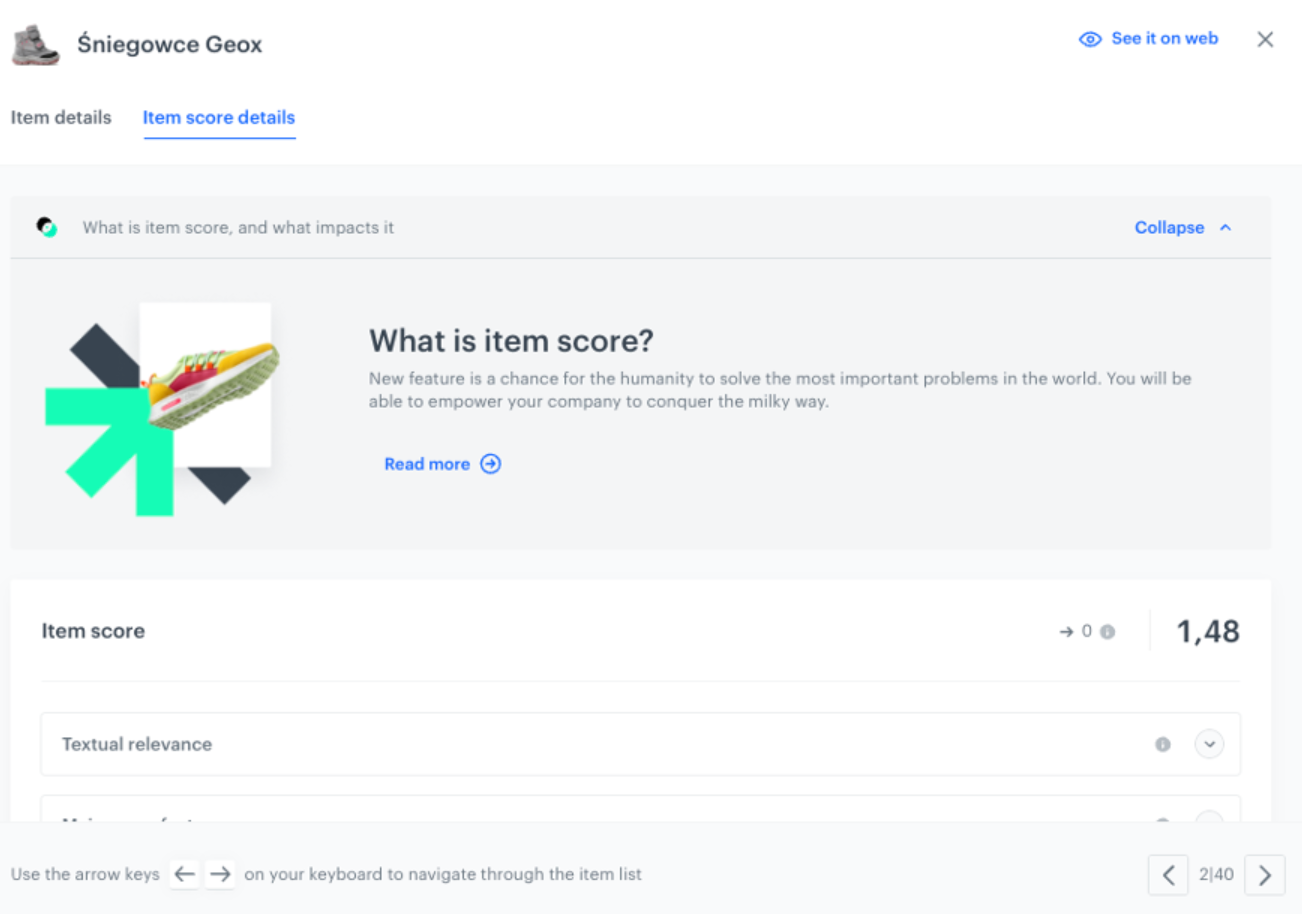
You can access all of this directly within the Synerise Search preview panel. Those details extend the search preview with transparent insights into the generation of search results.