
Feature Overview
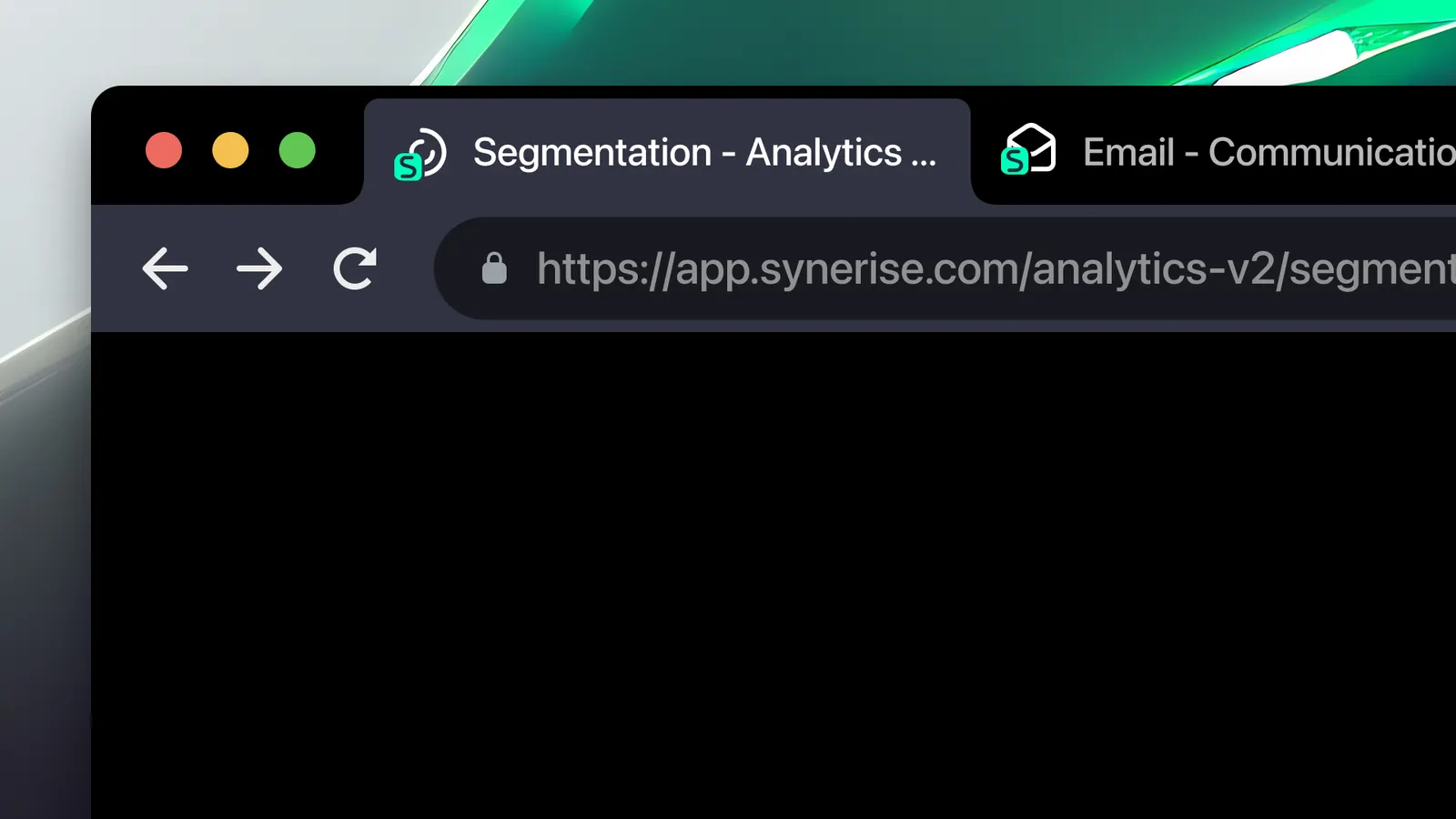
Favicons is a usability enhancement in Synerise that introduces unique browser tab icons and contextual page titles for each core module. Each area of the platform — Automation, Analytics, Campaigns, Settings, and others — now displays its own distinct favicon and page title in the browser tab, making it easy to identify and switch between multiple open tabs.
The feature is applied automatically across all Synerise modules.
What Are Favicons in Synerise?
Favicons in Synerise are module-specific browser tab icons paired with refreshed, contextual page titles. Each core area of the platform has its own distinct icon, so when users have multiple Synerise tabs open, they can instantly identify which tab belongs to which module — without clicking through each one.
Why Favicons Matter
Working in Synerise often involves having multiple browser tabs open simultaneously — one for Automation, another for Analytics, another for Campaigns. Without distinct tab identifiers, users lose time clicking through generic-looking tabs to find the right module.
Favicons address this by:
- Assigning a unique browser tab icon to each core module
- Displaying contextual page titles that reflect the current module and context
- Enabling instant visual identification of tabs during multitasking
- Reducing friction when switching between modules in complex workflows
Key Capabilities
Module-specific favicons
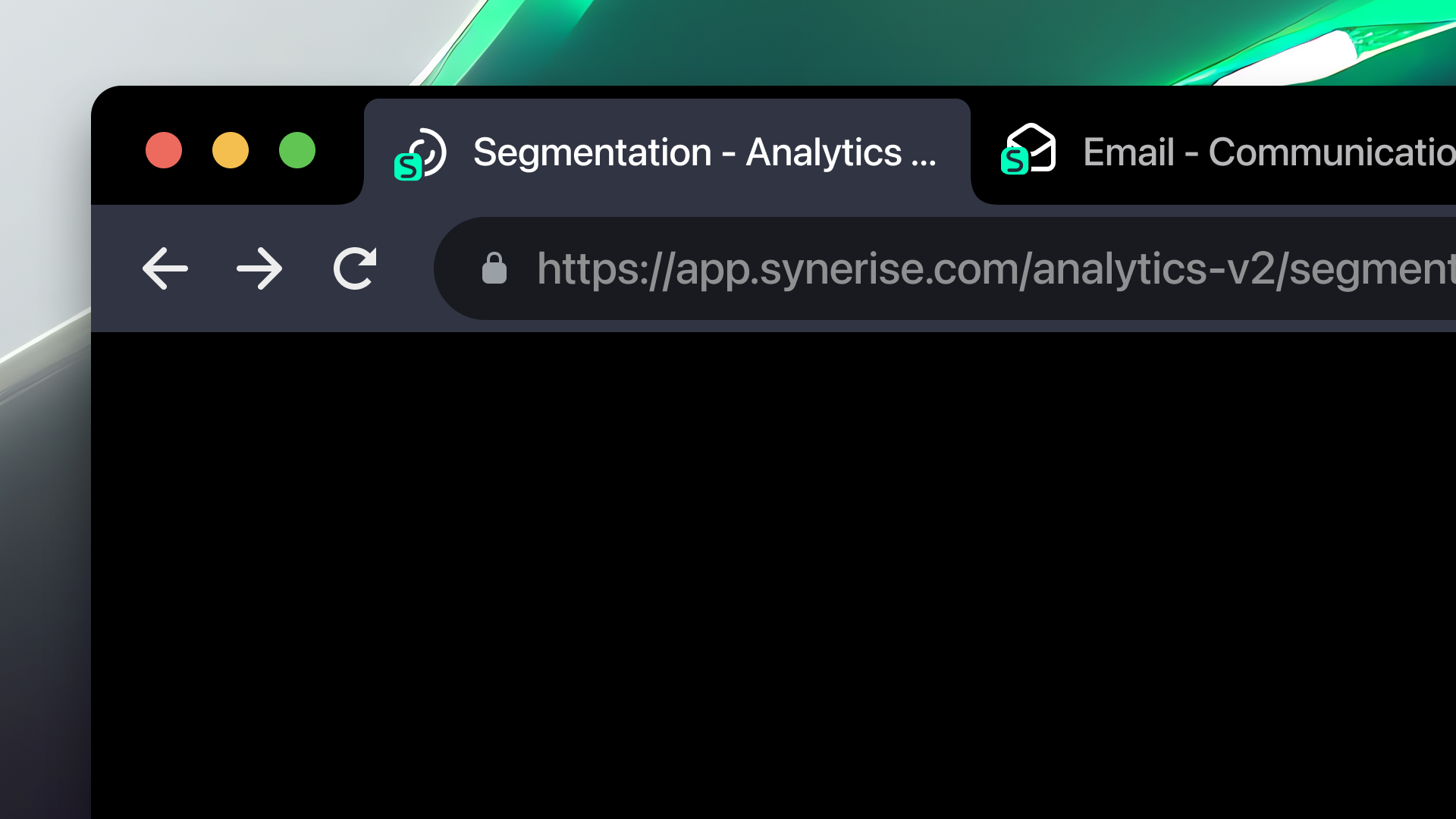
Each core area of Synerise — Automation, Analytics, Campaigns, Settings, and others — has its own distinct browser tab icon for instant visual identification.
Contextual page titles
Page titles are refreshed to reflect the current module and context, providing additional identification beyond the favicon alone.
Automatic application
Favicons and page titles are applied automatically across the platform — no configuration required.
How Favicons Work
- Navigate to any module in Synerise.
- The browser tab automatically displays the module-specific favicon and contextual page title.
- When multiple Synerise tabs are open, each tab shows a unique icon corresponding to its module.
- Switch between tabs using the visual favicon identifiers instead of clicking through each tab.
Example Use Case
A marketing manager has five Synerise tabs open simultaneously: Automation (building a workflow), Analytics (reviewing campaign performance), Campaigns (editing email content), Segmentation (refining audience), and Settings (updating integration config). Each tab displays a unique favicon — making it possible to switch directly to the right module without clicking through all five tabs to find the right one.
FAQ
What are Favicons in Synerise?
Unique browser tab icons assigned to each core module in Synerise, paired with contextual page titles, for easier tab identification during multitasking.
Do I need to enable favicons?
No. Favicons and refreshed page titles are applied automatically across the platform.
Which modules have unique favicons?
All core areas including Automation, Analytics, Campaigns, Settings, and others.
Key Facts
| Attribute | Value |
|---|---|
| Feature | Favicons |
| Product | Synerise |
| Module | Platform-wide |
| Purpose | Unique browser tab icons and contextual page titles for each module |
| Coverage | Automation, Analytics, Campaigns, Settings, and other core areas |
| Configuration | None required — applied automatically |
Related Concepts
- Platform Navigation Improvements
- Platform Performance Enhancements
- Synerise module navigation
- Browser tab management and multitasking
- Sidebar Menu Structure
TL;DR
Favicons in Synerise assign unique browser tab icons and contextual page titles to each core module (Automation, Analytics, Campaigns, Settings, etc.). This makes it easy to identify and switch between multiple open Synerise tabs during multitasking. The feature is applied automatically across the platform with no configuration required.




