- Year: 2025
- Category: Product
- Benefits: Automation-first, trigger-based logic , Omnichannel behavior, predictive context , Real-Time Sync
- YouTube share link: https://youtube.com/embed/-EtzHD409rY
- Documentation link: https://hub.synerise.com/docs/automation/integration/salesforce-crm/
- Download as PDF: Download
- Download as PPT: Download
- Security & Performance: No
- Featured?: No
- Quarter only: 209695a4e782a4192d34edafda918272
- Quarter: 3f3ac23d0c66c5759a45b1a733573182
- Module: 4c6698dca829ee8a0fcb167b62e6d5d0
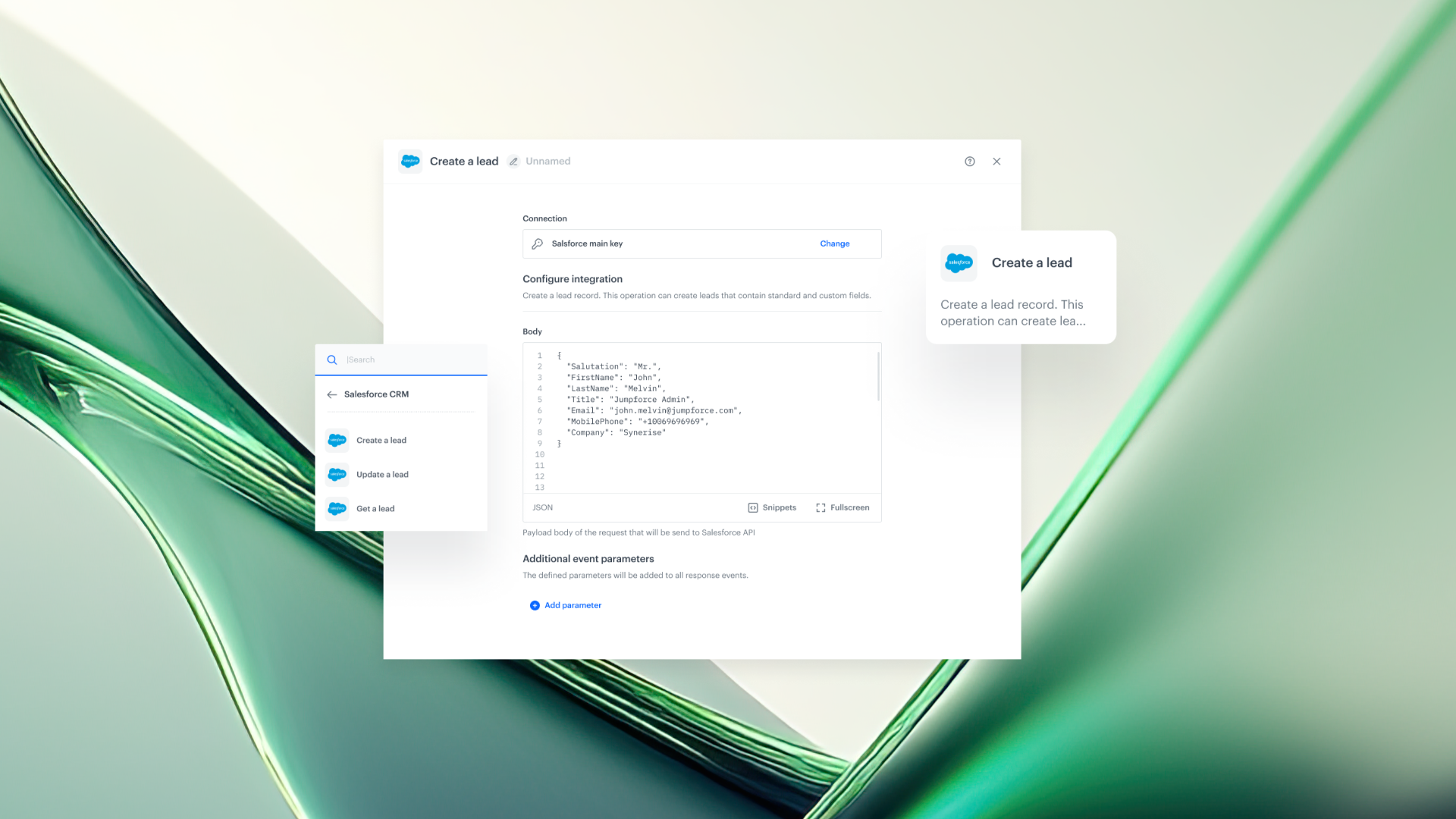
With this update, you can create, retrieve, and update Salesforce leads in real time, based on any interaction across your ecosystem.
Whether it's a form submission, product view, campaign touchpoint, or an intent signal — Synerise turns it into actionable CRM data the moment it happens.
This is more than just syncing data.
It's about giving your sales team context, timing, and precision — without the manual work.
What’s New
1. Create a Lead
Trigger lead creation from any event — form filled, product viewed, pricing engaged.
Choose exactly which data to send into Salesforce, including dynamic values like:
- Last viewed category
- Attribution source
- Location
- Predictive intent score
All powered by real-time profile attributes and behavioral context.
2. Get a Lead
Retrieve up-to-date lead details from Salesforce during a journey.
Perfect for personalization, decision branching, or CRM-based logic in workflows.
3. Update a Lead
Keep Salesforce aligned with profile updates in Synerise — automatically.
Any change in behavior, segment, or attribute can trigger an update to the lead record in real time.
How to Get Started
- Go to Automation > Workflows > Create new
- Add a Salesforce node: Create a Lead, Get a Lead, or Update a Lead
- Establish a secure connection to your Salesforce account
- Configure data mapping — use Jinjava to inject live profile values
- Publish and go live
With Synerise + Salesforce, your CRM isn’t just updated.
It’s context-aware, intent-rich, and always aligned with what your customers are doing — right now.
One integration. Three nodes. Endless automation power.