- Year: 2025
- Author: Kamil Gaczoł
- Category: Product
- Benefits: Full control over data structure, Faster, error-free workflows, Smooth integration
- Use Cases: Cleaning and Transforming Data for Optimal Business Performance, Transform and import product data to a catalog, Export Customer Profiles with Marketing Consent to Google Cloud Storage
- YouTube share link: https://youtube.com/embed/pdwdE---QlE
- Documentation link: https://hub.synerise.com/docs/automation/data-transformation-and-imports/transformations-and-data-operators/reorder-columns/
- Security & Performance: No
- Featured?: No
- Quarter only: 8b7b86fc7f6cc11ad9a7ee1a1421e700
- Quarter: a20791dca80d96e92adcda5348dfdaca
- Module: 4c6698dca829ee8a0fcb167b62e6d5d0
From mapping and renaming fields to enriching data with additional properties or splitting complex fields into multiple values, our transformation rules give you flexibility and control over every step of the process. And now, we're making it even easier to meet strict formatting standards with our newest predefined rule: Reorder Columns.
Purpose of data transformation
The main purpose of data transformation is to clean the data and bring it up to the standard required for import into Synerise or export to external tools. Transformation rules can be used in any workflow automation, allowing efficient data exchange.
What’s new
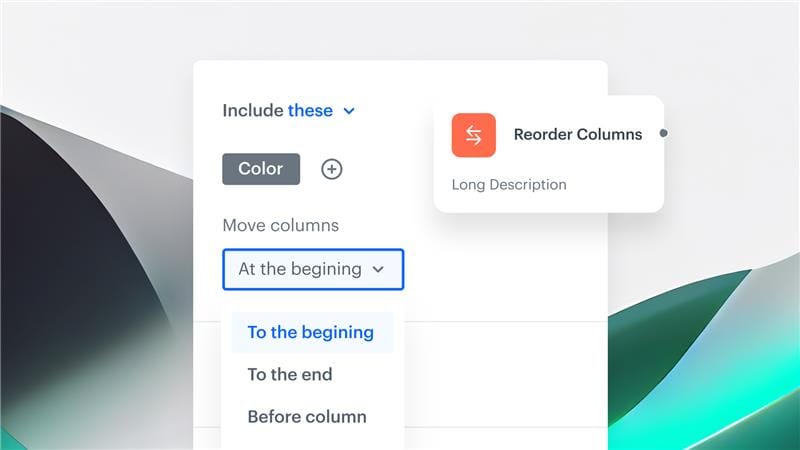
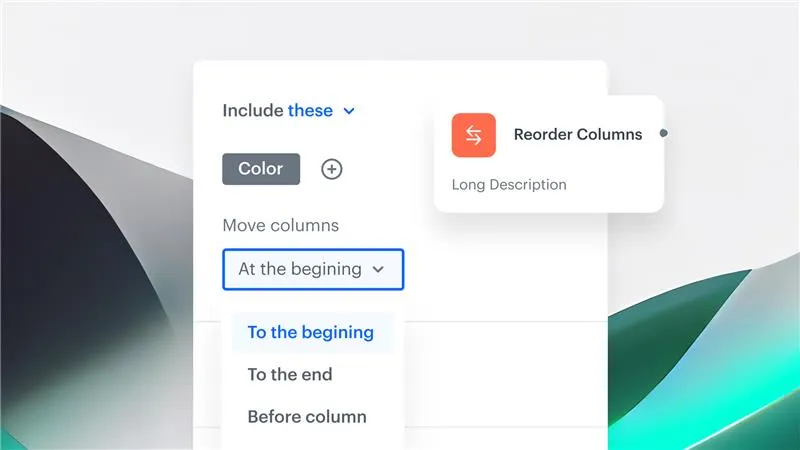
A new enhancement in Synerise Automation — a predefined transformation rule: Reorder Columns.
This addition to our DataTransformation capabilities empowers users to easily control the order of columns in their output data, particularly when working with CSV files. Whether you're preparing data for integrations, reports, or external systems with strict formatting requirements, Reorder Columns ensures your datasets are organized exactly as needed — without the need for manual post-processing.
How does it work
Using Reorder Columns is straightforward:
- Add the Reorder Columns rule within your data transformation.
- Specify the desired column sequence. This can be managed in a number of ways, from moving data ahead of or behind a specific column to specifying exact positions within the file’s order.
- Apply the transformation to your workflow and enjoy properly formatted outputs — every time.
This new capability isimmediately available for all users within the Synerise Automation module andis applicable to CSV files.