
- Category: Product
- Security & Performance: No
- Featured?: No
As we kick off 2025, we’re excited to share a roundup of all the product updates and enhancements we introduced in the first quarter. Our focus this time: improving platform performance, expanding automation capabilities, increasing AI transparency, and giving you more flexibility and control across your workflows, campaigns, and integrations.
Let’s take a closer look at what’s new:
Performance
----------------------------------------------
Platform Performance: Faster, Smoother, Better
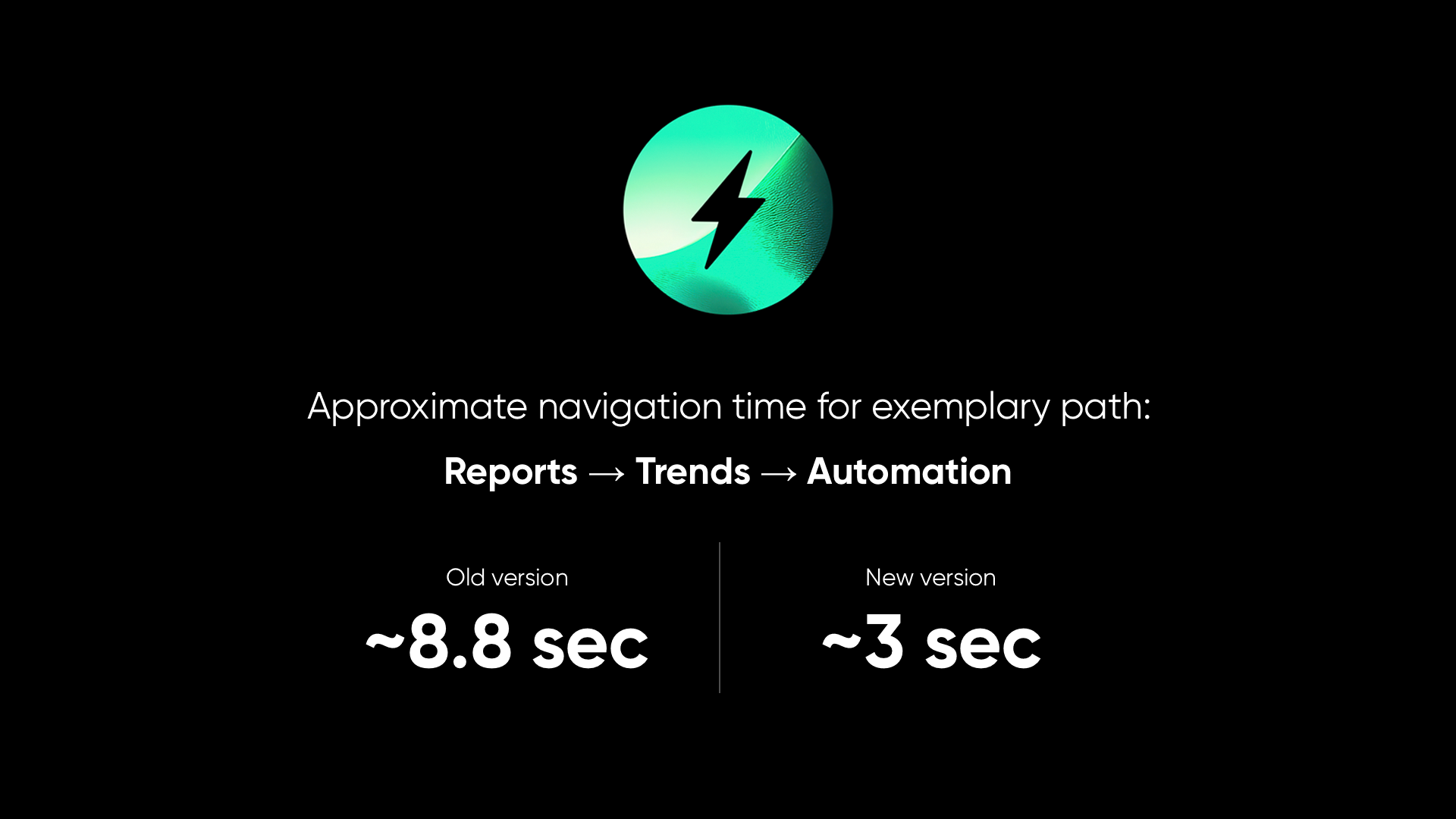
We’ve made significant behind-the-scenes improvements to platform responsiveness and load times, all designed to create a faster and more seamless user experience.
One standout improvement: navigating from Reports → Trends → Automation now takes under 3 seconds, down from approximately 8 seconds. These optimizations are now applied across the platform — so whether you're building campaigns or exploring data, your daily work in Synerise will feel quicker and more fluid than ever.
Read more >
AI
----------------------------------------------
This quarter, we brought more transparency and control to AI-powered search — helping you understand how results are generated and giving you the tools to fine-tune them for better performance.
Search Explain
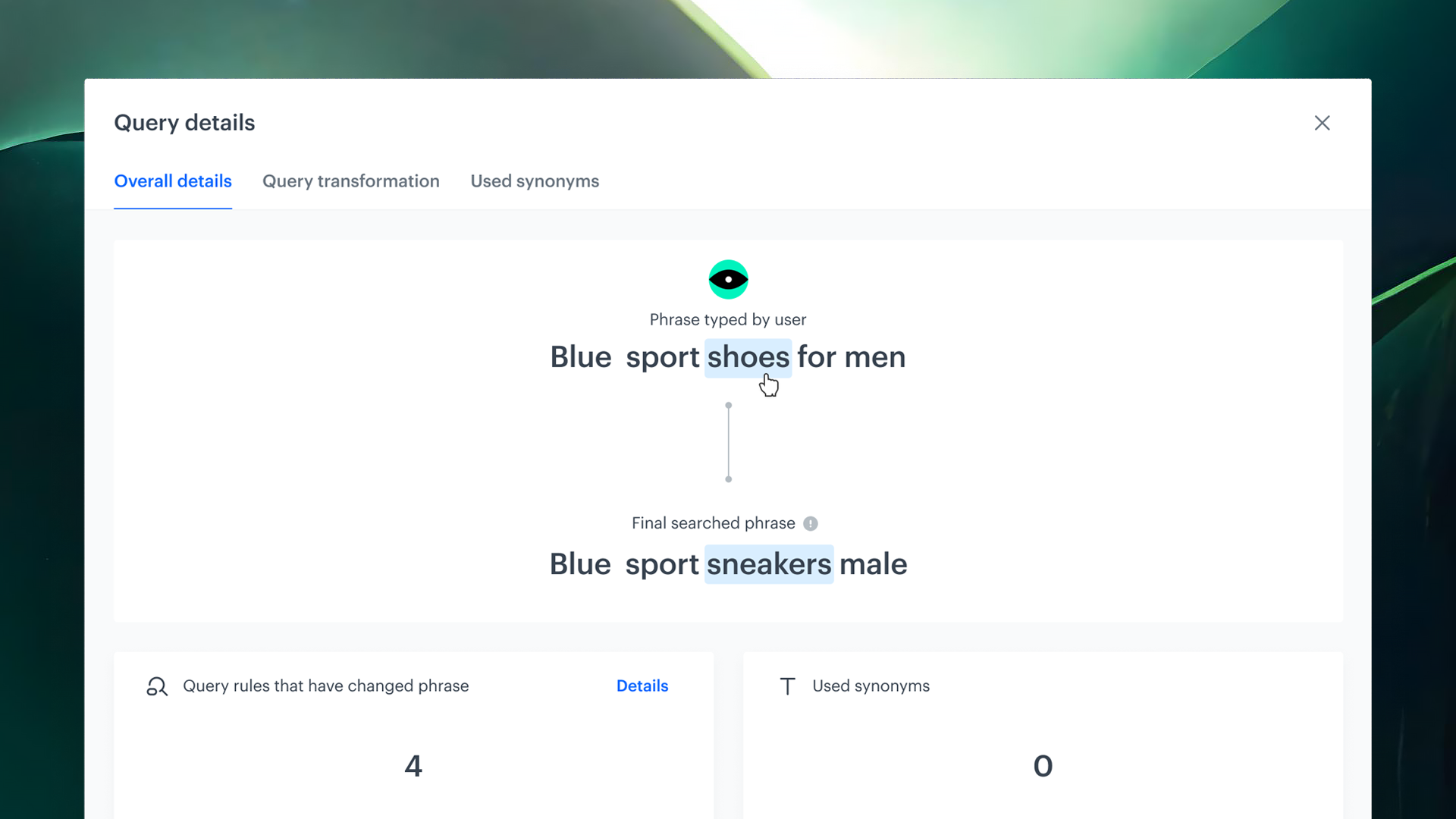
Search Explain introduces complete transparency into how your search results are generated. This tool breaks down every part of the process — from query transformation and synonym handling to ranking logic and individual item scoring — helping you better understand, trust, and optimize your search experience.
Read more >
Query Suggestions Preview
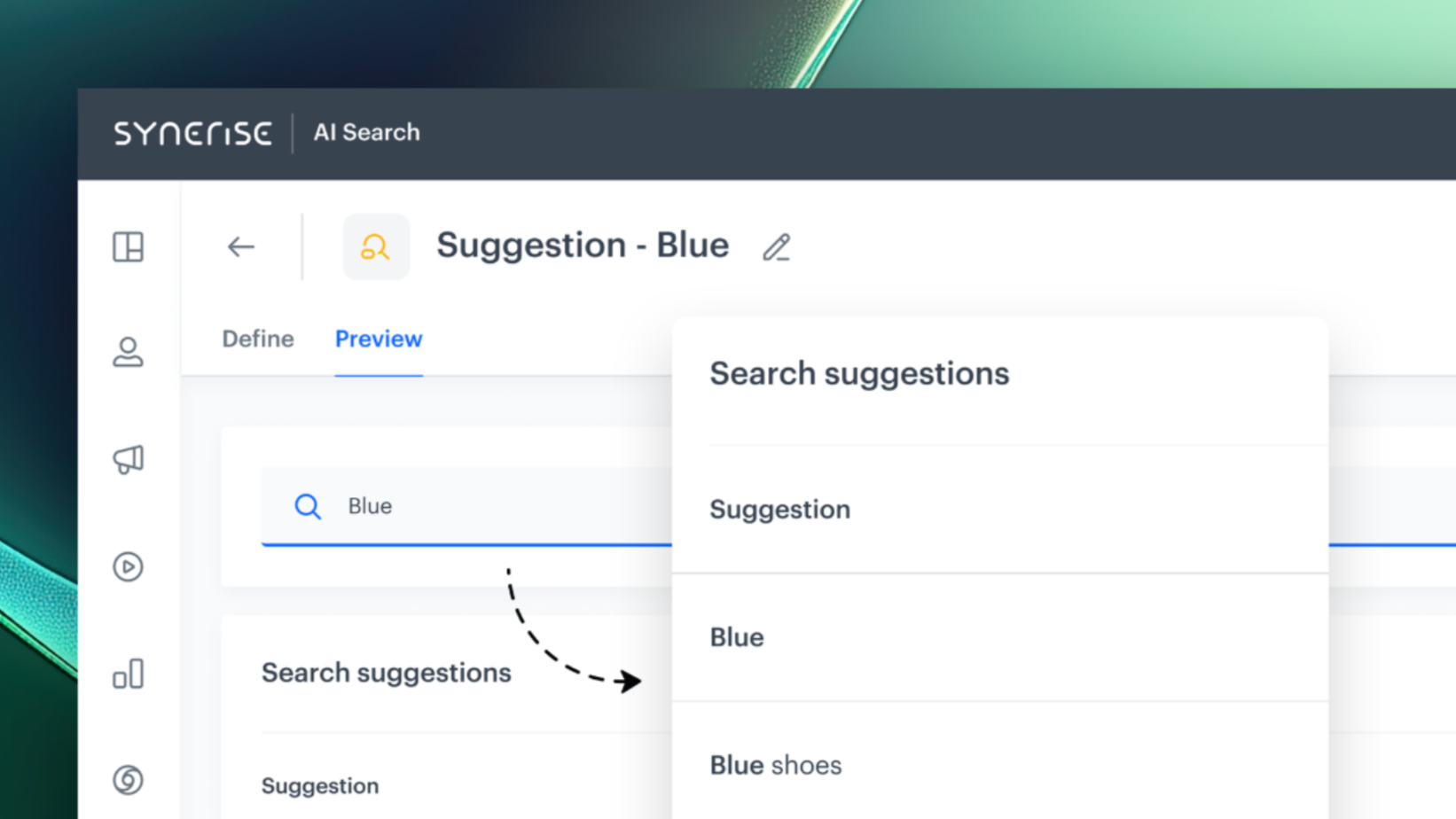
With our enhanced Query Suggestions Preview, you now have greater visibility into how suggestions are generated — and more control over which ones are shown to your users. You can preview each suggestion directly in the platform, inspect its relevance score, and see exactly where it came from — whether it was generated by the search engine, based on product attributes, or manually added.
Read more >
Automation
----------------------------------------------
This quarter, Automation in Synerise gets a powerful upgrade. We’ve introduced new nodes and enhanced data transformation capabilities to help you build more intelligent, secure, and customizable workflows. Here’s what’s new:
New Data Nodes: Get Metrics
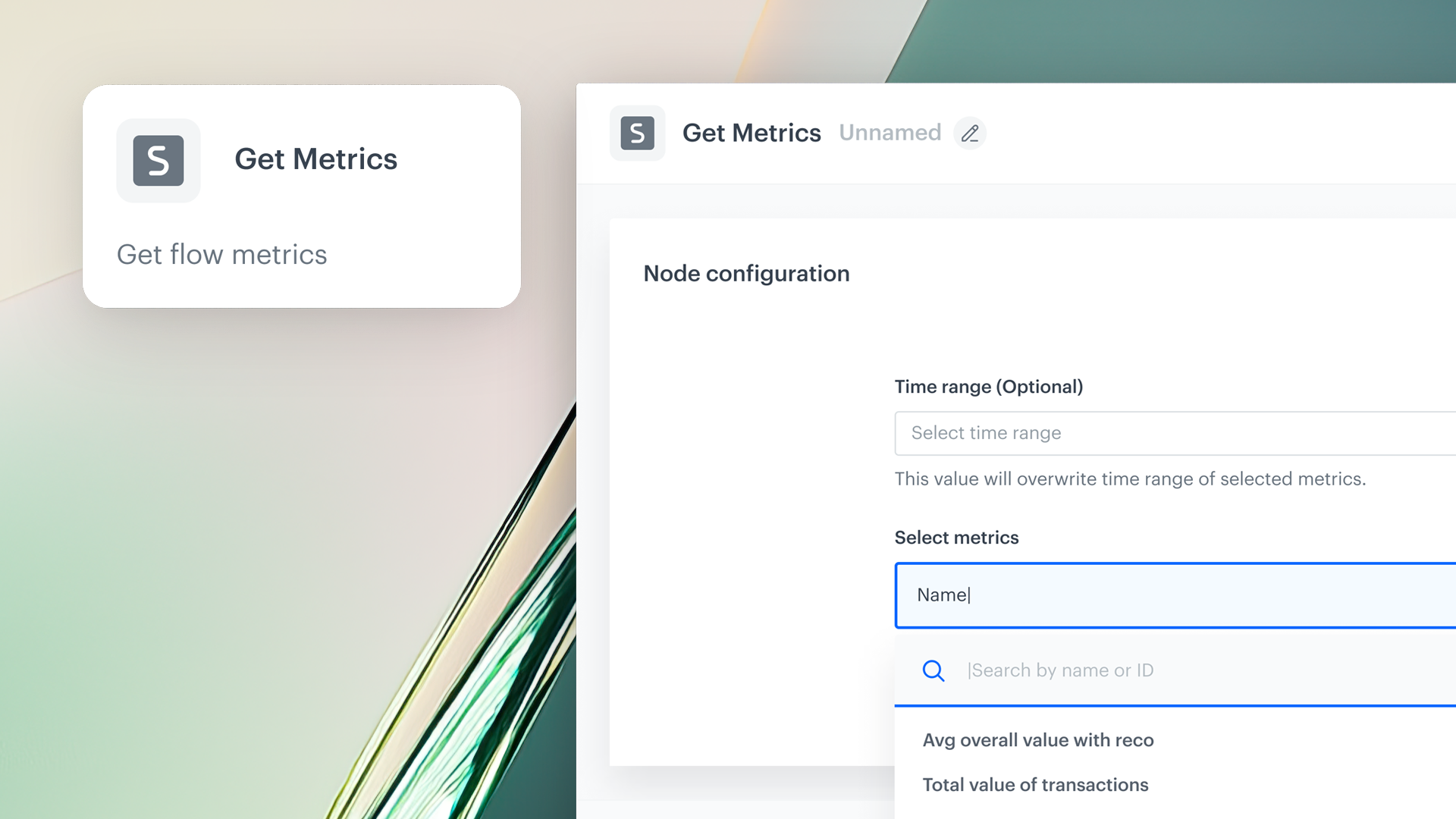
This node allows you to pull results from up to 50 defined metrics in a single operation. Whether you're tracking revenue, engagement, conversion rates, or any other business-critical KPIs, you can now collect those insights and immediately route them to any destination within the Automation catalog. That means fewer workarounds, faster reaction times, and more consistent data delivery in your workflows.
Read more >
New Data Nodes: Get Profiles
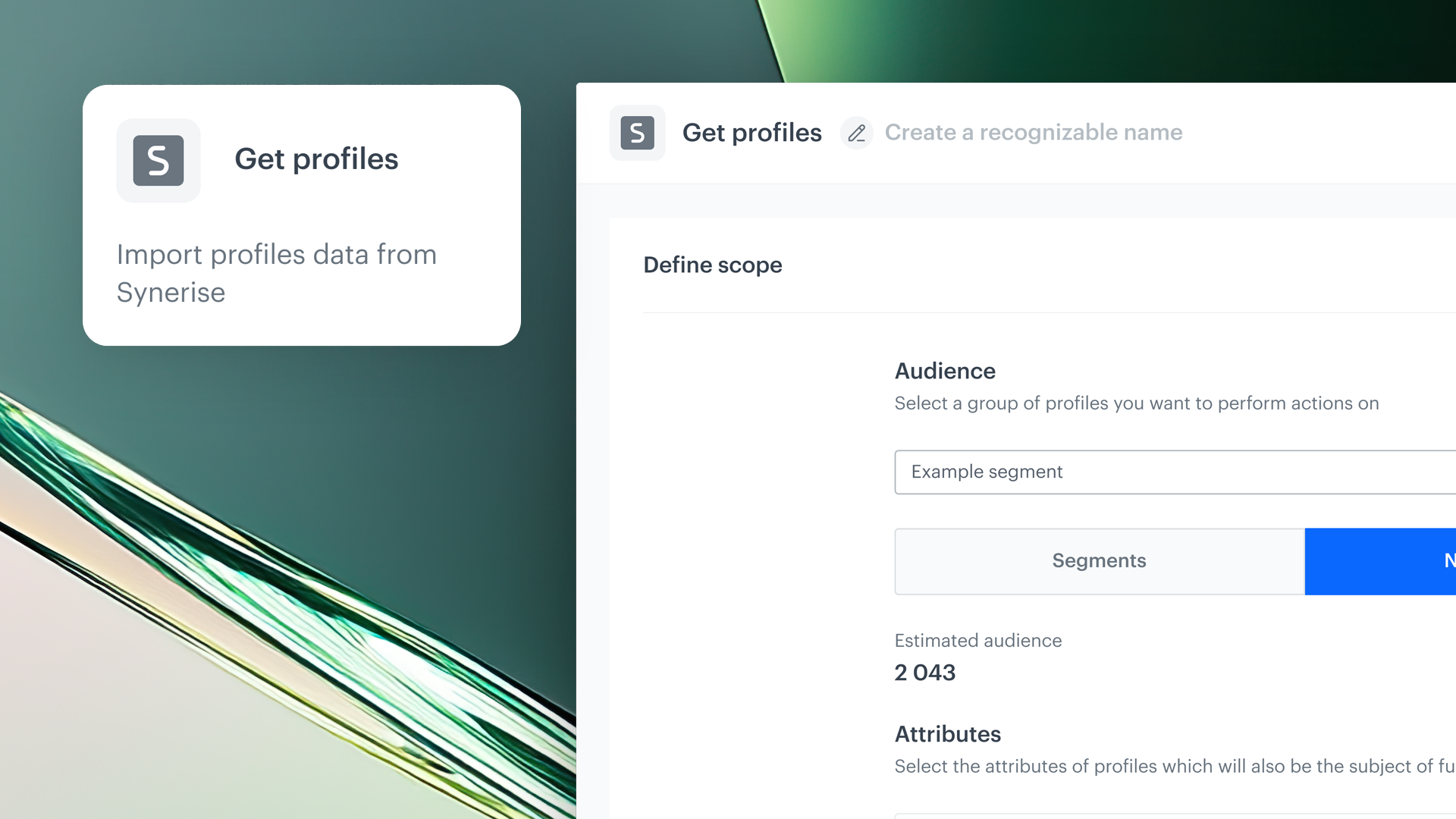
With this node, you can now export comprehensive customer data far beyond basic attributes. You can include: tags, selected expressions and aggregates and other data about your customers. This makes it easier than ever to build hyper-targeted campaigns, sync profile data across tools, or trigger automations based on up-to-date customer behaviors and properties.
Read more >
Dedicated Permissions for Data Export Nodes
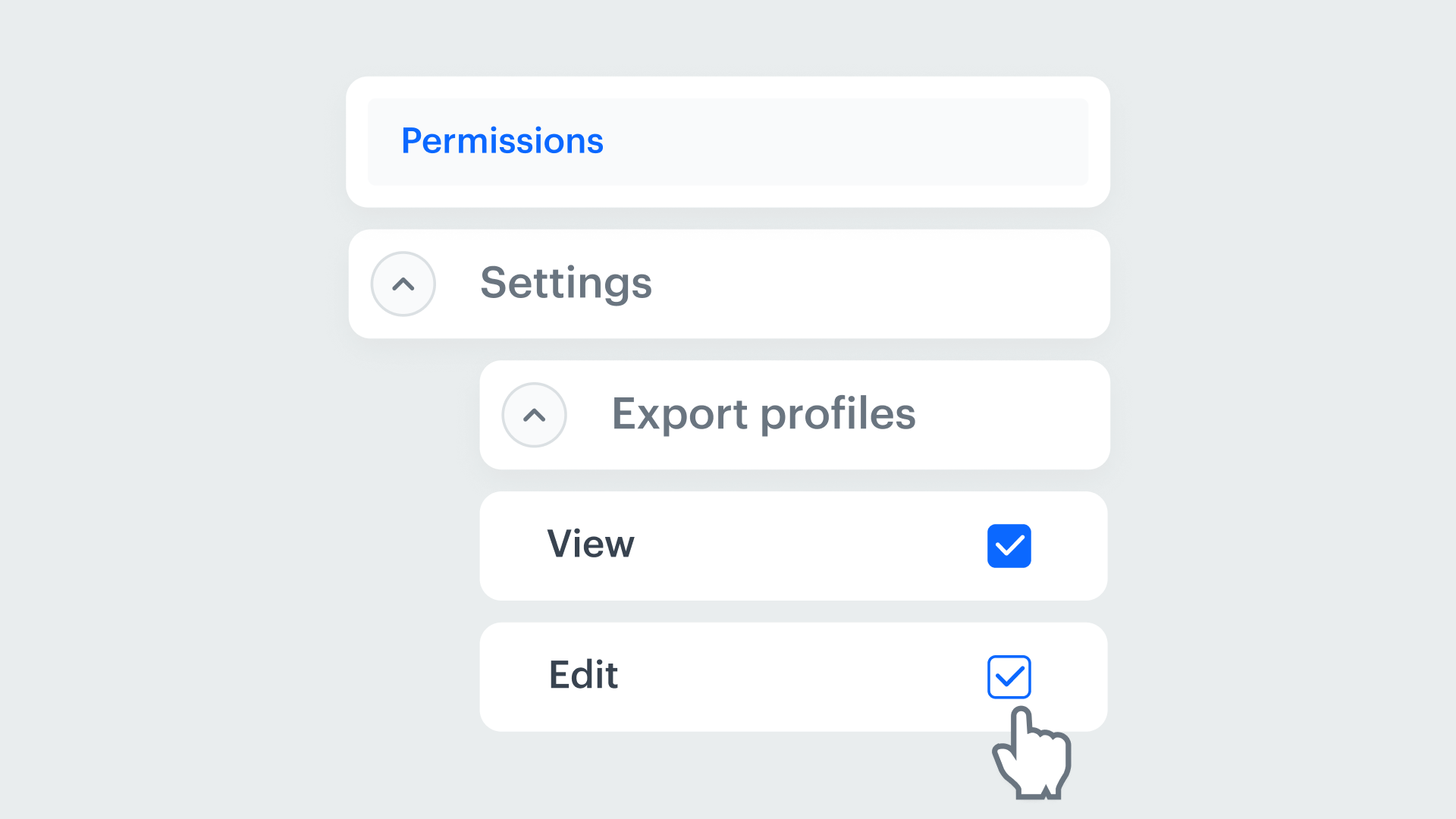
Data security and governance are critical — especially when working across large teams or regulated industries. That’s why we’ve introduced permission controls for data export nodes in Automation. Workspace administrators can now define exactly who has access to export which datasets. This update brings an important security layer, giving you confidence that data access is only granted where it’s truly needed.
Read more >
Dynamic Conditions in Data Transformation
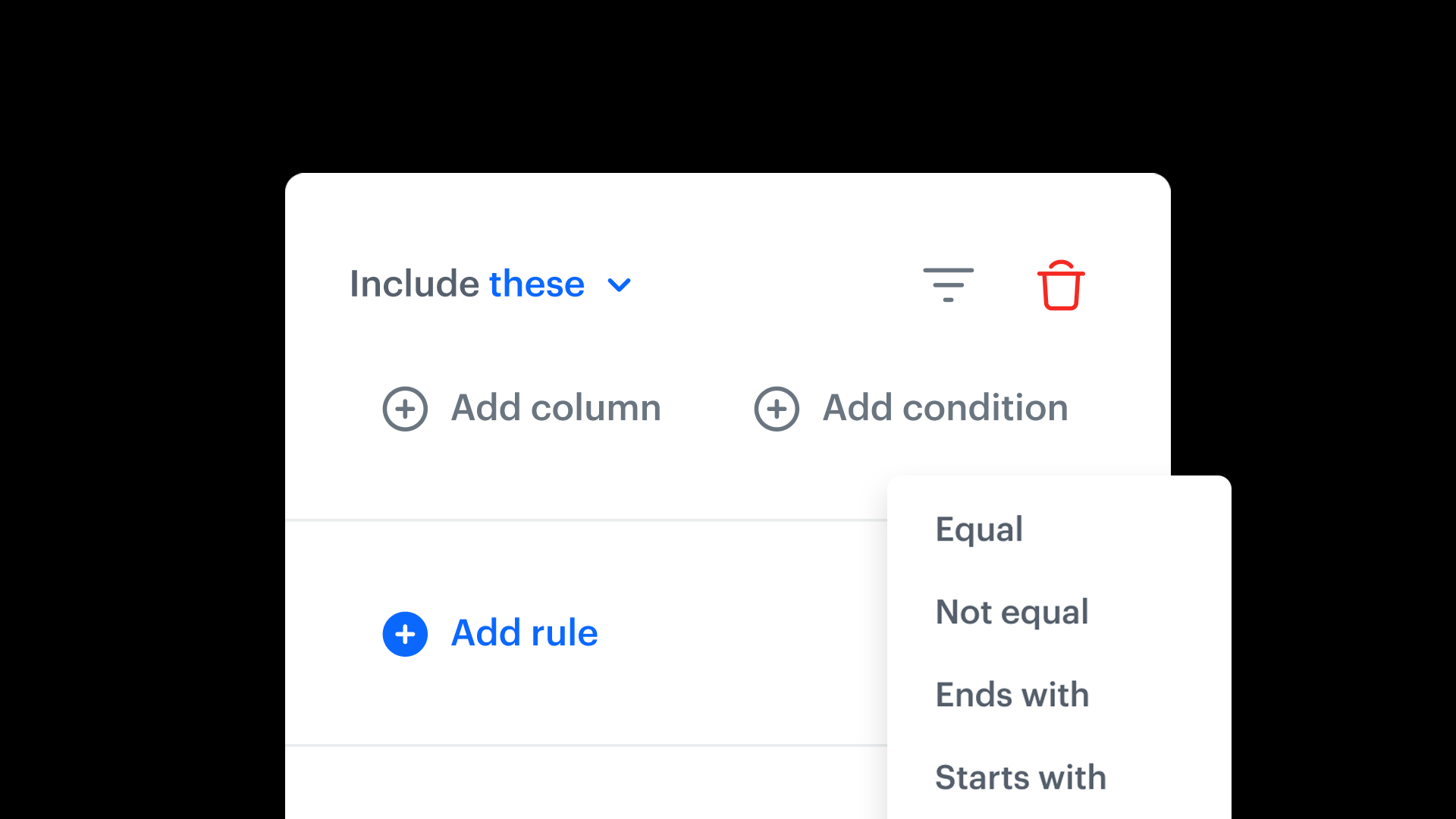
You can now define Dynamic Conditions — flexible rules that determine which input columns should be transformed based on the logic you configure. For example, you can apply transformations only when a certain condition is met (e.g., transform revenue only if the currency is USD). This means greater customization and scalability when building complex workflows, and more efficient handling of diverse data structures — all within a single transformation node.
Read more >
Campaigns
----------------------------------------------
This quarter’s campaign updates bring more flexibility to how you engage users, both in-app and via email. Discover what's new:
On Demand Trigger
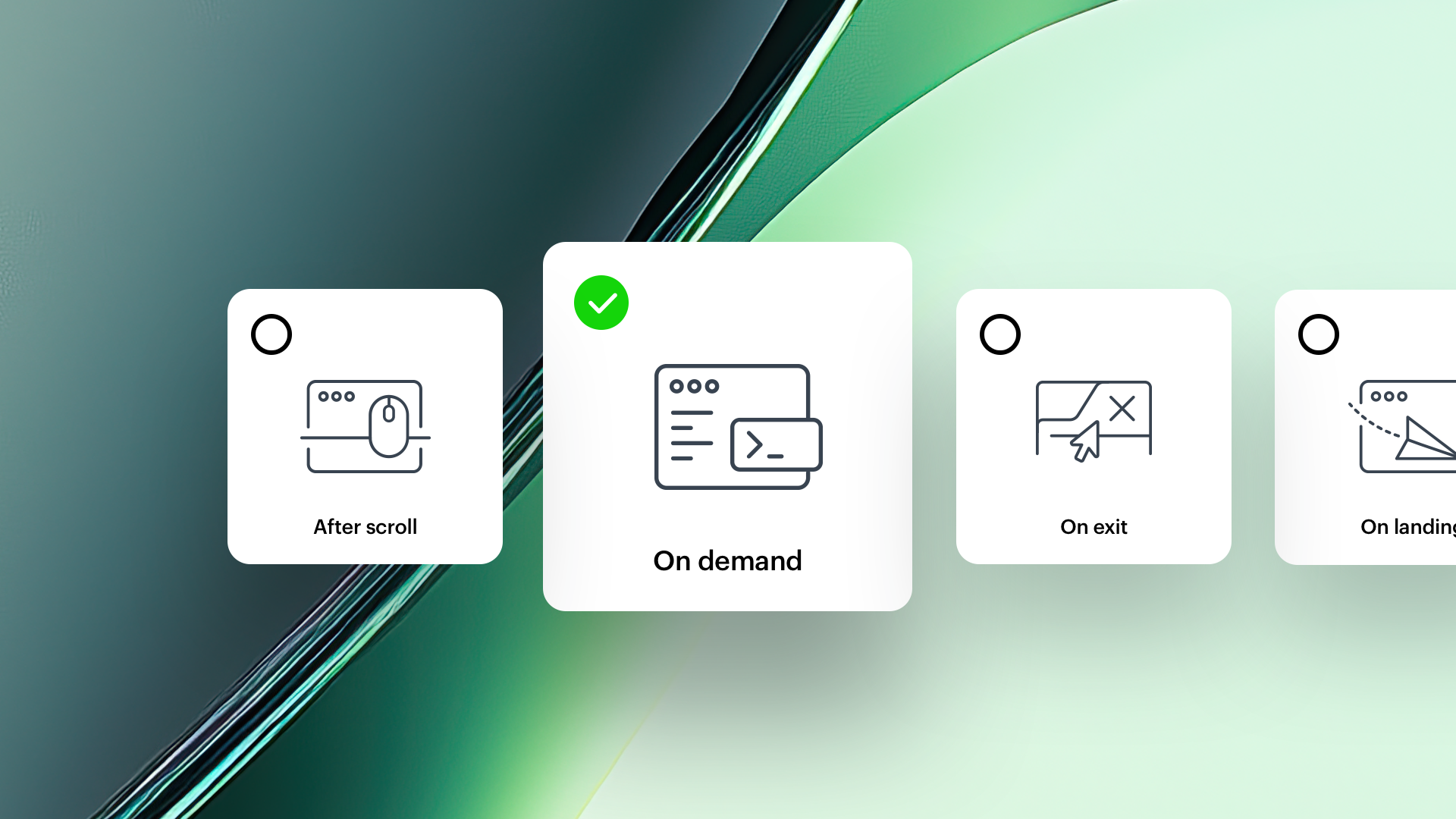
You can now We’ve added a powerful new "on demand" trigger for Dynamic Content campaigns, allowing you to trigger personalized experiences precisely when you want them — not just based on time or predefined behaviors. With this update, you can: render content only when a specific SDK method is called, and tie campaign display to custom events or real-time user actions (like clicks, scrolls, or navigation).
This gives you ultimate control over when and how content is shown, enabling highly contextual, user-driven messaging across your digital properties. create flexible rules that dynamically define which input columns should be transformed. This update enables more precise and customizable data flows, helping you handle complex scenarios with ease.
Read more >
Safe Area Mode
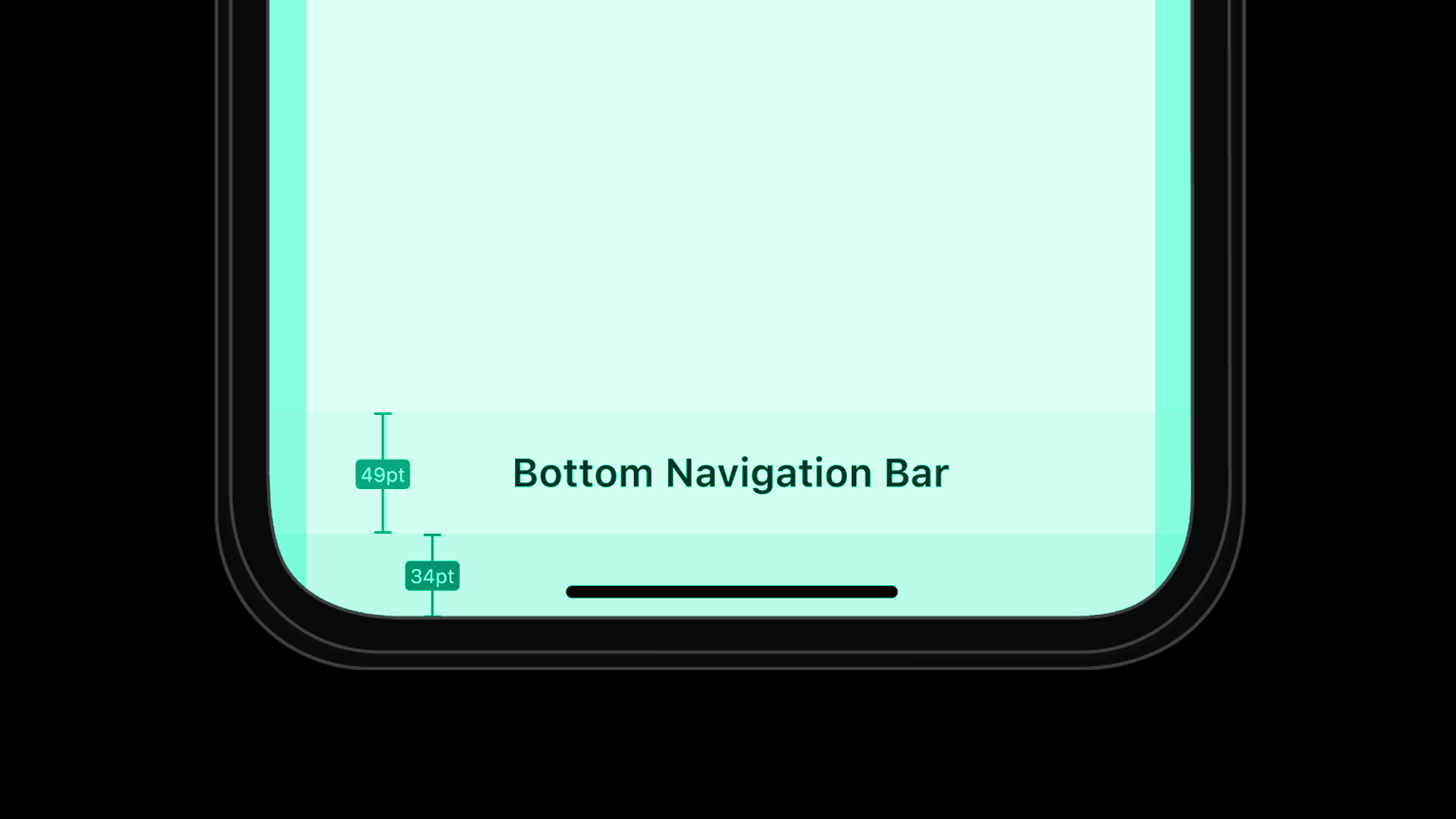
Design matters, especially in mobile experiences. With Safe Area Mode, you now decide whether in-app messages should overlay system UI elements (like the status bar or home indicator) or stay within designated "safe" areas on the screen.
This feature helps you maintain visual consistency with your app’s native layout. It’s a small change that delivers a big boost in how polished and platform-aligned your in-app messages feel.
Read more >
Unsubscribe in One Click
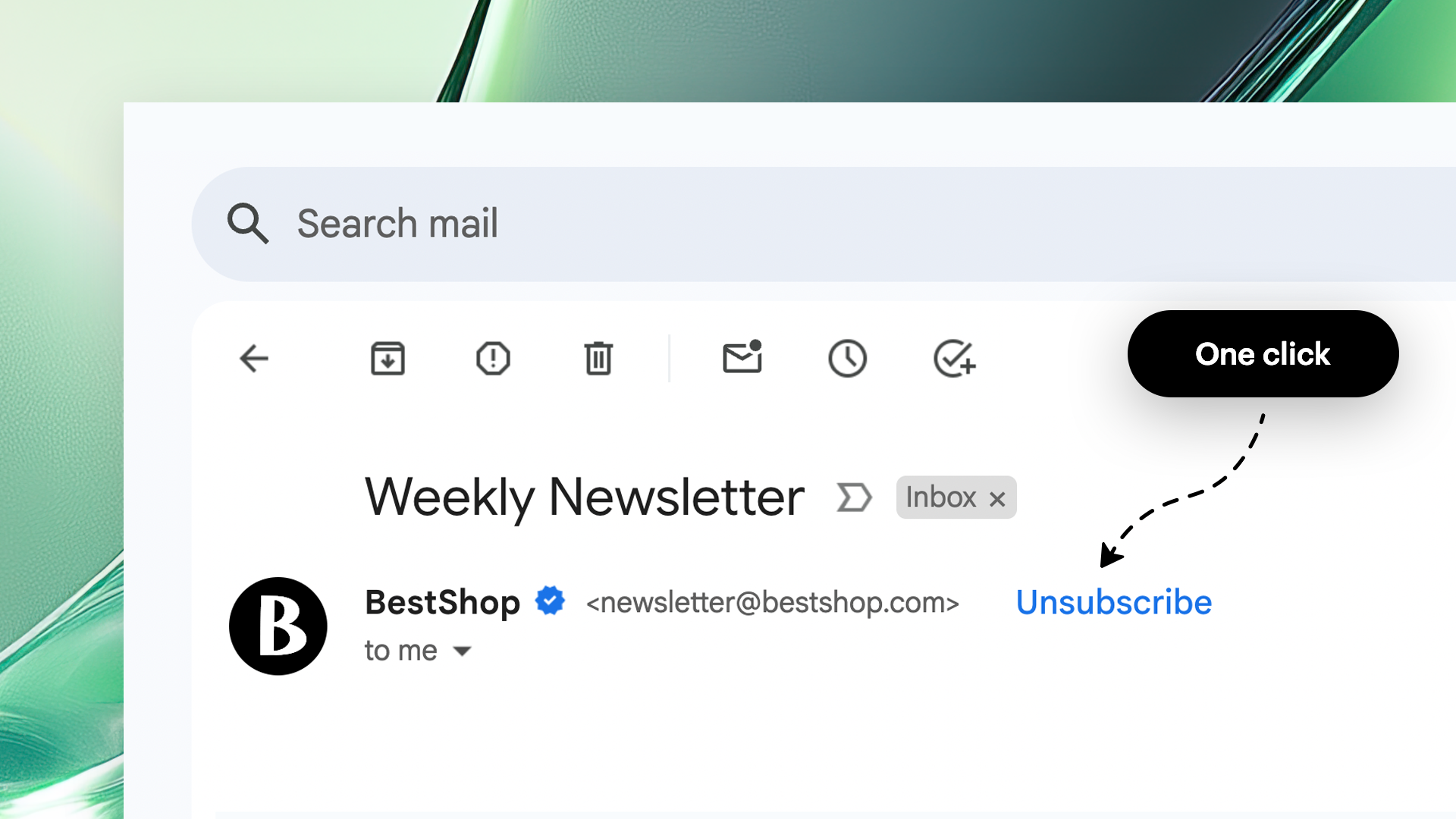
Managing email preferences just got a lot more flexible. With our latest update, each email account in your workspace can now have its own unsubscribe behavior.
This is especially useful for organizations with multiple brands or departments sending messages. Now, you can provide your recipients with a clear, simple opt-out experience tailored to the type of communication they receive — while maintaining control over how that’s handled in the backend.
Read more >
Custom Domain for Redirect URL
With this update, you can now define a custom base URL used to load external resources (JavaScript files, fonts, CSS, images, etc.) within your in-app or dynamic content.
This gives you more control over: brand consistency in your URLs and hosting resources on your own domain or CDN.
Code Editor Enhancements - Simplified Templates Editing
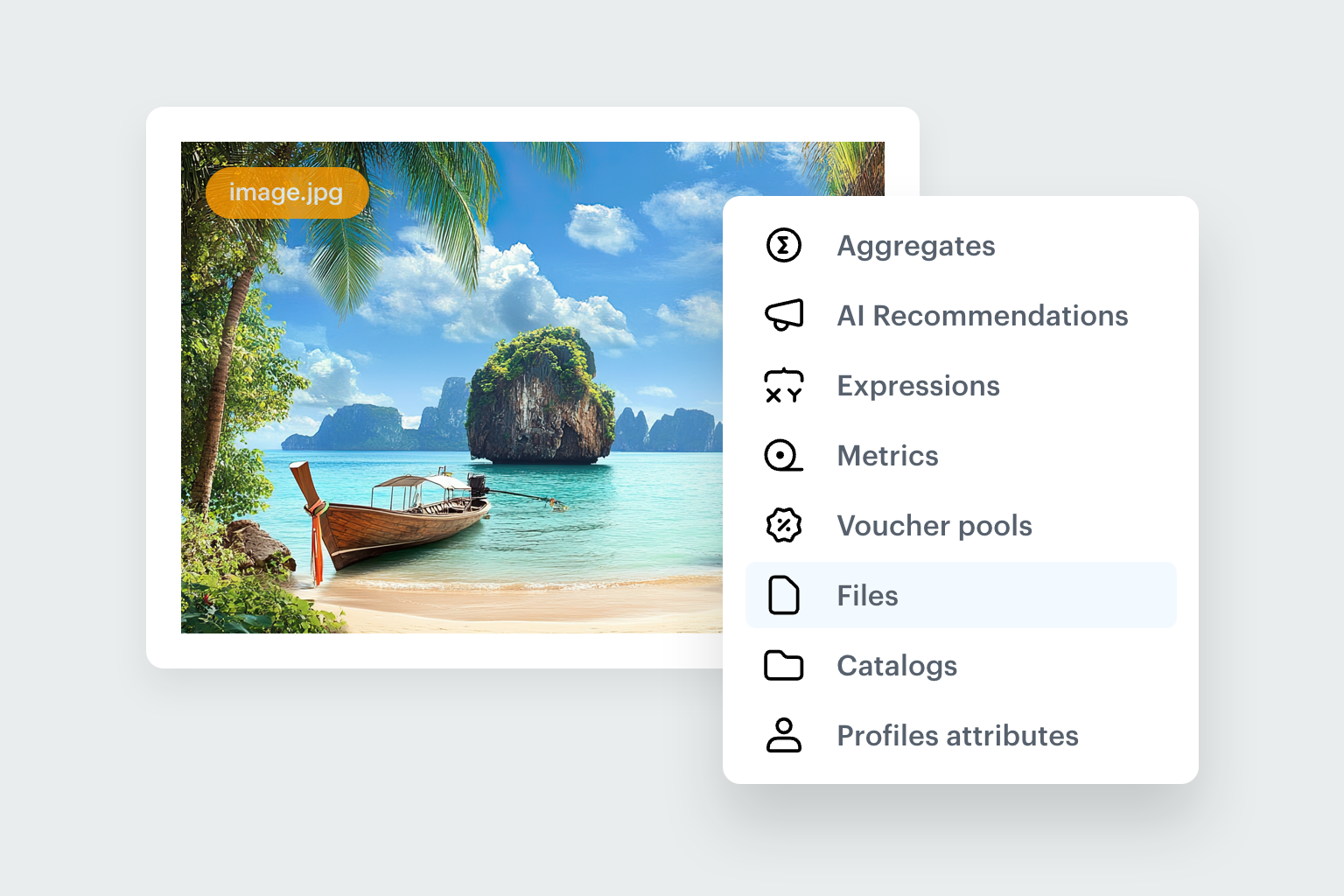
Landing Pages can now adapt instantly to each visitor, displaying the most relevant content tailored to their unique interests. Easily create personalized content with dynamic variables, intuitive editing tools as well as pre-built templates, allowing you to craft unique, data-driven experiences with minimal effort.
Read more >
Mobile SDK
----------------------------------------------
We’re continuing to make Synerise SDKs easier to work with — and more powerful. Q1/2025 brings both educational and technical improvements to help developers move faster and integrate with confidence.
Integration Labs Android Plus IOS Course

This course is designed to help developers seamlessly integrate our SDK into their iOS applications. Similar to the Android version, it will guide you through implementing Synerise features step-by-step using a sample application. After each codelab, you'll be able to compare your results with example solutions provided in our GitHub repository.
Read more >
Major Updates

We’ve released significant new versions of our mobile SDKs:
- Android SDK 6.0.0
- iOS SDK 5.0.0
These updates include important structural improvements, security enhancements, and the removal of deprecated methods. While these changes lay the foundation for faster development and future features, we recommend reviewing the release notes carefully before upgrading your app.
Read more >
Integrations
----------------------------------------------
With the introduction of Connections Management, Synerise now provides a dedicated interface for organizing and securing all your external service connections in one place.
Connection Management
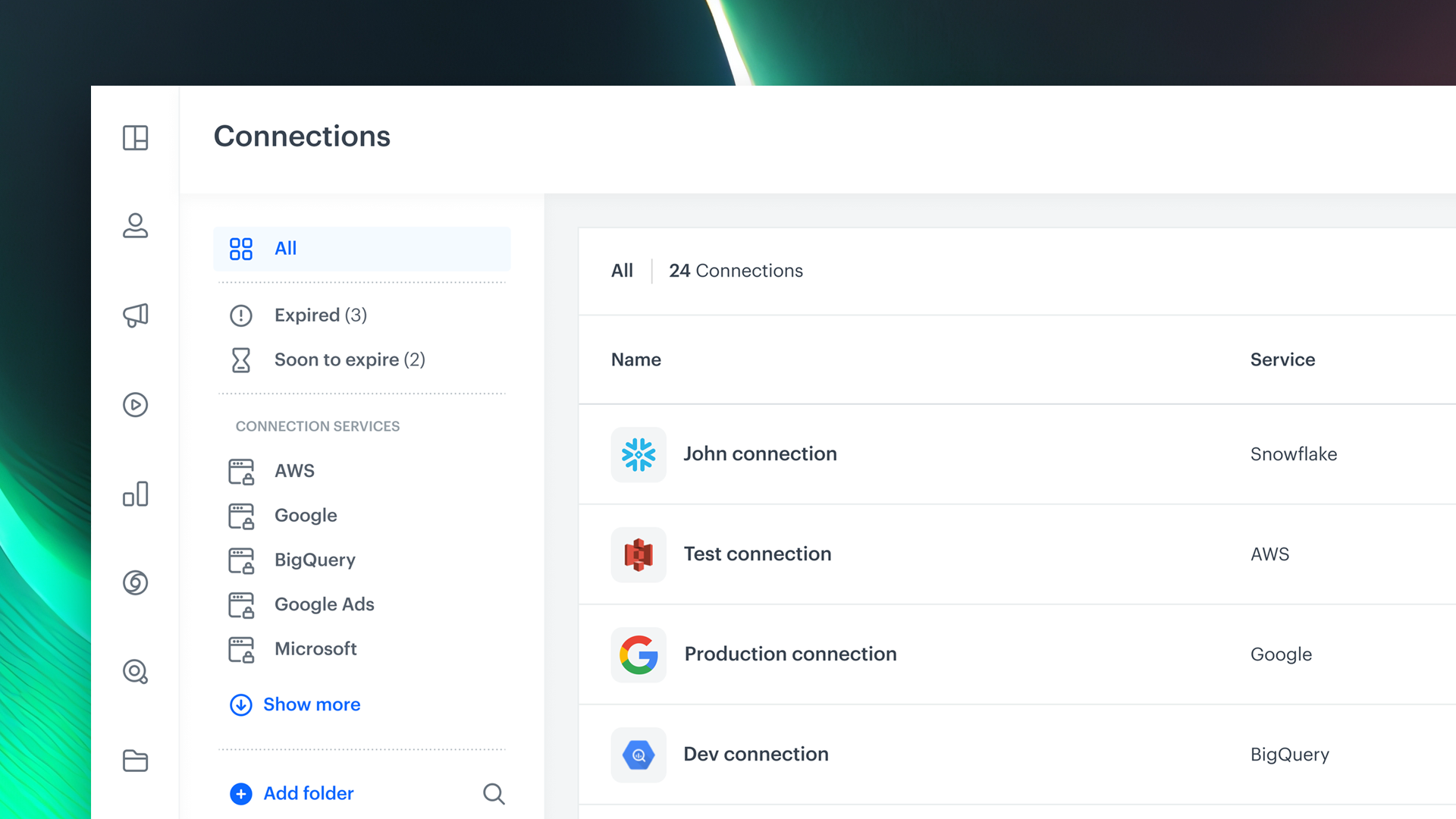
This new section, available in the platform’s Settings, lets you create, view, and manage integrations with third-party services and assign permissions to control who can view, edit, or execute integrations.
It’s a major step forward in how teams manage their Synerise ecosystem — making integrations more transparent, secure, and operationally efficient.
Read more >
Other improvements
----------------------------------------------
Favicons
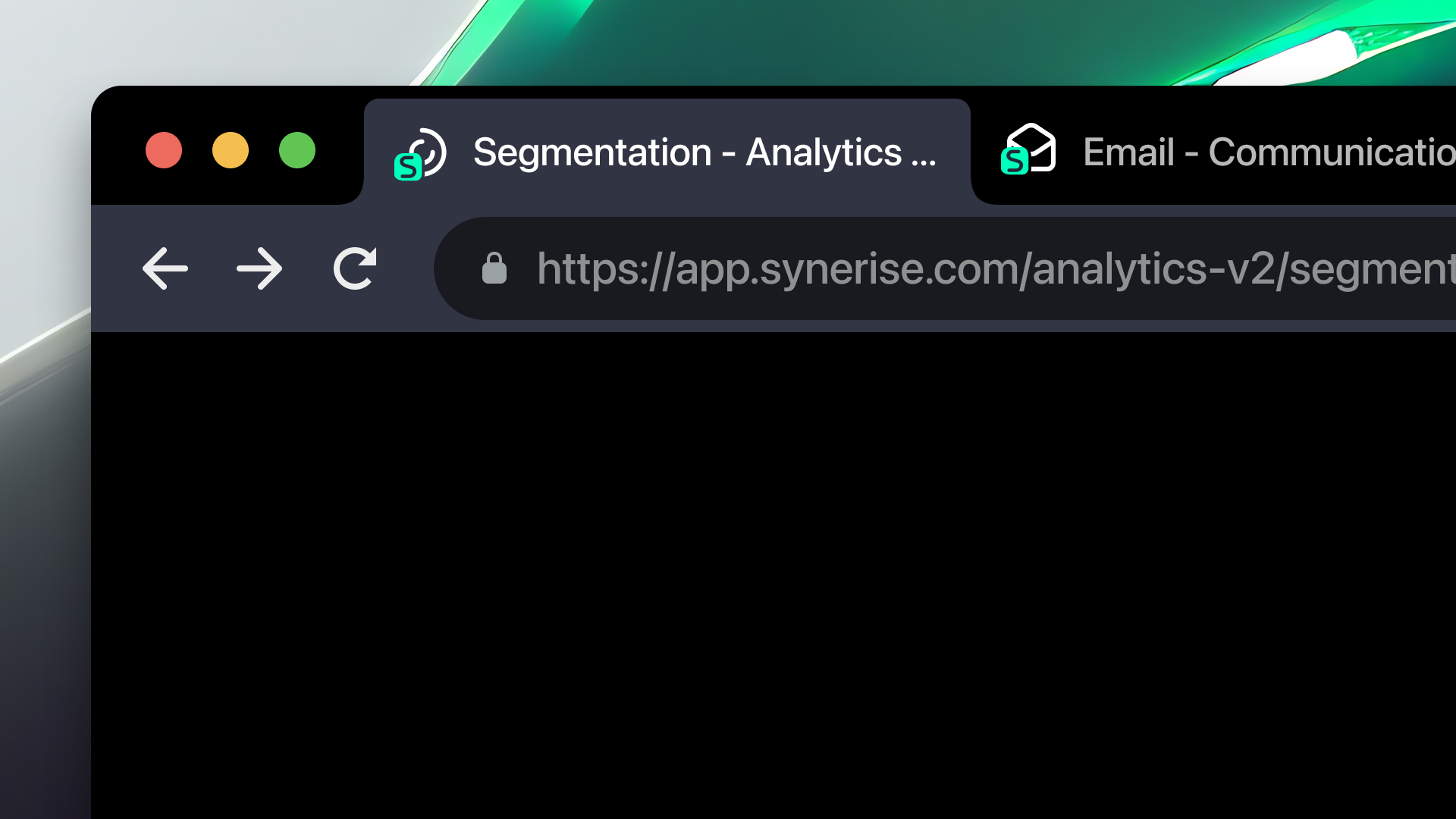
To improve navigation and multitasking within the Synerise platform, we’ve introduced unique favicons for different sections of the app. Now, each core area — like Automation, Analytics, or Settings — has its own distinct browser tab icon.
This small but meaningful visual enhancement helps you: instantly identify open tabs when working across multiple areas and stay oriented during complex workflows or analysis sessions.
Be up to date with new features!
We’re excited about the progress we’ve made this quarter — and even more excited about what’s coming next. To stay up to date with the latest features, improvements, and best practices:
- Visit our Product Update page regularly to explore new releases, and use cases.
- Subscribe to our newsletter to get product news delivered straight to your inbox.
We can’t wait to show you what’s next!