- Year: 2025
- Category: Product
- Benefits: Faster personalization at scale , Low-code, high impact, Better results
- Use Cases: Personalized in-app promotions triggered by a store visit, Personalized promotion in the mobile app with display time limitation, Personalized checkout promotions based on category slots in offline stores, Personalized promotion for digital signage
- YouTube share link: https://youtube.com/embed/L_V6beZwBc0
- Documentation link: https://hub.synerise.com/docs/campaign/personalized-promotions/
- Security & Performance: No
- Featured?: No
- Quarter only: 60d78142f940ca57f105e4498226dd9c
- Quarter: 72fa4497711a77b89bf2a5c4d4460464
- Module: 611e12f7b9035bcf04539e5ec6cb0425
Placing personalized promotions into your content—whether in campaigns, apps, websites, or workflows—just became a lot easier.
With the new insert tag, you can now easily place AI-selected, fully personalized sets of promotions directly into your automation workflows and communication campaigns.
No complex coding. Easy implementation process. Just AI-driven offers that adapt to every customer, ready to be displayed in any channel.
What’s a personalized promotion?
A personalized promotion is a set of promotions selected by Synerise AI, tailored for each individual profile. It takes your promotion lists and applies advanced personalization logic, ensuring every customer sees the most relevant offers — automatically.
Why it matters
Previously, adding personalized promotions to automation or communication required manual configuration, extra logic, and technical support. Now:
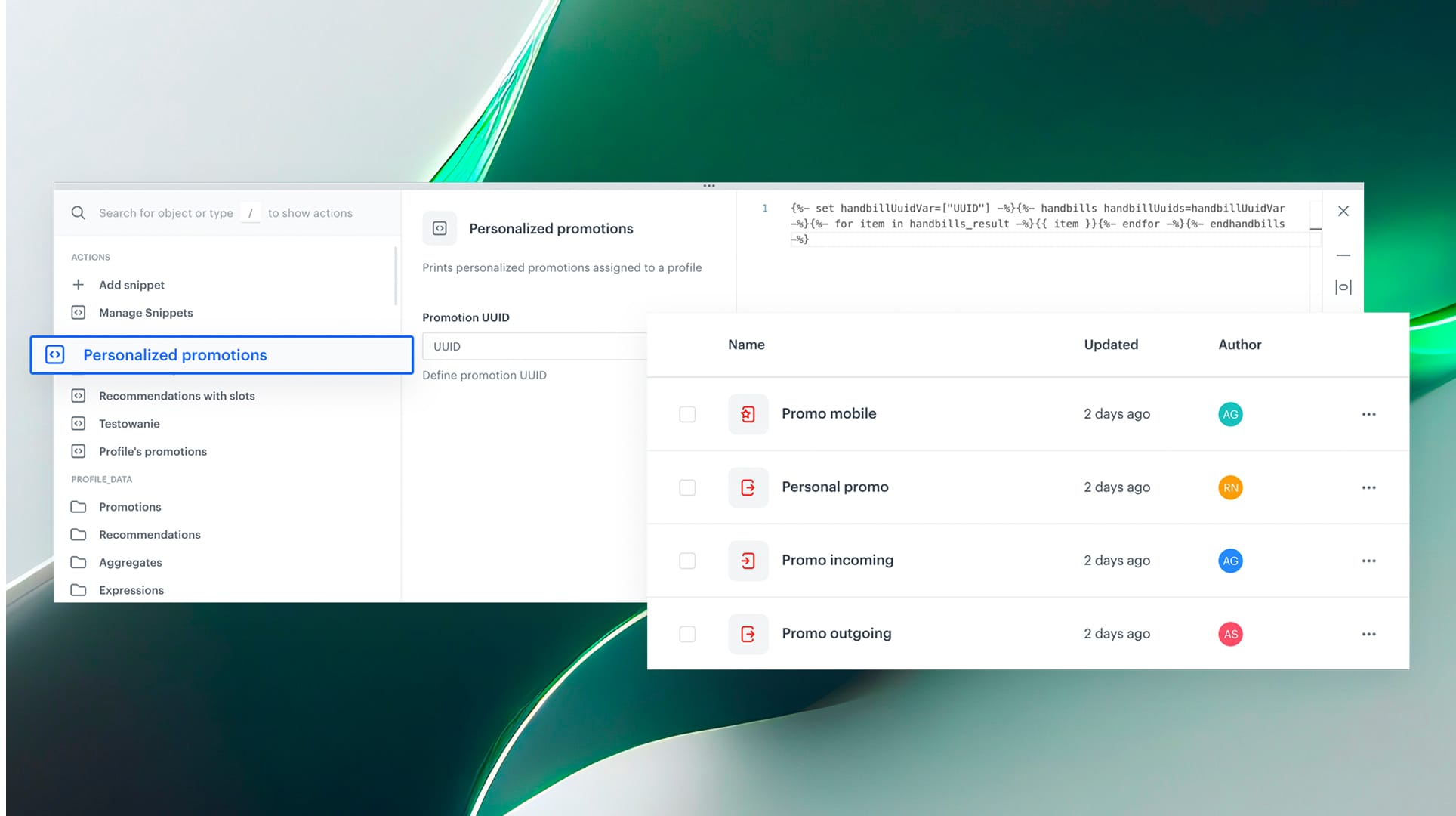
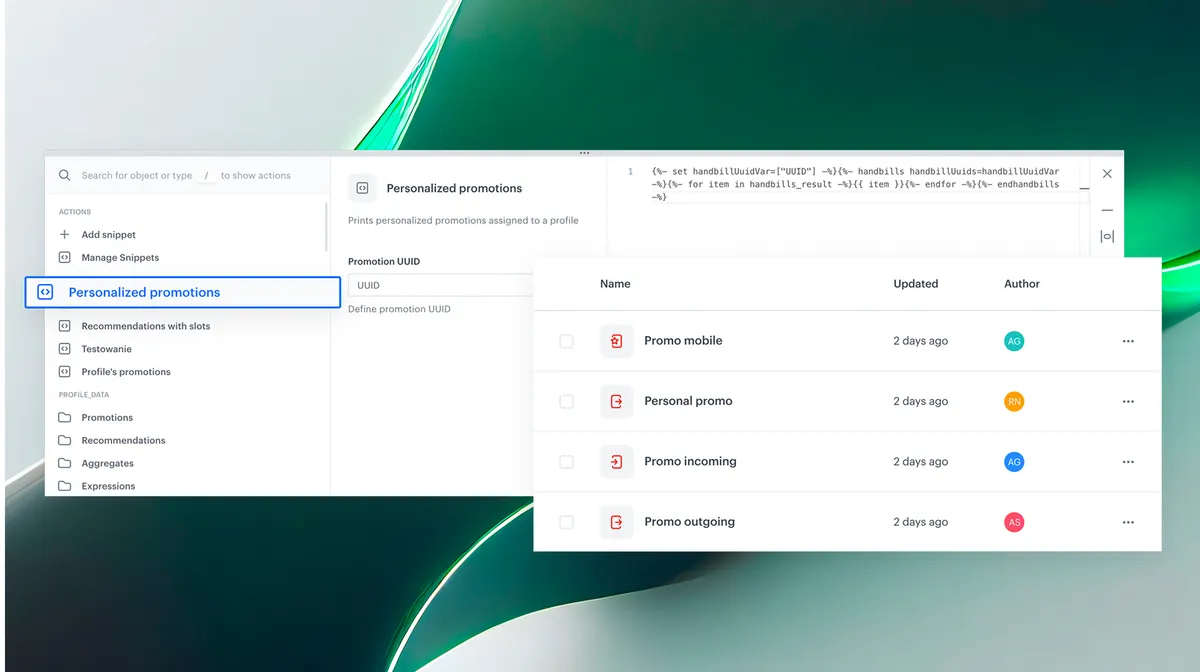
🔹 Low-code setup — Just insert the handbill snippet into any communication content.
🔹 Multi-channel ready — Use in Email, SMS, Push, Web Push, Dynamic content, In-app messages, or in Automation module.
🔹 AI-driven personalization — Always relevant, always up-to-date.
🔹 Flexible customization — Filter promotions or display specific elements (e.g., image, code, title) based on your needs.
How it works
- Create your set of promotions – based on your business needs.
- Create personalized promotion – Define your base promotion set and let the AI handle personalization per user.
- Insert into campaigns – In any campaign builder or automation flow, select Snippets → Promotions → Personalized promotion, then copy the snippet code and paste the ID of your personalized promotion model.
- Publish & personalize – From the moment it’s live, each user will see their own set of offers, dynamically generated at send-time.
Personalized promotions turn your offers into living, adaptive content — ready to be reused everywhere, without developers work required.