- Year: 2025
- Category: Product
- Benefits: Higher Engagement, Faster delivery, Interactive user experience
- Use Cases: In-app Memo Game, In-app QR Code Scanner, In-app Stories with dynamic resize and brand showcase, In-app Stories with Personalized Product Recommendations
- Security & Performance: No
- Featured?: No
- Quarter only: 209695a4e782a4192d34edafda918272
- Quarter: 3f3ac23d0c66c5759a45b1a733573182
- Module: 611e12f7b9035bcf04539e5ec6cb0425
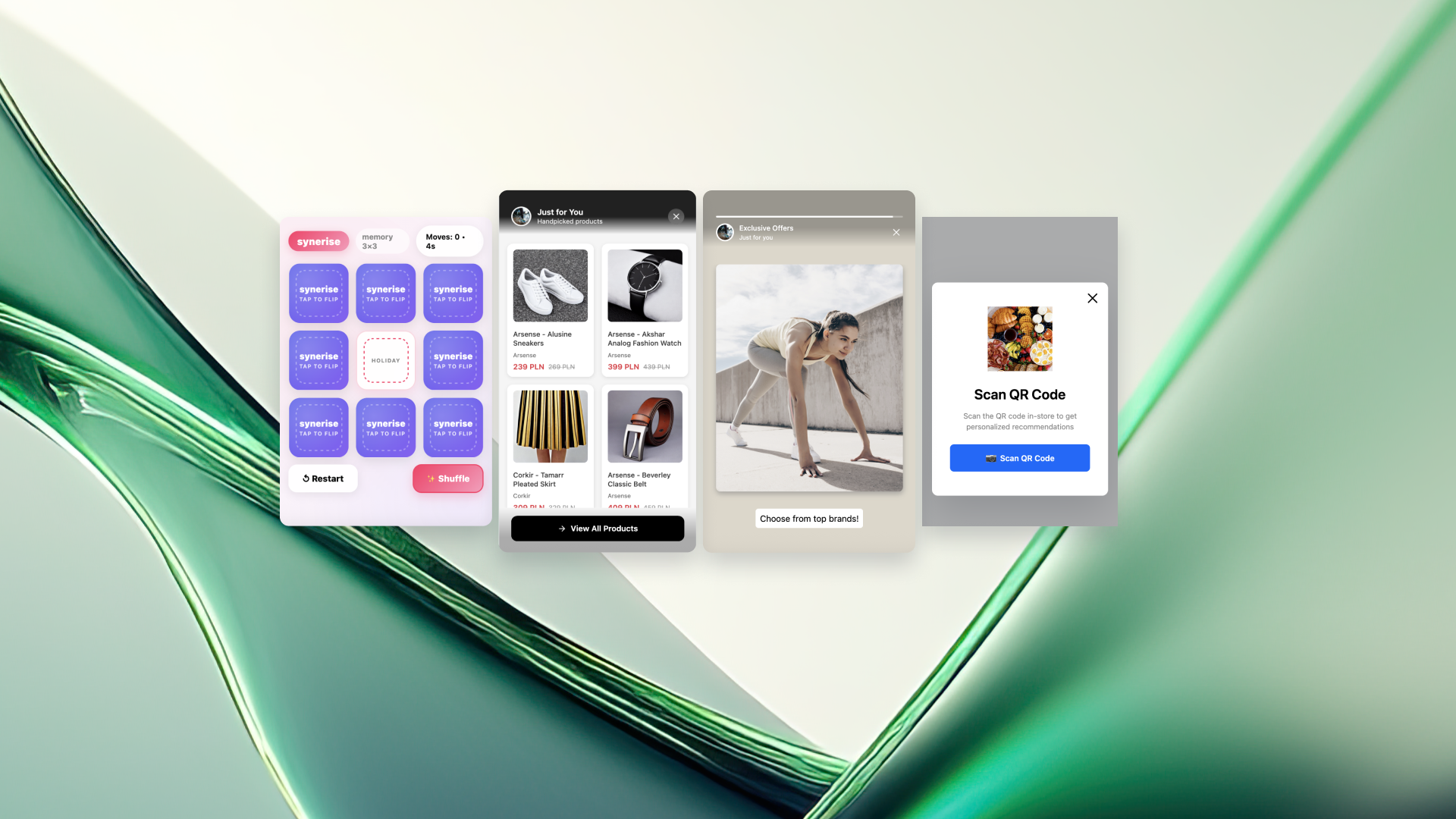
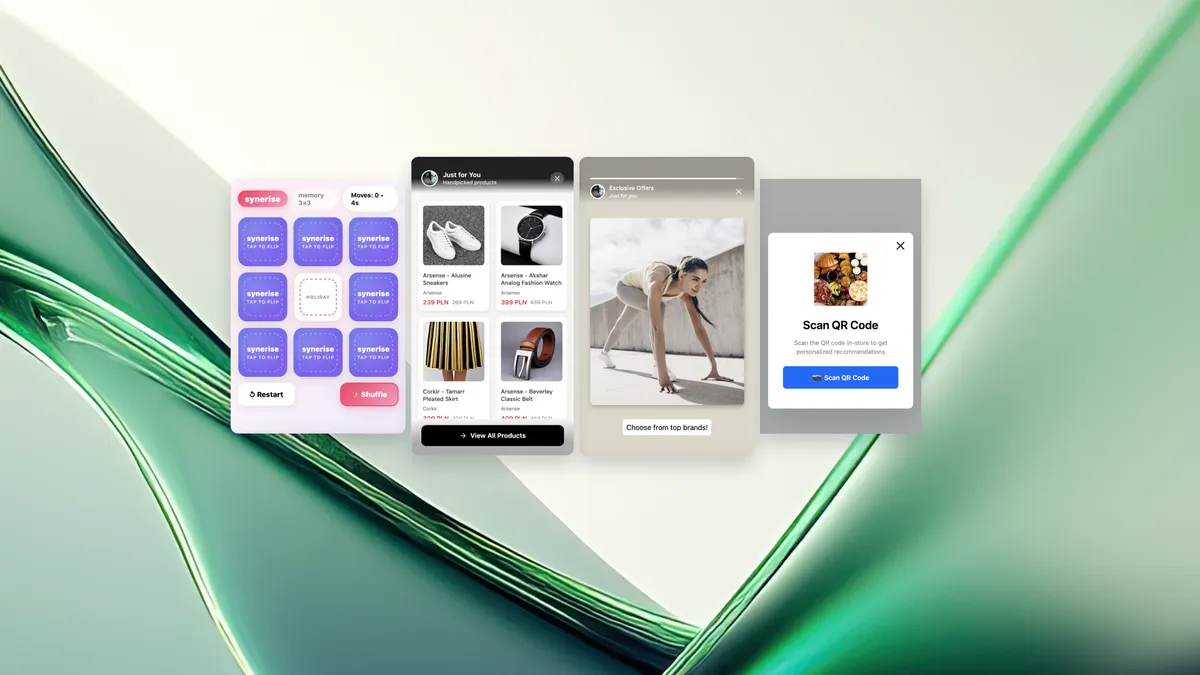
We’re expanding the set of predefined templates in Synerise Mobile In-app to give teams an easier way to deliver interactive experiences without building every element from scratch. Each template is configurable, enterprise-ready and designed to reduce operational effort while improving how users interact with content inside your mobile app.
A key part of this release is flexible message resizing — a capability that lets a single in-app element switch between formats (e.g., bar → fullscreen → bar) depending on user behavior or device screen size. It simplifies the entire process of building dynamic experiences: one template, up to several display modes, fully configurable.
The result is simple:
You deliver richer, more engaging in-app journeys while reducing the operational overhead that usually comes with building them.
Find all of them in In-app > Templates > Predefined templates
Why interactive in-app templates matter
Traditional in-app banners or modals are static. They show information, but they don’t invite users to do anything.
The new templates focus on:
- interactivity – users tap, play, swipe, explore
- engagement – longer sessions and meaningful touches with products
- context – the content adapts based on user behavior and placement
- ease of configuration – ready to use for enterprise workflows, but simple to launch
Flexible Message Resizing
A new capability that makes in-app messages more adaptive
Message resizing lets you dynamically adjust how an in-app message appears based on user behavior, device size or the moment of interaction.
This flexibility enables a wide range of scenarios — from lightweight discovery to deeper interactions, all inside a single template.
The New In-app Templates
Below are the four new predefined templates, each using flexibility and interactivity in a different way.
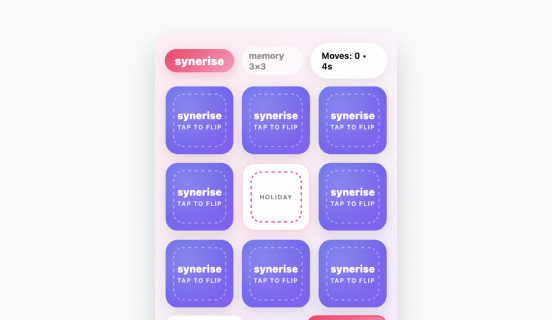
1. Memo Game
A lightweight, ready-to-use memory game that brings a playful interaction into the app.
How it works:
Users match product images in a short game. Items can be loaded directly from personalised promotions or recommendation models, making the gameplay both fun and contextually relevant.
What it solves:
- keeps users active rather than passively scrolling
- creates an organic moment to show products
- supports re-engagement after browsing or checkout
Why it stands out:
It blends a simple game mechanic with personalised content — a rare combination in standard mobile commerce experiences.
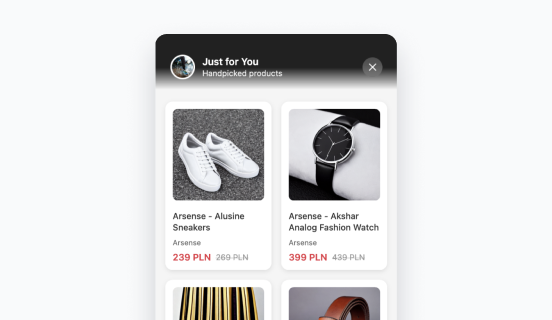
2. Resize Recommendations
A template built specifically around resize behavior, combining subtle placement with expandable product discovery.
How it works:
It appears as a small top bar or bottom bar. After a tap, it expands into a larger view with personalised recommendations powered by your AI models.
What it solves:
- offers a clear placement for promotions or recommendations
- adapts to the user’s moment: small when idle, large when engaged
- reduces friction for undecided users who browse but don’t buy
Why it stands out:
One template handles the entire interaction path — a compact hint → a detailed recommendation view — without switching components.
This is currently the strongest example of flexible message resizing in action.
3. Resize Stories
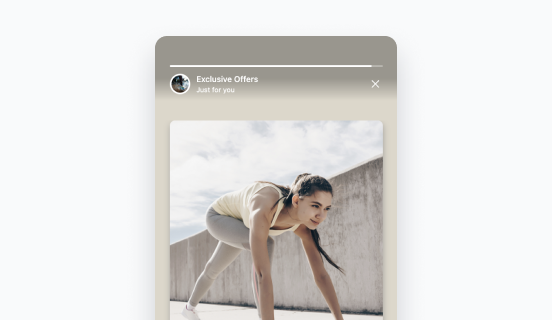
A visual template that delivers a story-like experience while staying adaptable.
How it works:
The experience starts as a small banner. When tapped, it enlarges to a fullscreen slide sequence, showing visuals, recommendations or curated content.
What it solves:
- introduces a brand or collection without breaking the flow
- helps users explore with minimal cognitive load
- works well for new drops, seasonal content or guided discovery
Why it stands out:
It’s a simple format for storytelling — not a static banner. And thanks to resizing, the user transitions smoothly from a hint to a full visual layout.
4. QR Code Scanner
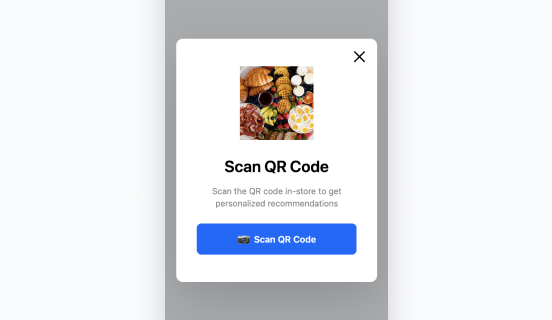
A template for connecting offline and online journeys through automated scanning.
How it works:
When opened, the template automatically:
- activates the device camera
- launches the QR scanner
- appends the customer identifier to the final URL
This ensures that the user lands on a fully personalised page immediately after scanning.
What it solves:
- connects points of sale, packaging or print materials with personalised online content
- ensures accurate customer identification from the first scan
- opens a direct route to individualised offers or recommendations
Why it stands out:
It removes the entire complexity of manual scanning, linking and identifying. You get a clean, trackable, personalised entrance from any offline moment.