- Year: 2025
- Category: Product
- YouTube share link: https://www.youtube.com/embed/7dEyb9jRuEI
- Security & Performance: No
- Featured?: No
- Quarter only: fe2d257f9b00112c9e9c7daf74b6b74c
- Quarter: 905911dd435556819c0263d282da14ea
- Module: 029dafcd956945719894c77105317f71
Do you know this feeling while navigating on multiple tabs you get lost on which tab what activity you were doing?
Yeah, we have been there too.
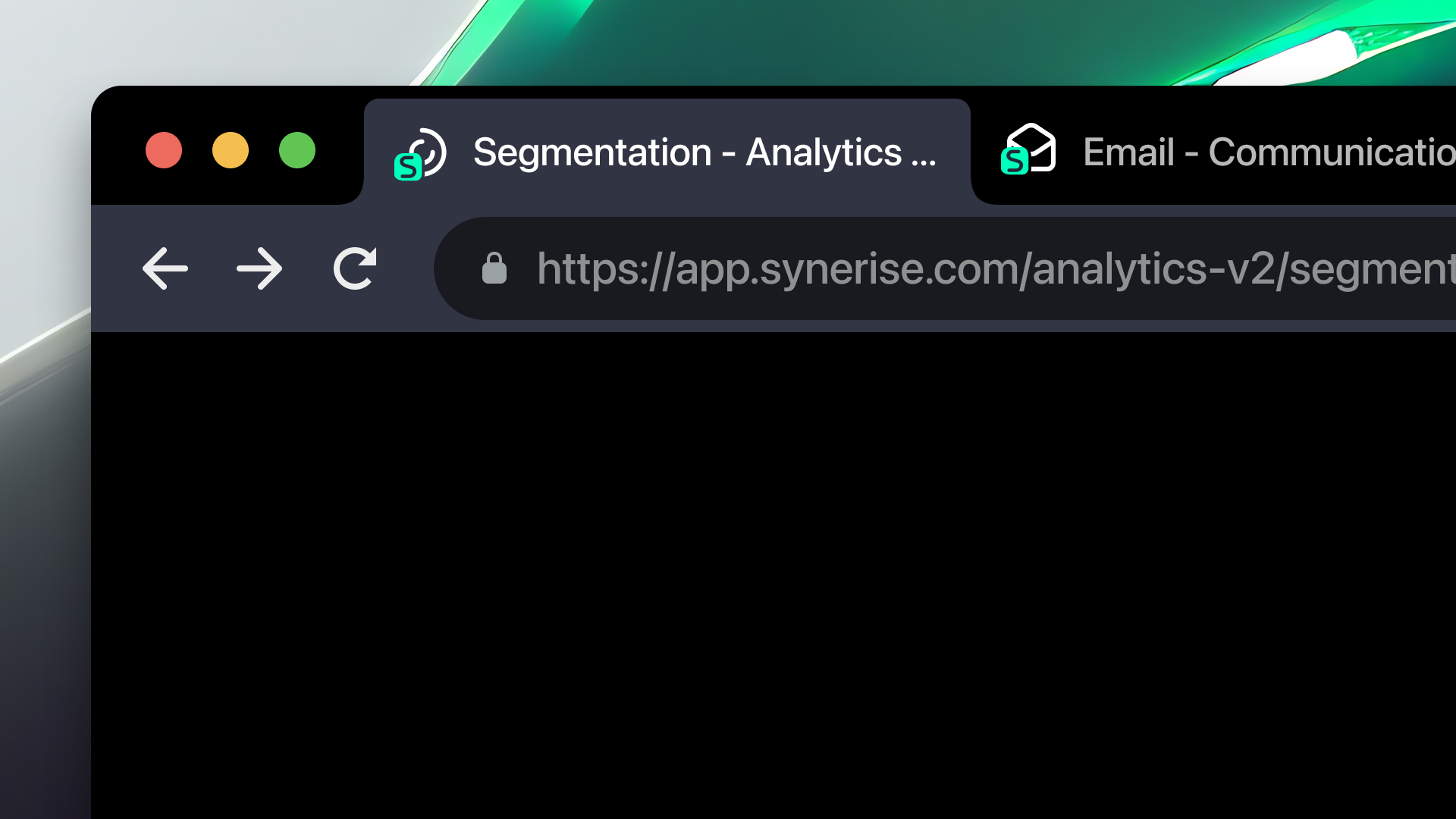
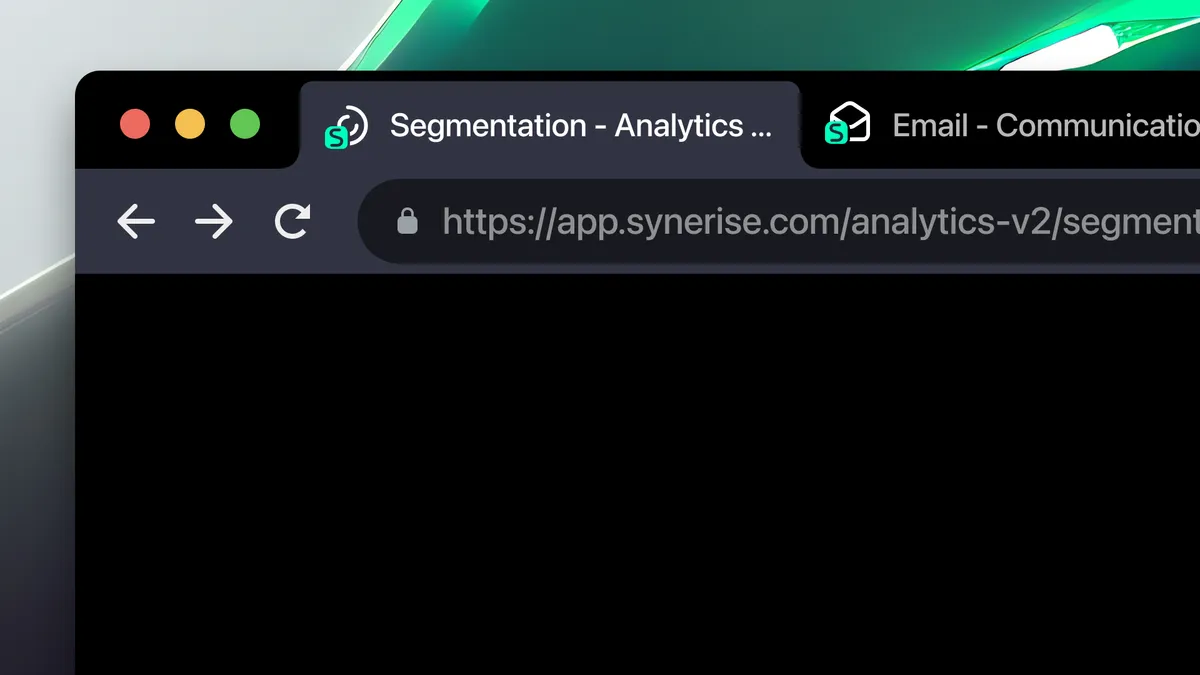
That’s why we ran a few experiments to see how we could make multitasking in Synerise feel less chaotic and more intuitive. The result? We’ve introduced refreshed page titles and unique favicons for key sections of the platform.
What's new
Now, each core area — like Automation, Analytics, Campaigns, or Settings — has its own distinct browser tab icon and contextual page title. This small but meaningful enhancement helps you:
- Instantly identify which tab belongs to which module
- Stay focused and oriented during complex workflows
- Switch between tasks faster and with less frustration
Sometimes the tiniest changes make the biggest difference — and we think this one will be a quiet game-changer for your daily work. Let us know how it feels!