

Feature Overview
Drag & Drop Builder in Dynamic Content is a no-code visual editor in Synerise for creating Dynamic Content (DC) campaign templates. The builder provides access to a library of pre-designed HTML blocks, custom block creation, Preview Context for Jinjava visualization, Live Preview for real-time website testing, and a JavaScript editor for advanced customization.
The feature is available in the Dynamic Content campaign module in Synerise.
What Is the Drag & Drop Builder in Dynamic Content?
The Drag & Drop Builder in Dynamic Content is a visual, no-code editor for creating Dynamic Content campaign templates in Synerise. Users design campaigns by dragging and dropping content blocks — including pre-designed HTML blocks for recommendations, personalization, and product displays. The builder includes Preview Context for visualizing Jinjava elements within HTML blocks, Live Preview for testing campaigns on a live website without launching, and a JavaScript editor for advanced customization. Custom HTML blocks can be saved to a library for reuse across templates.
Why the Drag & Drop Builder in Dynamic Content Matters
Creating Dynamic Content campaigns traditionally requires HTML, CSS, and Jinjava knowledge, which limits campaign creation to technical users and slows delivery of personalized website experiences.
The Drag & Drop Builder addresses this by:
- Enabling non-technical users to create Dynamic Content campaigns without coding
- Providing pre-designed HTML blocks for recommendations, personalization, and product displays
- Supporting custom HTML block creation and reuse across templates
- Offering Preview Context and Live Preview for testing before launch
- Including a JavaScript editor for advanced customization when needed
Key Capabilities
Pre-designed HTML block library
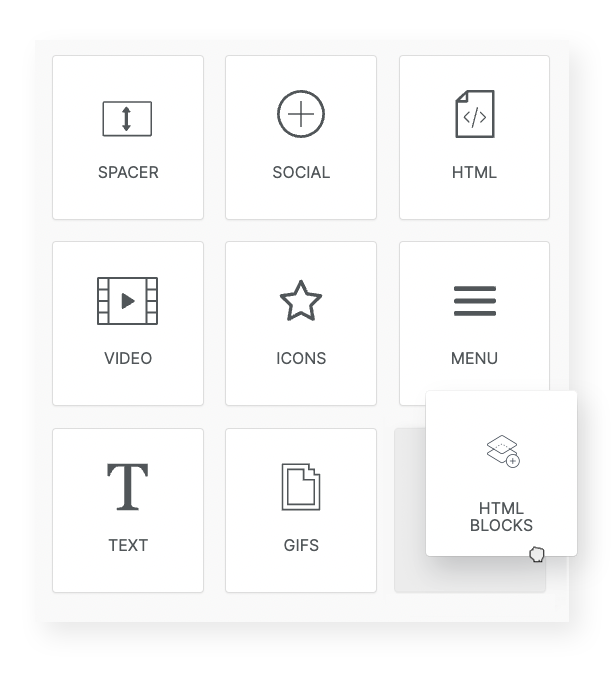
Access a library of pre-designed HTML blocks for common business scenarios — including contextual recommendations, personalized recommendations, and products based on recent interactions. Blocks can be inserted into campaigns with a few clicks.
Custom HTML blocks
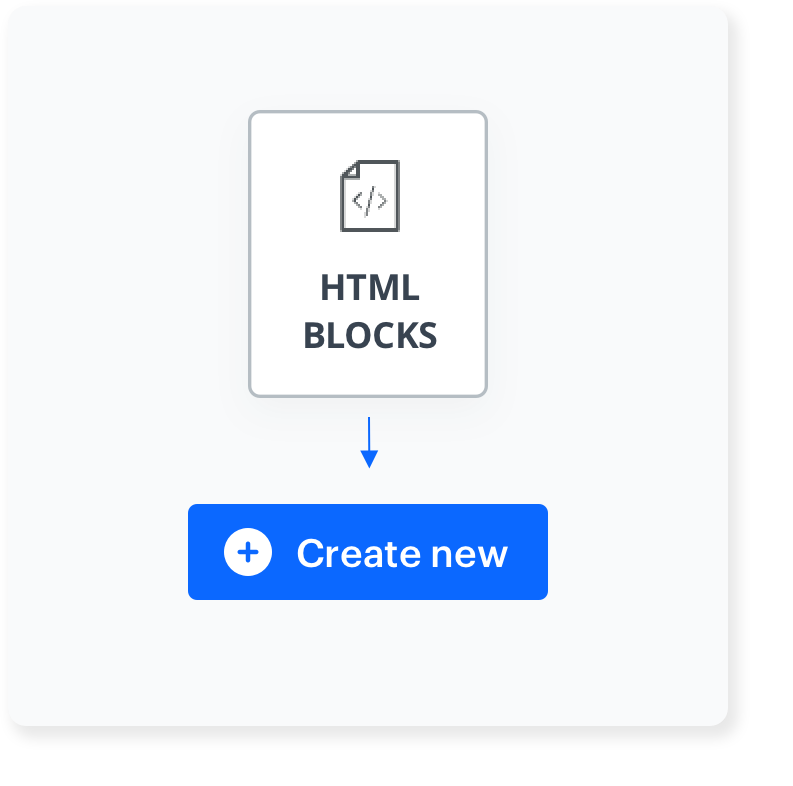
Create custom HTML blocks tailored to specific business needs and save them to the library. Saved blocks can be integrated into any Dynamic Content template for consistent design across campaigns.
Preview Context
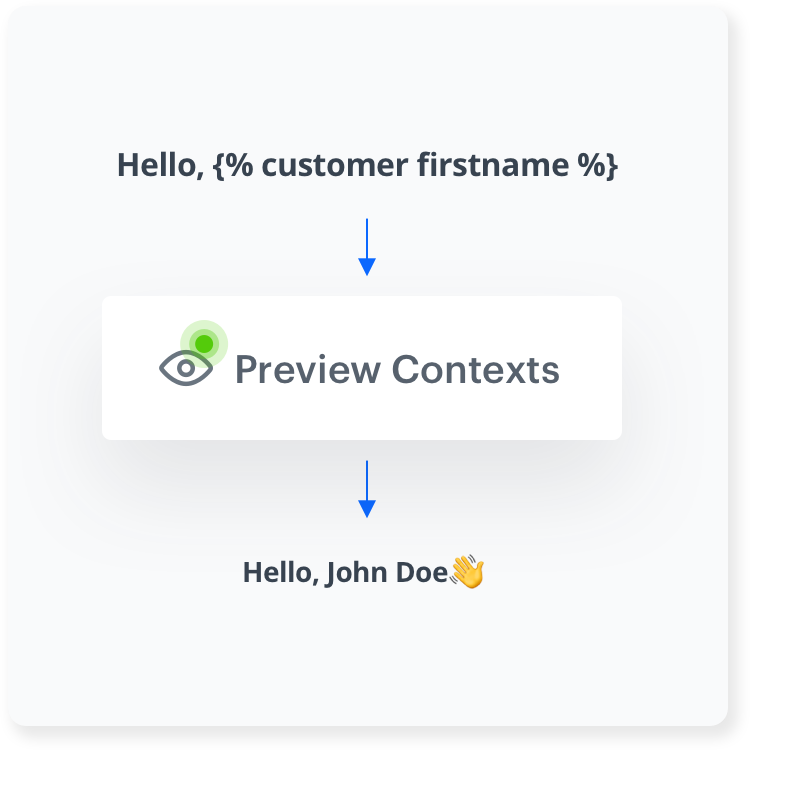
Visualize Jinjava personalization elements within each HTML block. See how dynamic data will render in the final campaign without live implementation.
Live Preview
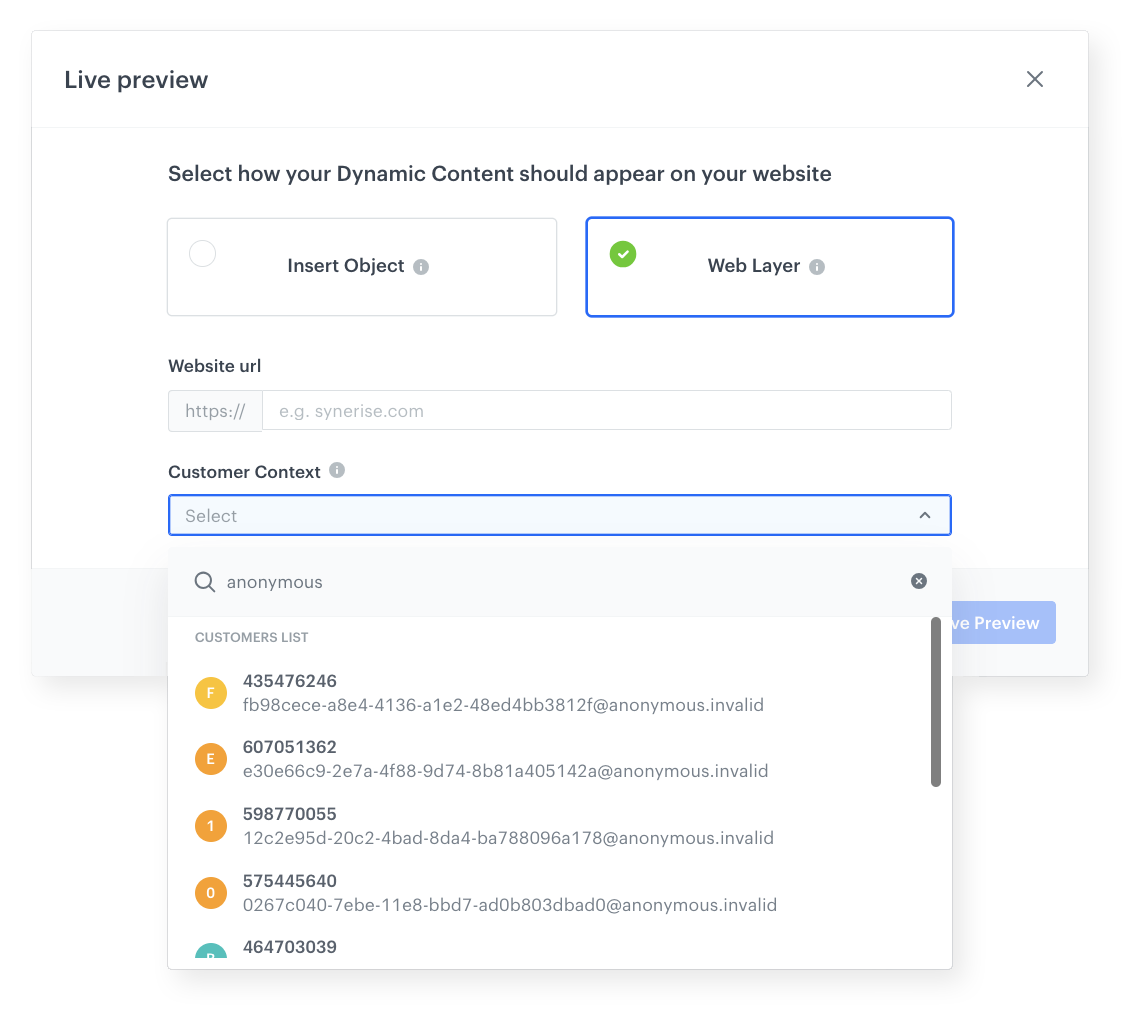
Test a Dynamic Content campaign in real-time on a live website without launching it. The Live Preview Wizard renders the campaign as a web layer or inserted object, enabling verification before going live.
JavaScript editor
Fine-tune campaigns with the built-in JavaScript editor for creating dynamic, interactive content beyond what the visual builder provides.
How the Drag & Drop Builder in Dynamic Content Works
- Open the Dynamic Content module and create a new template using the Drag & Drop builder.
- Drag content blocks onto the canvas — use pre-designed blocks from the library or create custom blocks.
- Customize block content, styling, and personalization elements.
- Use Preview Context to visualize Jinjava elements and dynamic data rendering.
- Use Live Preview to test the campaign on a live website as a web layer or inserted object.
- Optionally use the JavaScript editor for advanced customization.
- Save the template and deploy it in Dynamic Content campaigns.
Example Use Case
An e-commerce team wants to display personalized product recommendations on their homepage. A marketing manager opens the Drag & Drop builder, selects a pre-designed HTML block for personalized recommendations, customizes the layout and styling, and uses Preview Context to verify that Jinjava elements render correctly. Using Live Preview, the team checks how the recommendation widget appears on the actual website. After verification, the template is deployed — no developer needed, and the entire process takes minutes instead of hours.
FAQ
What is the Drag & Drop Builder in Dynamic Content?
A visual, no-code editor for creating Dynamic Content campaign templates in Synerise using drag and drop content blocks and pre-designed HTML elements.
Do I need coding skills?
No. The builder is designed for non-technical users. A JavaScript editor is available for advanced customization.
Can I test campaigns before launching?
Yes. Preview Context shows how dynamic elements render, and Live Preview displays the campaign on a live website without launching it.
Can I reuse blocks across campaigns?
Yes. Both pre-designed and custom HTML blocks can be saved to a library and reused in any Dynamic Content template.
Key Facts
| Attribute | Value |
|---|---|
| Feature | Drag & Drop Builder in Dynamic Content |
| Product | Synerise |
| Module | Campaigns (Dynamic Content) |
| Purpose | No-code visual editor for creating Dynamic Content campaign templates |
| Key Tools | HTML block library, Preview Context, Live Preview, JavaScript editor |
| Coding Required | No (optional JavaScript editor for advanced use) |
| Documentation | hub.synerise.com — DC Drag & Drop |
Related Concepts
- Drag & Drop Builder in In-App Messages
- On-Demand Trigger for Dynamic Content
- First-Time Visitors Handling in Dynamic Content
- Variant Optimizer for Dynamic Content
- Elevate Your Website Campaigns with Predefined Templates and Refreshed Builder
TL;DR
The Drag & Drop Builder in Dynamic Content is a no-code visual editor in Synerise for creating Dynamic Content campaign templates. It includes pre-designed HTML blocks for recommendations and personalization, custom block creation with a reusable library, Preview Context for Jinjava visualization, Live Preview for real-time website testing, and a JavaScript editor for advanced customization. Non-technical users can create and test personalized website campaigns without developer involvement.




