
Feature Overview
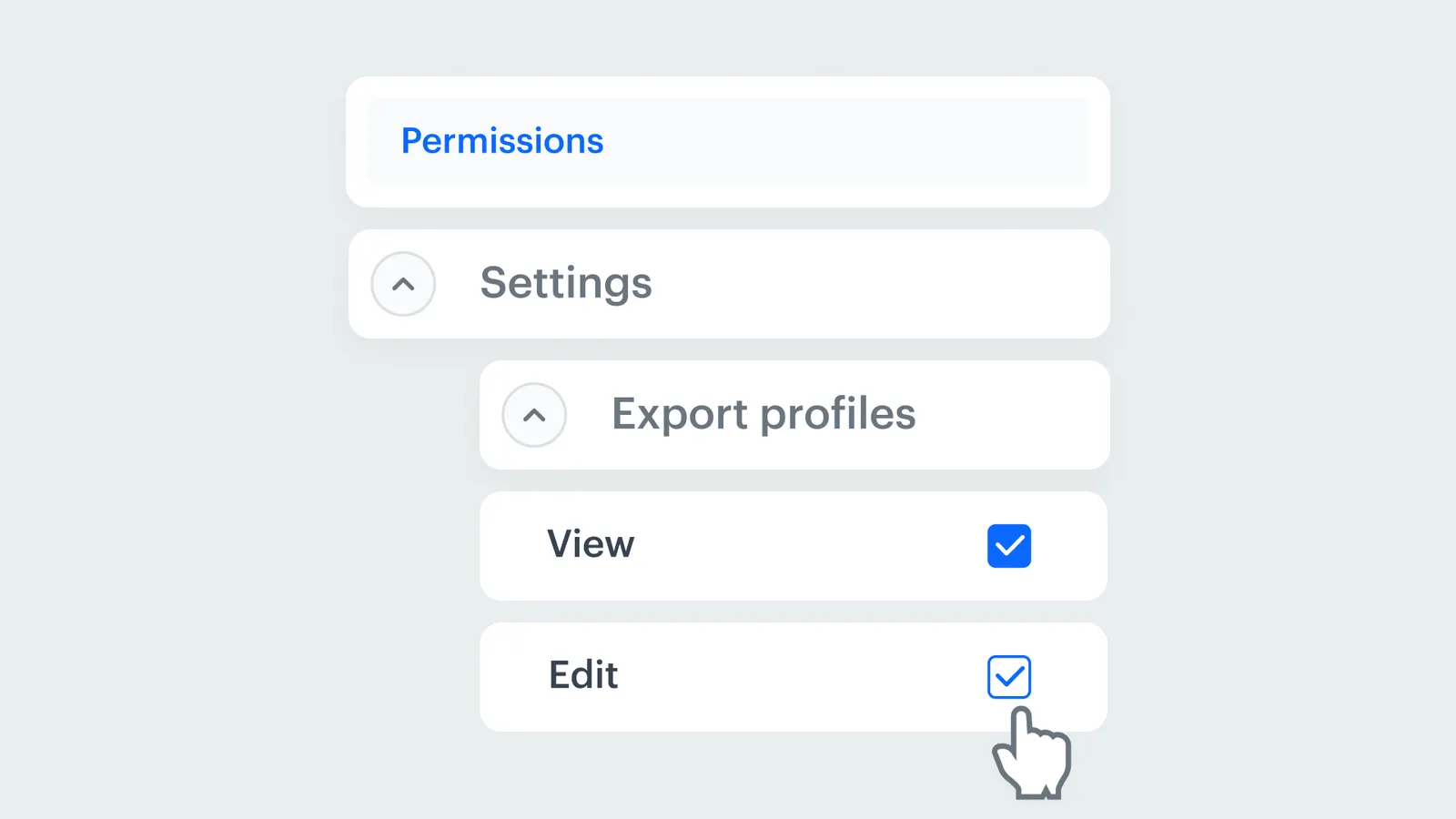
Dedicated Permissions in Data Export Nodes is a security feature in Synerise Automation that introduces granular, role-based access controls for key export nodes: Get Profiles, Get Statistics, and Get Analytics Report. Administrators can now define exactly who has permission to use each export node, preventing unauthorized data exports and strengthening data governance.
The feature is configurable within user role settings in Synerise.
What Are Dedicated Permissions in Data Export Nodes?
Dedicated Permissions in Data Export Nodes are role-based access controls that allow administrators to grant or restrict access to each export node (Get Profiles, Get Statistics, Get Analytics Report) separately. Permissions are configured within user role settings, enabling teams to receive precisely the level of access their responsibilities require — without disrupting existing workflows.
Why Dedicated Permissions Matter
As organizations grow and data operations become more complex, controlling who can export customer data, campaign statistics, and analytics reports becomes critical — especially in regulated industries subject to GDPR and other data governance requirements.
Dedicated Permissions address this by:
- Enabling per-node permission controls for Get Profiles, Get Statistics, and Get Analytics Report
- Preventing unauthorized data exports through role-based access restrictions
- Supporting compliance with internal governance policies and regulatory standards (e.g., GDPR)
- Simplifying user management through role-based assignment rather than individual case handling
Key Capabilities
Per-node permission controls
Access can be granted or restricted for each export node independently: Get Profiles, Get Statistics, and Get Analytics Report.
Role-based access management
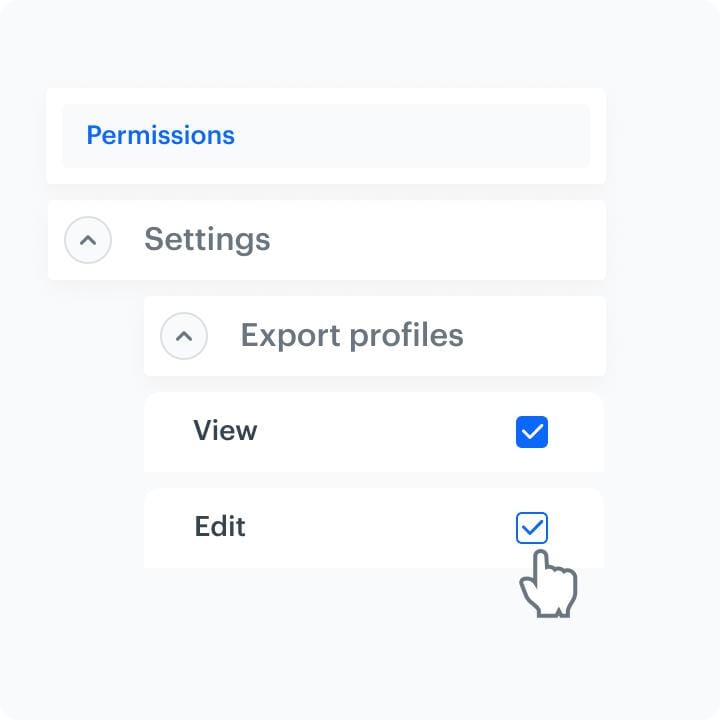
Permissions are configured within user role settings, allowing administrators to assign access levels by role rather than managing individual user permissions.
Workflow-compatible security
Permission controls are enforced without disrupting existing automation workflows — users simply see restricted nodes as unavailable based on their role.
How Dedicated Permissions Work
- Navigate to user role settings in Synerise.
- Select the role to configure.
- Grant or restrict access to each export node independently: Get Profiles, Get Statistics, Get Analytics Report.
- Assign the role to users based on their responsibilities.
- Users without permission for a specific export node cannot use it in automation workflows.
Example Use Case
A financial services company uses Synerise for customer engagement across marketing, analytics, and operations teams. The administrator configures roles so that the marketing team can use Get Statistics (campaign metrics) but not Get Profiles (customer PII). The analytics team gets access to all three export nodes. External partners are restricted from all export nodes. This ensures each team has exactly the data access they need — and nothing more.
FAQ
What are Dedicated Permissions in Data Export Nodes?
Role-based access controls for the Get Profiles, Get Statistics, and Get Analytics Report export nodes in Synerise Automation.
Which nodes have dedicated permissions?
Get Profiles, Get Statistics, and Get Analytics Report.
How are permissions configured?
Through user role settings in Synerise. Administrators grant or restrict access to each export node per role.
Does this affect existing workflows?
Users without permission for a specific node cannot use it. Existing workflows continue to function for users with the appropriate permissions.
Key Facts
| Attribute | Value |
|---|---|
| Feature | Dedicated Permissions in Data Export Nodes |
| Product | Synerise |
| Module | Automation |
| Purpose | Role-based access control for export nodes to prevent unauthorized data exports |
| Protected nodes | Get Profiles, Get Statistics, Get Analytics Report |
| Configuration | User role settings |
| Documentation | hub.synerise.com — Get Profiles Prerequisites |
Related Concepts
- Advanced Data Export with Get Profiles
- Synerise Automation data nodes
- User role management in Synerise
- Data governance and GDPR compliance
- Connection Management and permissions
TL;DR
Dedicated Permissions in Data Export Nodes introduces role-based access controls for three export nodes in Synerise Automation: Get Profiles, Get Statistics, and Get Analytics Report. Administrators configure permissions per node within user role settings, preventing unauthorized data exports and supporting compliance with data governance policies and regulatory standards like GDPR.




