- Year: 2025
- Category: Product
- Benefits: Full authentication control, Built-in security, Dynamic token shaping
- YouTube share link: https://youtube.com/embed/qRTHZTrSRPM
- Documentation link: https://hub.synerise.com/docs/settings/tool/connections/
- Download as PDF: Download
- Download as PPT: Download
- Security & Performance: No
- Featured?: No
- Quarter only: 209695a4e782a4192d34edafda918272
- Quarter: 3f3ac23d0c66c5759a45b1a733573182
- Module: 4c6698dca829ee8a0fcb167b62e6d5d0
As integrations grow more complex and diverse, teams need tools that can adapt to any external API’s authentication flow. Until now, connecting external services to Synerise often relied on predefined authentication methods, which—while powerful—were not always a perfect match for every API on the market. Today, we’re excited to change that. We’re introducing new Custom Connections to give you greater control, security, and flexibility in integrations.
What’s New
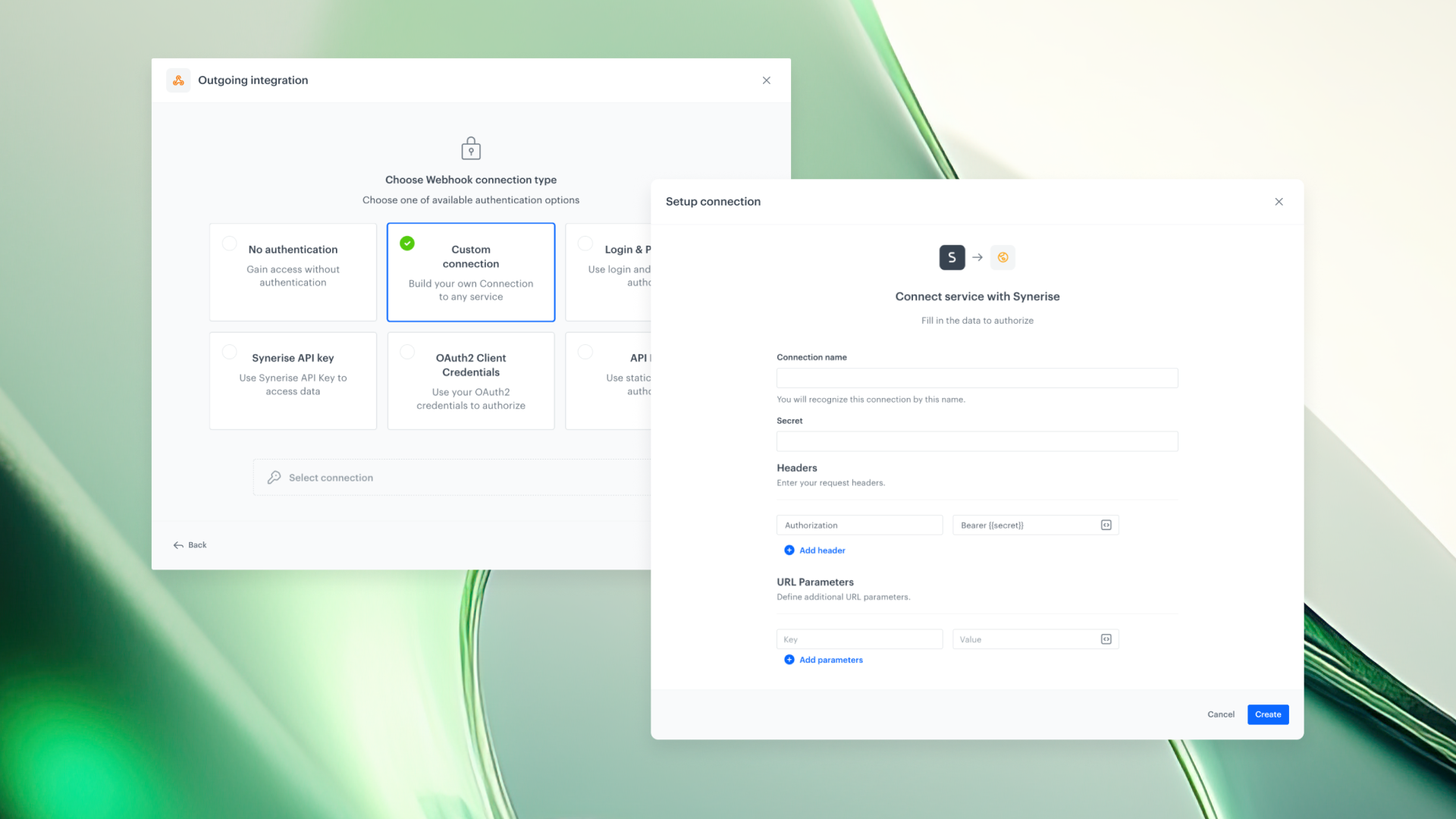
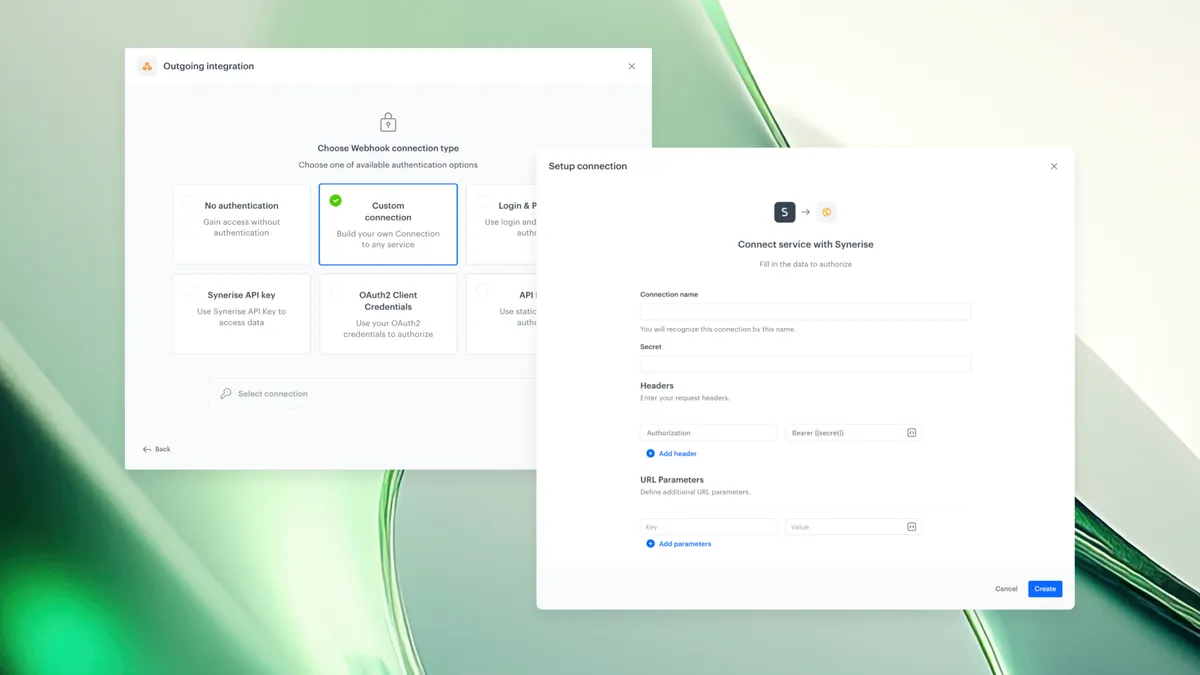
We’ve added a new Connection type called Custom Connection, giving users full flexibility when integrating additional services with Synerise.
With Custom Connection, you can:
- Define the exact authorization request needed to obtain an access token—no more adapting your workflow to rigid schemas.
- Control how the token is propagated to the target request generated by this Connection, ensuring the final API call matches the precise expectations of the external service.
- Combine predefined authentication methods with your own custom logic, or build fully custom integrations for any service.
In other words: you're no longer constrained by fixed structures. You can design the authentication flow exactly as described in the external API’s documentation.
Token Connection Becomes API Key — with More Power
The existing Token Connection type has been renamed to API Key, but the update brings more than just a new label.
From now on, you can:
- Modify how the secret value is passed in outgoing requests.
- Define a custom header name for the API Key.
- Send the key through any URL parameter instead of a header—depending on what the external API requires.
And the best part: the change is fully backward-compatible. All previously created Token Connections continue to work exactly as before and remain visible in Connections Management. No action required.
Why It Matters
1. Think Outside the Box
You can now build your own Connections for any service you use—no limitations, no workarounds. If an API provides authentication instructions, you can replicate them in Synerise.
2. Built-In Security
Connections come with their own dedicated permissions and security model. That means your custom integrations remain safe, controlled, and compliant with platform-level standards.
3. Easy to Build
A user-friendly interface lets you construct and test your authentication request quickly. You can validate your setup on the spot, ensuring everything works before you use the Connection in automations or integrations.
By empowering users with full control over authentication flows, Custom Connection opens the door to virtually unlimited integration possibilities—secure, flexible, and tailored to your needs.
Where you’ll use it
Custom API Key connections are supported in:
- Outgoing Integration nodes
- HTTPS nodes: Send file / Get file