
Feature Overview
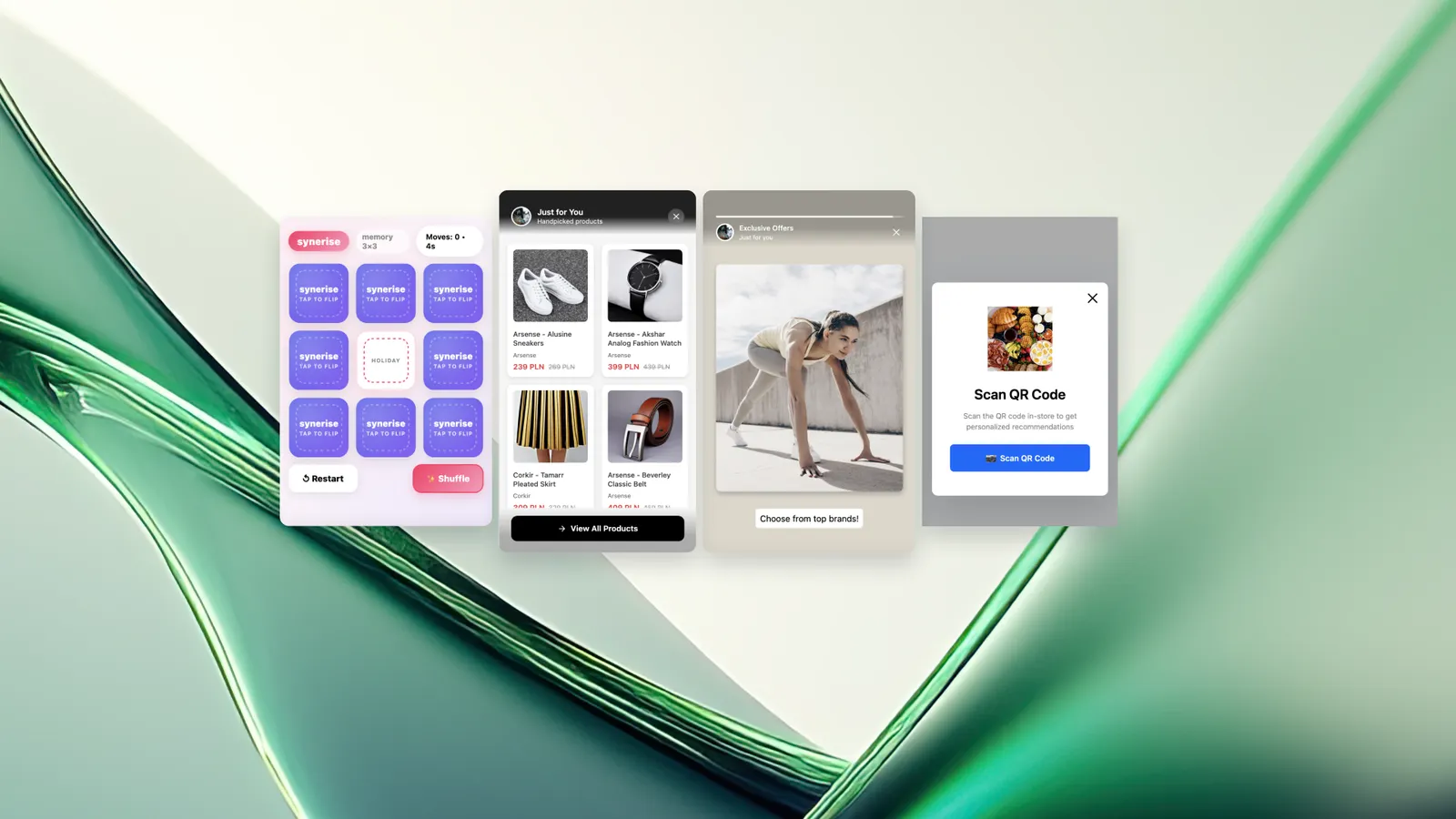
New In-App Templates is an expansion of the Synerise Mobile In-App predefined template library, introducing four interactive templates and a flexible message resizing capability. The new templates include a Memo Game, Resize Recommendations, Resize Stories, and a QR Code Scanner. Each template is configurable and designed to deliver interactive in-app experiences without building components from scratch.
A key addition is flexible message resizing — a capability that allows a single in-app element to switch between display formats (e.g., bar → fullscreen → bar) based on user behavior or device screen size, all within one template configuration.
What Are the New In-App Templates?
The New In-App Templates are four predefined templates available in the Synerise In-app > Templates > Predefined templates section. They focus on interactivity (tap, swipe, play), contextual content adaptation, and reducing the operational effort of building custom in-app experiences.
Flexible message resizing is a shared capability across several templates that enables a single in-app message to dynamically adjust its display format — from a compact bar or banner to a fullscreen view — depending on user interaction, device size, or the moment of interaction.
Why the New In-App Templates Matter
Traditional in-app banners and modals are static — they display information but do not invite user interaction. Building interactive in-app experiences (games, expandable recommendations, story sequences, QR scanning) typically requires custom development.
The new templates address this by:
- Providing ready-to-use interactive experiences that can be configured and launched without custom development
- Introducing flexible message resizing so one template handles multiple display modes (compact → expanded → compact)
- Supporting personalized content within interactive formats — recommendations, promotions, and product catalogs can be loaded from Synerise AI models
- Reducing operational overhead for enterprise teams that need interactive mobile experiences at scale
Key Capabilities
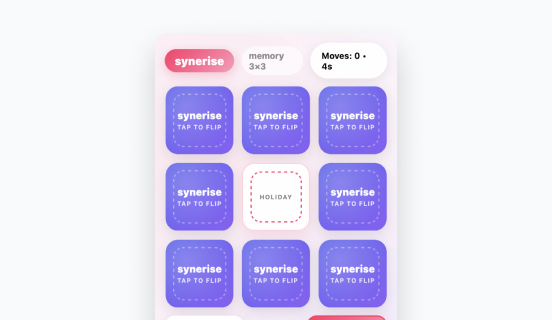
Memo Game template
A ready-to-use memory matching game for mobile apps. Users match product images in a short game. Items can be loaded from personalized promotions or Synerise recommendation models, making the gameplay contextually relevant. The game creates an interactive moment to display products and supports re-engagement after browsing or checkout.
Resize Recommendations template
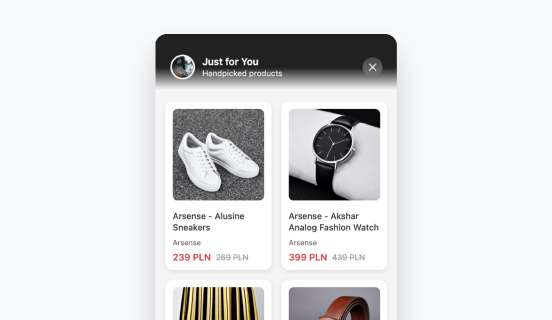
A template that uses flexible message resizing to combine subtle placement with expandable product discovery. The message appears as a small top or bottom bar. When tapped, it expands into a larger view with personalized recommendations powered by Synerise AI models. One template handles the entire interaction path — compact hint to detailed recommendation view — without switching components.
Resize Stories template
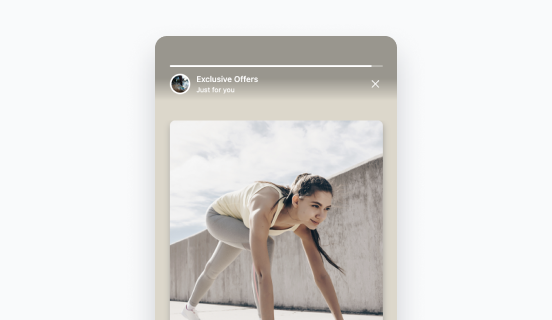
A visual storytelling template that starts as a small banner and expands to a fullscreen slide sequence when tapped. The expanded view can show visuals, recommendations, or curated content. The template is suited for brand introductions, new product drops, seasonal content, or guided product discovery.
QR Code Scanner template
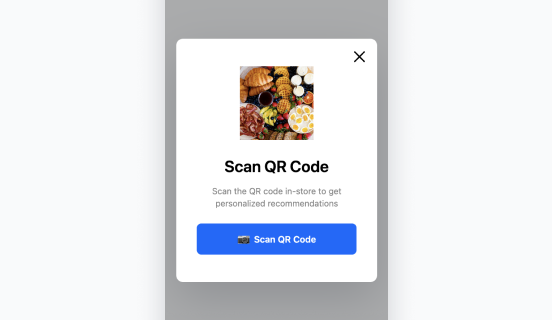
A template that connects offline and online experiences through automated QR code scanning. When opened, the template automatically activates the device camera, launches the QR scanner, and appends the customer identifier to the scanned URL. This ensures the user lands on a fully personalized page immediately after scanning, with accurate customer identification from the first scan.
Flexible message resizing
A capability shared across templates that allows a single in-app message to switch between display formats (bar, banner, fullscreen) based on user behavior, device screen size, or interaction context. This eliminates the need to create separate templates for different display modes.
How the New In-App Templates Work
- Navigate to In-app > Templates > Predefined templates in Synerise.
- Select the desired template (Memo Game, Resize Recommendations, Resize Stories, or QR Code Scanner).
- Configure the template: connect recommendation models or promotion catalogs, customize visual styling, and set resize behavior where applicable.
- Preview the template for specific user profiles to verify content rendering and interaction flow.
- Launch the in-app campaign.
Example Use Case
A fashion retail app wants to introduce a new seasonal collection without disrupting the browsing experience. The marketing team deploys the Resize Stories template, configured to appear as a small banner at the bottom of the screen. When a user taps it, the banner expands into a fullscreen story sequence showing the new collection with curated visuals and personalized product recommendations. After browsing, the user can dismiss the story and return to the app — the banner reverts to its compact form. The entire experience is configured and launched from the predefined template without custom mobile development.
FAQ
Where can I find the new in-app templates in Synerise?
All new templates are available in In-app > Templates > Predefined templates in the Synerise platform.
What is flexible message resizing?
Flexible message resizing is a capability that allows a single in-app message to switch between display formats (e.g., bar → fullscreen → bar) based on user behavior or device screen size. It is available in several of the new predefined templates.
Can the Memo Game template use personalized product data?
Yes. Items in the Memo Game can be loaded from personalized promotions or Synerise recommendation models, making the game content contextually relevant to each user.
Does the QR Code Scanner identify the customer automatically?
Yes. The template automatically appends the customer identifier to the scanned URL, ensuring accurate customer identification and a personalized landing page from the first scan.
Is custom mobile development required to use these templates?
No. All templates are configurable through the Synerise in-app template editor and can be launched as in-app campaigns without custom development.
Key Facts
| Attribute | Value |
|---|---|
| Feature | New In-App Templates (Memo Game, Resize Recommendations, Resize Stories, QR Code Scanner) |
| Product | Synerise |
| Module | In-App Messages (Predefined Templates) |
| Key capability | Flexible message resizing (bar ↔ fullscreen) |
| Personalization | Supports recommendation models and promotion catalogs |
| Custom development required | No |
| Location | In-app > Templates > Predefined templates |
Related Concepts
- Synerise in-app messages
- Predefined in-app templates
- Flexible message resizing
- Synerise recommendation models
- QR code scanning for customer identification
- Interactive mobile commerce experiences
- In-app gamification
TL;DR
Synerise has added four new predefined in-app templates: Memo Game (product matching game), Resize Recommendations (expandable recommendation bar), Resize Stories (banner-to-fullscreen story sequence), and QR Code Scanner (automated scanning with customer identification). All templates support personalized content from Synerise AI models and feature flexible message resizing — a capability that allows a single template to switch between compact and fullscreen display formats based on user interaction. No custom mobile development required.




