- Year: 2025
- Category: Product
- Benefits: Stronger security, Full visibility, Audit-friendly
- YouTube share link: https://youtube.com/embed/x-3U5d7CW0E
- Documentation link: https://hub.synerise.com/docs/settings/tool/connections/
- Security & Performance: No
- Featured?: No
- Quarter only: fe2d257f9b00112c9e9c7daf74b6b74c
- Quarter: 905911dd435556819c0263d282da14ea
- Module: f0bc7efedb506ee29f85638fde130e8a
Managing integrations across different teams and services can get messy fast — especially when there’s no clear place to track what’s connected, who’s using it, and how it’s being used.
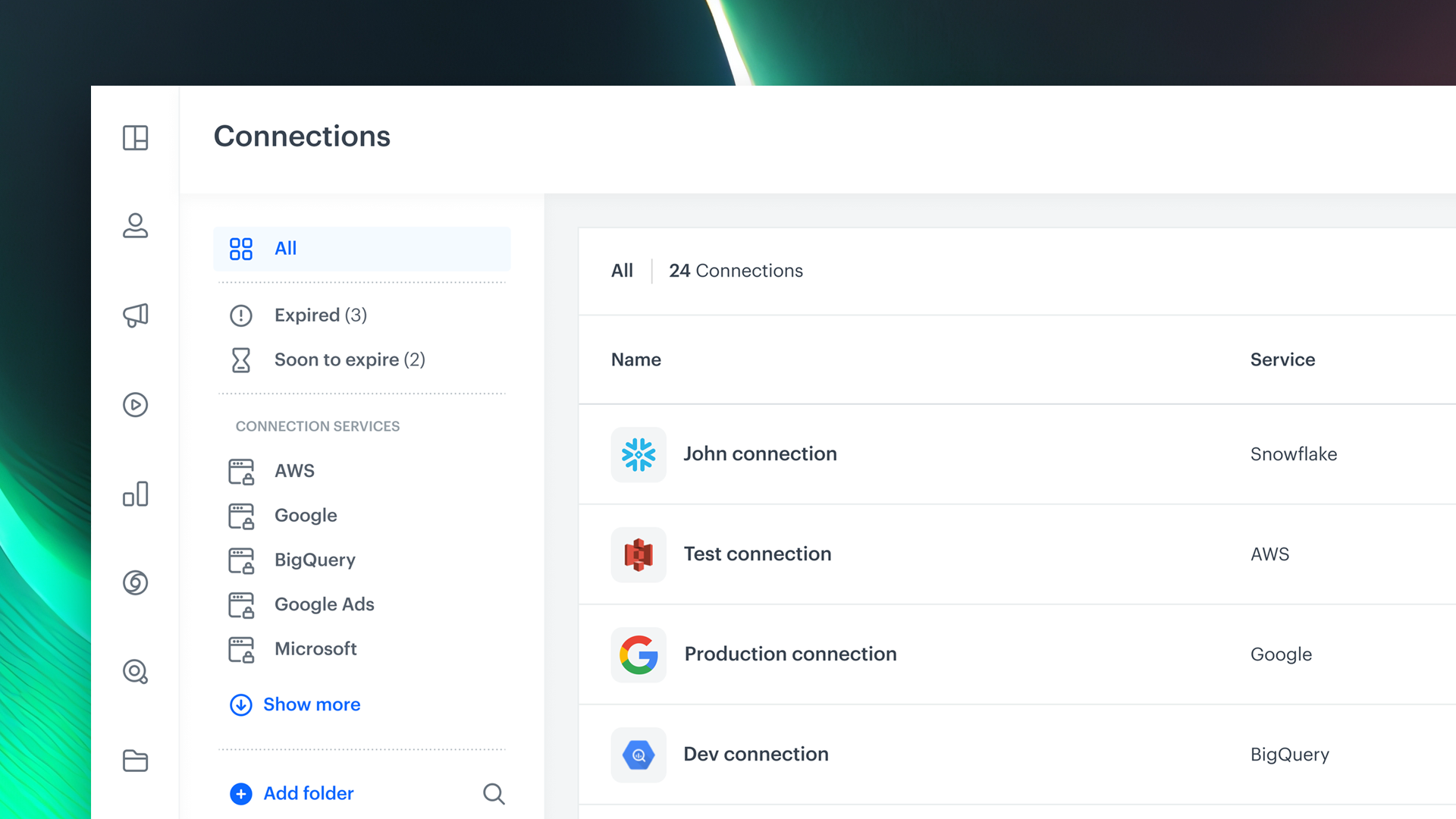
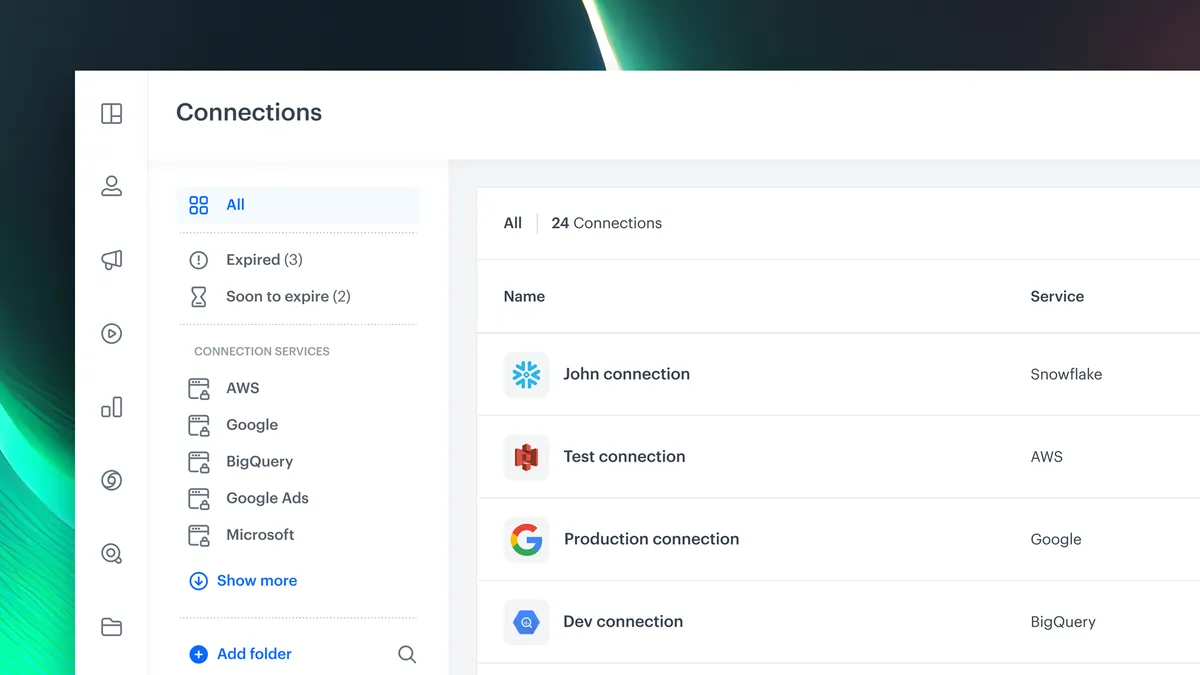
That’s why we’ve introduced Connections Management — a brand new, dedicated section in Settings that gives you full control over your external service integrations in Synerise.
How This Feature Works
Connections Management is your new go-to space for handling third-party service integrations — from setup to permissions.
Inside this section, you can:
- Create, view, and manage connections to external platforms
- Assign permissions to control who can view, edit, or execute actions via those connections
- Keep your integrations organized, traceable, and secure
It centralizes the entire integration landscape, bringing clarity and control to how your data flows between systems.
Whether you're connecting marketing tools, data warehouses, or custom APIs, Connections Management helps your team work smarter and safer. It's a foundational step toward a more scalable, secure, and transparent Synerise ecosystem.