
Feature Overview
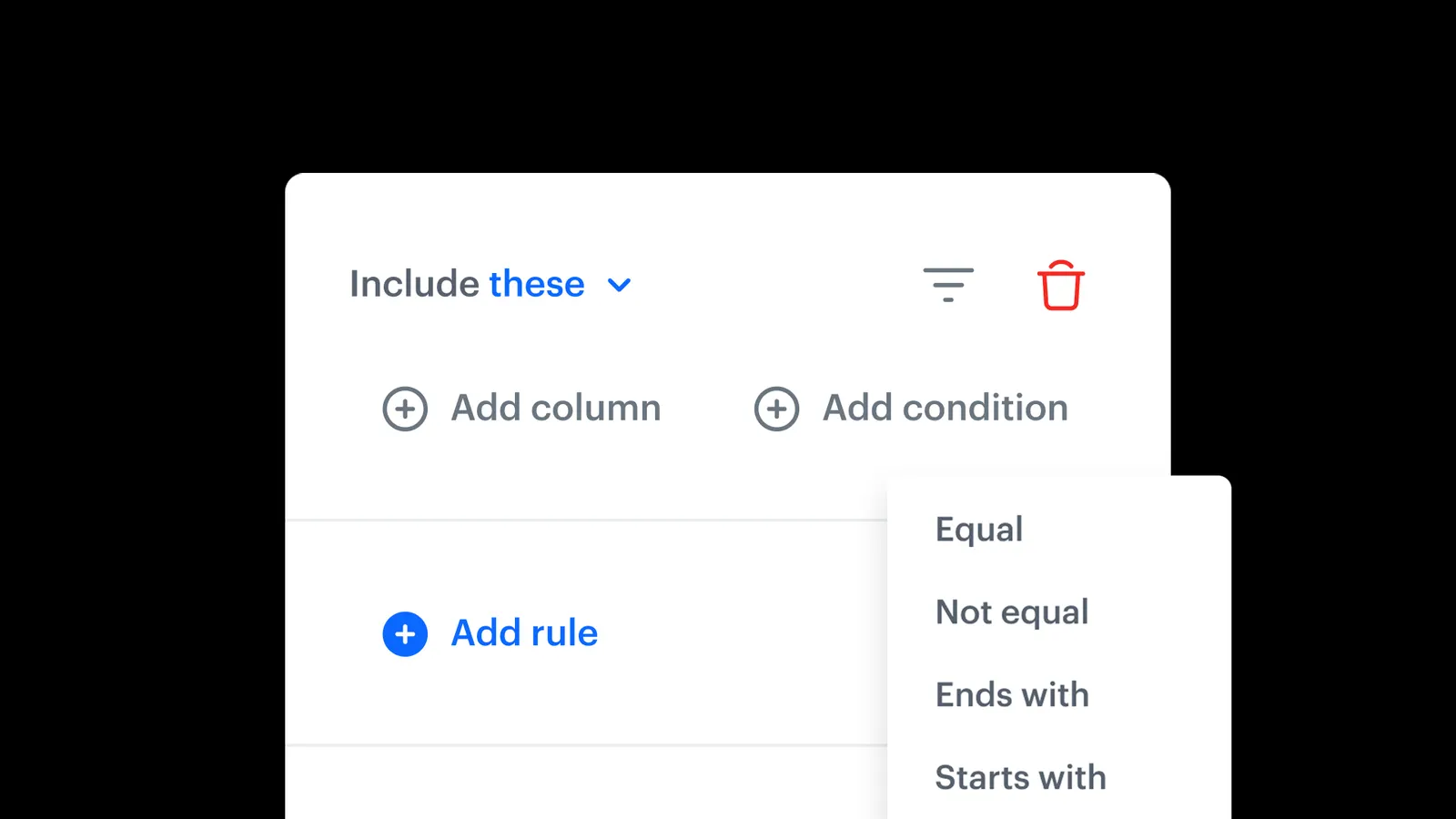
Dynamic Conditions is a feature in Synerise Automation Data Transformation that lets users define conditional logic to control which input columns are transformed and when. Conditions are fully customizable and respond to data variations — enabling intelligent, context-aware transformations within a single transformation node.
The feature is available in the Synerise Automation module as part of data transformation rules.
What Are Dynamic Conditions?
Dynamic Conditions are configurable rules within Synerise Data Transformation that determine which input columns should be transformed based on the data itself. Instead of duplicating transformation logic for different data formats, sources, or exceptions, users define conditions that make transformations respond intelligently to variations. All conditional logic is handled within one transformation node.
Why Dynamic Conditions Matter
When working with data from multiple sources, different formats, conditions, or exceptions often require duplicating transformation logic or building complex workarounds across multiple nodes. This creates maintenance overhead and increases the chance of errors.
Dynamic Conditions address this by:
- Allowing conditional logic that controls which columns are transformed and when
- Enabling transformations to respond to data variations (format, source, value) automatically
- Consolidating complex logic into a single transformation node — reducing workflow clutter
- Eliminating the need for duplicated transformation steps for different data scenarios
Key Capabilities
Conditional transformation rules
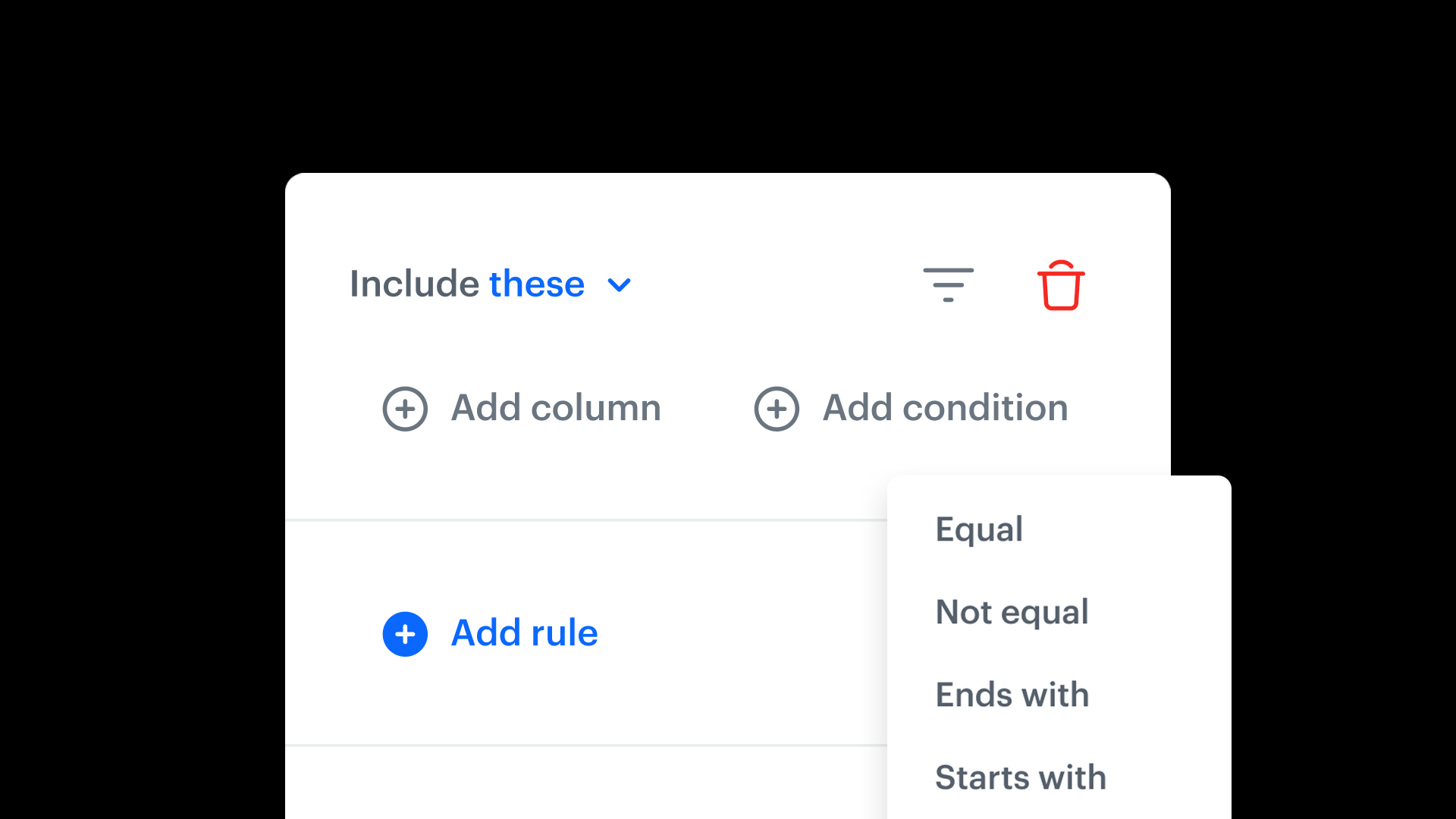
Define rules that determine which input columns should be transformed based on configurable conditions — such as column values, data formats, or data sources.
Single-node consolidation
All conditional logic is handled within one transformation node, eliminating the need for multiple nodes or duplicated logic for different data scenarios.
Context-aware processing
Transformations respond intelligently to variations in data. For example, revenue values can be transformed only when the currency is USD, or processing can adjust based on data format or source.
How Dynamic Conditions Work
- Open or create a workflow in Synerise Automation with a data transformation step.
- Add a transformation rule and configure Dynamic Conditions.
- Define conditions based on the input data (e.g., column value equals "USD", data source is "CRM").
- Specify which transformations should apply when the conditions are met.
- The transformation node applies the conditional logic automatically during execution.
Example Use Case
A company imports sales data from three regional systems, each using a different currency format. Using Dynamic Conditions, the team configures a single transformation node with three conditions: transform revenue to EUR when currency is "USD" (using one conversion rate), when currency is "GBP" (using another), and pass through unchanged when currency is already "EUR." This replaces three separate transformation branches with one conditional node.
FAQ
What are Dynamic Conditions?
Configurable rules in Synerise Data Transformation that control which columns are transformed based on the data itself — enabling conditional, context-aware processing within a single node.
What conditions can I define?
Conditions can be based on column values, data formats, data sources, and other configurable criteria.
Do I need multiple transformation nodes?
No. Dynamic Conditions consolidate conditional logic into a single transformation node, eliminating the need for duplicated steps.
Can I combine Dynamic Conditions with other rules?
Yes. Dynamic Conditions work alongside other transformation rules (mapping, renaming, reordering, enrichment) within the same workflow.
Key Facts
| Attribute | Value |
|---|---|
| Feature | Dynamic Conditions |
| Product | Synerise |
| Module | Automation (Data Transformation) |
| Purpose | Conditional logic for controlling which columns are transformed and when |
| Scope | Single transformation node |
| Conditions | Based on column values, data formats, data sources |
| Documentation | hub.synerise.com — Data Transformation |
Related Concepts
- Synerise Automation Data Transformation
- Reorder Columns in Data Transformation
- Transformation rules (mapping, renaming, enrichment, splitting)
- Workflow-based data processing
- Data imports and exports in Synerise
TL;DR
Dynamic Conditions in Synerise Data Transformation let users define conditional logic that controls which input columns are transformed and when — based on column values, data formats, or data sources. All conditions are handled within a single transformation node, eliminating the need for duplicated logic or multiple transformation branches. The feature makes complex, multi-source data workflows simpler and more maintainable.




