- Year: 2025
- Category: Product
- Benefits: Real time backend integration, End-to-End Workflow Automation, Quick & Secure Setup, Scalability and Flexibility, Reduced Development Overhead
- YouTube share link: https://youtube.com/embed/fBhU4Tl_AIo
- Documentation link: https://hub.synerise.com/docs/automation/integration/amazon-api-gateway/send-request/
- Security & Performance: No
- Featured?: No
- Quarter only: 8b7b86fc7f6cc11ad9a7ee1a1421e700
- Quarter: a20791dca80d96e92adcda5348dfdaca
- Module: f0bc7efedb506ee29f85638fde130e8a
Synerise just got even more powerful. With the latest update, the Automation module now supports sending requests directly to endpoints built with Amazon API Gateway. This opens up a new level of flexibility and real-time connectivity for your automated workflows.
What’s new
Send Request node for Amazon API Gateway
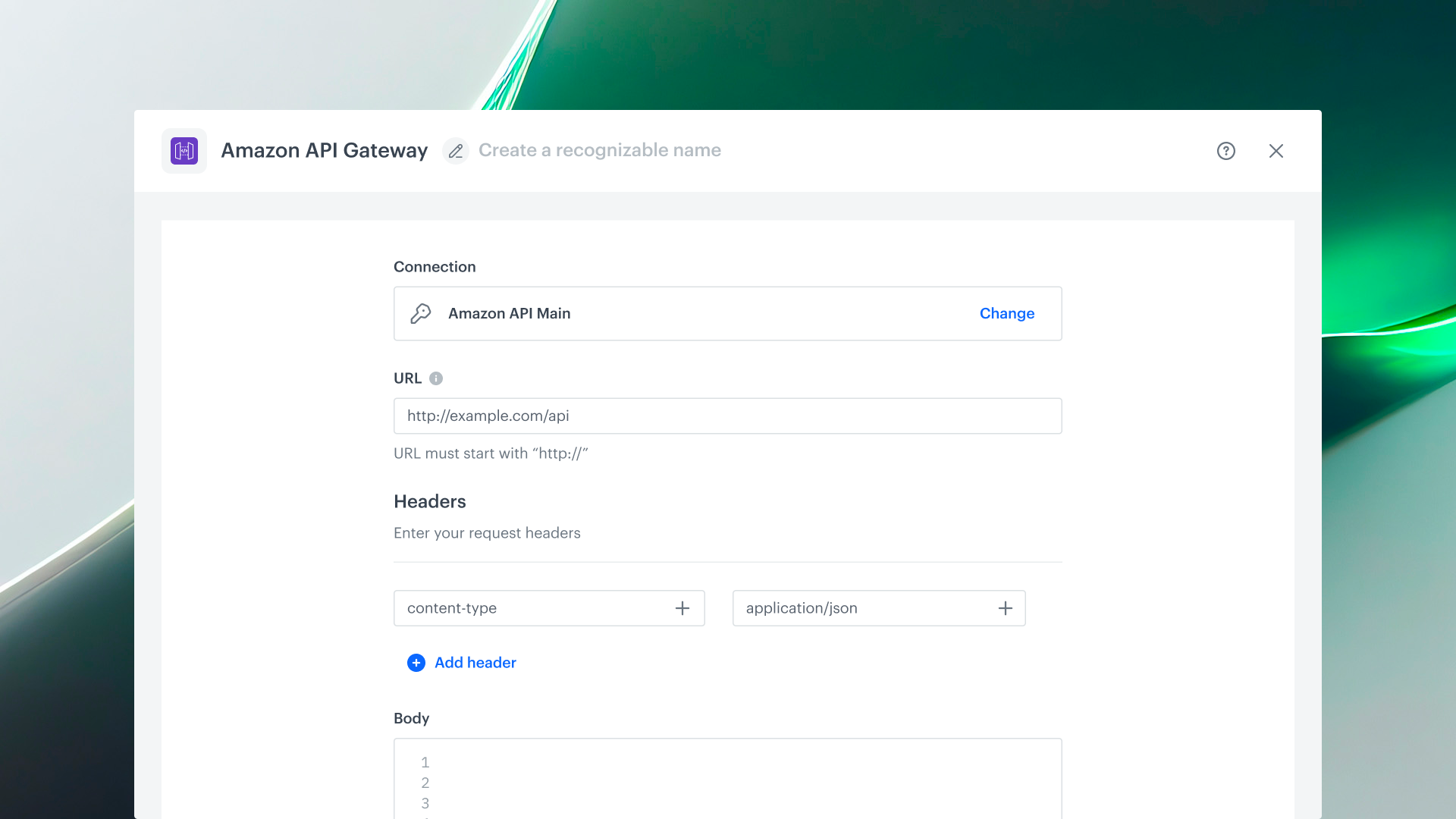
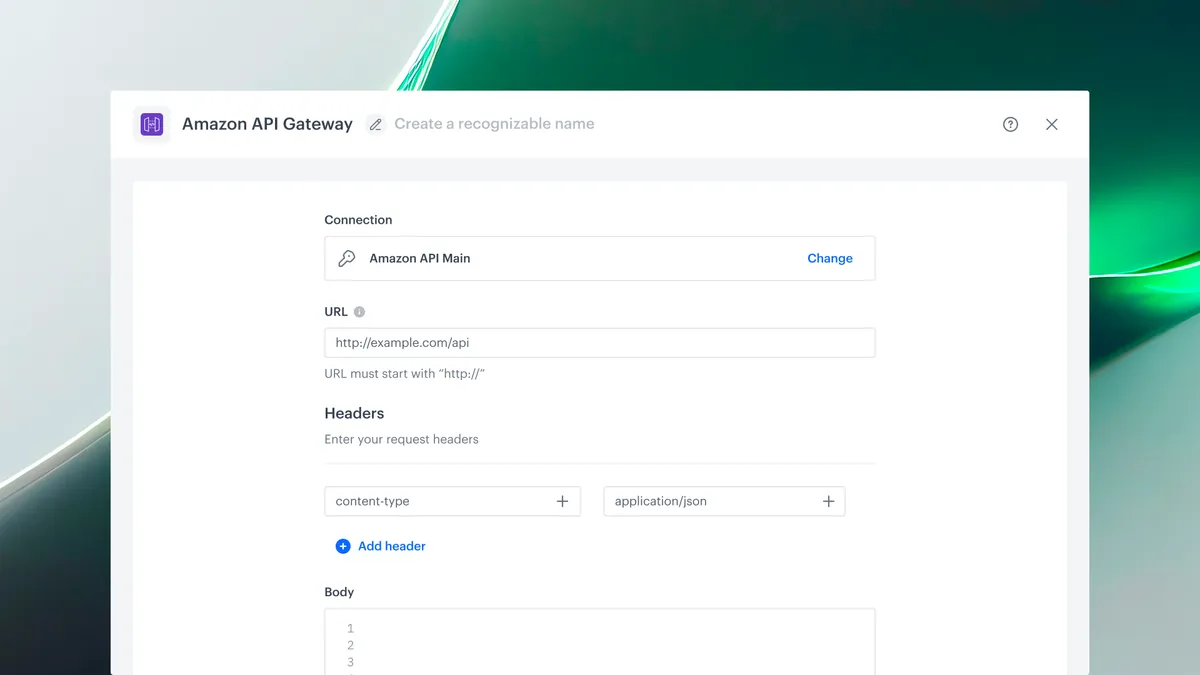
The Automation module in Synerise now includes a dedicated action for sending HTTP requests to Amazon API Gateway endpoints. Whether you’re triggering AWS Lambda functions, accessing backend services, or orchestrating microservices, you can do it directly from your automation scenarios—without external tools. Setup is quick and intuitive, with built-in support for Connections, so you stay securely connected to your endpoints at all times.
This node can be used in both customer-related and internal business workflows. A customizable event (default: amazonApiGateway.sendRequest) is generated upon receiving a response.
Why it matters
Amazon API Gateway is a key component in serverless and microservice-based architectures. By integrating it into Synerise Automations, you create a direct bridge between customer behavior and backend logic. This empowers your teams to automate rich, real-time workflows—from marketing personalization to operational triggers—without leaving the Synerise platform or writing additional code.
How to get started
- Go to Automation > Workflows
- Create a new workflow and add a trigger (e.g., Scheduled Run or Audience)
- Add the Amazon API Gateway > Send Request node
- Select or create a connection by adding your API key
- Configure the request:
- HTTP method
- Invoke URL and Resource Path
- Headers and body
- Custom response event name