- Year: 2025
- Category: Product
- Benefits: Smarter workflow logic , Hyper-personalized targeting , Faster adaptation to change
- YouTube share link: https://youtube.com/embed/re2JG4THjoc
- Download as PDF: Download
- Download as PPT: Download
- Security & Performance: No
- Featured?: No
- Quarter only: 209695a4e782a4192d34edafda918272
- Quarter: 3f3ac23d0c66c5759a45b1a733573182
- Module: 4c6698dca829ee8a0fcb167b62e6d5d0
We’re introducing a powerful new way to orchestrate campaigns with precision: Segment-based branching, available in the Audience and Profile Filter nodes.
Whether you're tailoring communication based on demographic segmentation or prioritizing customer actions, this update gives you more control over your audience journey — directly in the workflow builder.
What’s new?
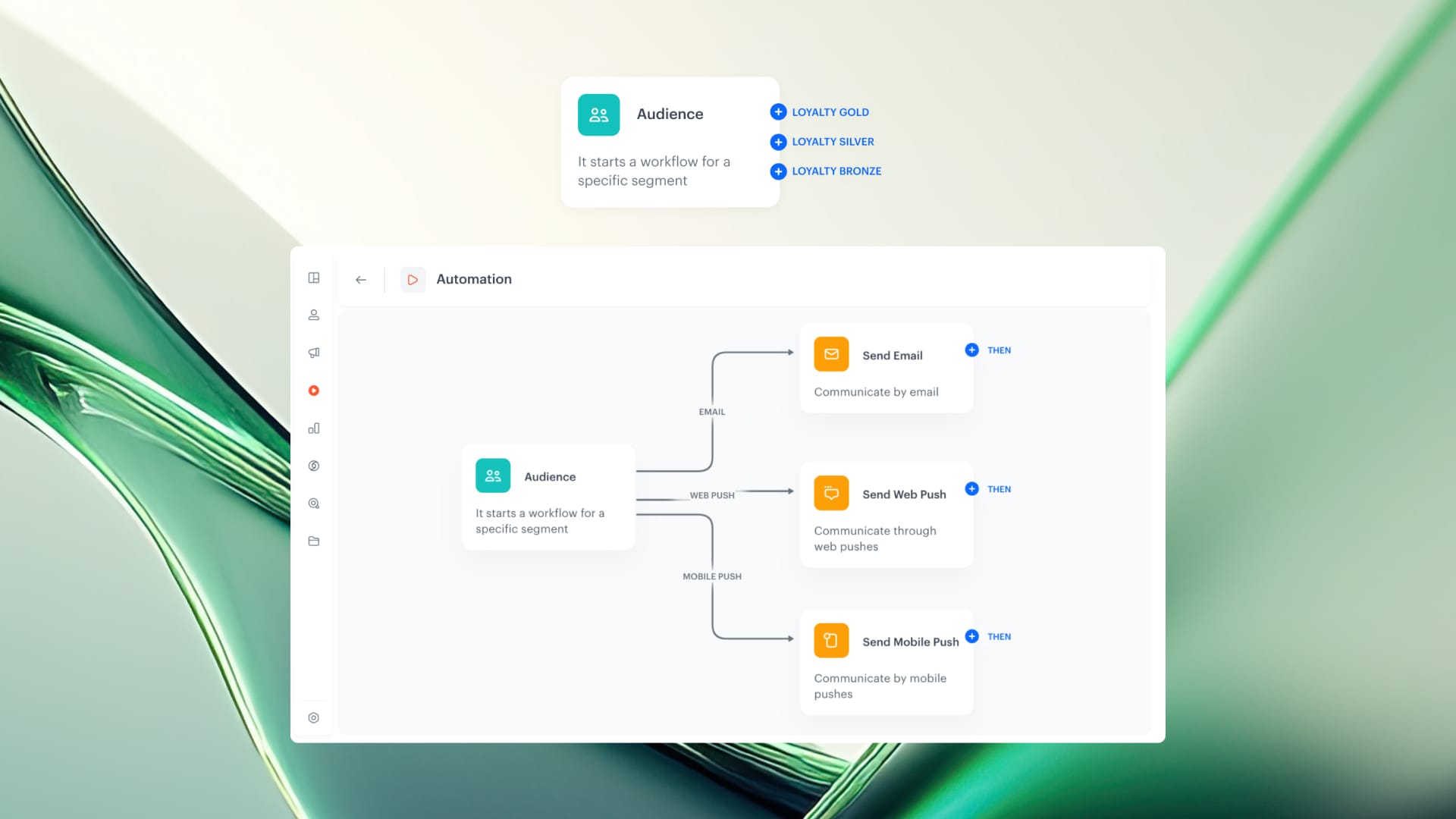
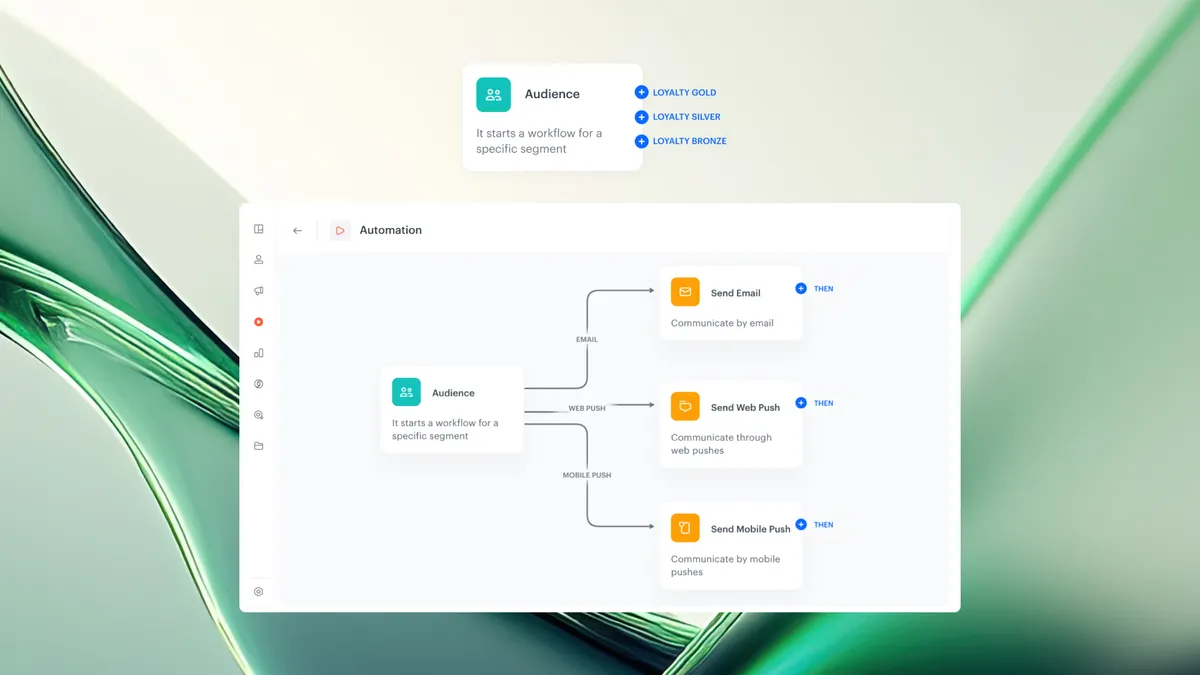
In the Audience and Profile Filter nodes, you can now enable the Split audience mode. This lets you select a segmentation and automatically branch your workflow based on its individual subsegments.
Whether you’re optimizing existing campaigns or building automation from scratch, segment-based branching gives you a structured way to manage audience complexity and prioritize communication with precision.
For example:
If your segmentation includes subsegment A, B, and C, the node will generate three separate paths, each labeled with the name of the corresponding segment. This enables granular targeting from the start of your automation with different priorities.
Why it matters
This is more than just a visual update — it’s a strategic shift in how you manage complex audience structures.
Air Traffic Control: Prioritization of communication based on behavioral data
Think of your workflows as an air traffic control system — each segment follows its own flight path, with the most important audiences cleared for takeoff first. By prioritizing communication based on behavioral or transactional data, you ensure that key customer groups receive messages before others.
Segment-based branching lets you:
- Run multiple campaigns in parallel without duplicating workflows
- Personalize actions per segment for higher engagement
- Quickly adapt to changes in your segmentation, without rebuilding
- Prioritize communication, using the order of segments as campaign logic
How to use it
There are two ways to apply segment-based branching in your automation:
Case 1: Use Split Audience directly in the Audience node
- Add the Audience node to your workflow.
- In the configuration panel, go to the Split audience tab.
- Choose a segmentation that contains up to 10 subsegments.
- Confirm your choice by clicking the Apply button.
Result:
The node will generate separate outputs for each segment in the selected segmentation. Each output path is labeled with the corresponding segment name, allowing you to define unique logic and actions per audience group — right from the start.
Case 2: Use Split Audience in a Profile Filter node
- After any trigger, condition or action in your workflow, add a Profile Filter node.
- In the node settings, select the Split audience tab.
- Choose a segmentation with up to 10 subsegments.
- Click Apply to confirm.
Result:
The Profile Filter will branch your audience into separate paths based on the segmentation. This is perfect for applying differentiated follow-up logic — for example, based on purchase behavior, engagement level, or customer tier — after the initial message or event.