

Feature Overview
The Q1/2025 Quarterly Product Update is a comprehensive roundup of all product updates and enhancements introduced in Synerise during the first quarter of 2025. The update covers improvements across platform performance, AI search transparency, automation capabilities, campaign tools, mobile SDKs, integrations, and navigation — including multiple new features, nodes, and configuration options.
What's Included in Q1/2025
The Q1/2025 update introduces improvements across six areas: Performance (faster platform navigation), AI (Search Explain and Query Suggestions Preview), Automation (new data nodes, permissions, dynamic conditions), Campaigns (on-demand triggers, safe area mode, unsubscribe customization, custom domains, code editor enhancements), Mobile SDK (Integration Labs course, Android SDK 6.0.0, iOS SDK 5.0.0), and Integrations (Connection Management).
Performance
Platform Performance: Faster, Smoother Navigation
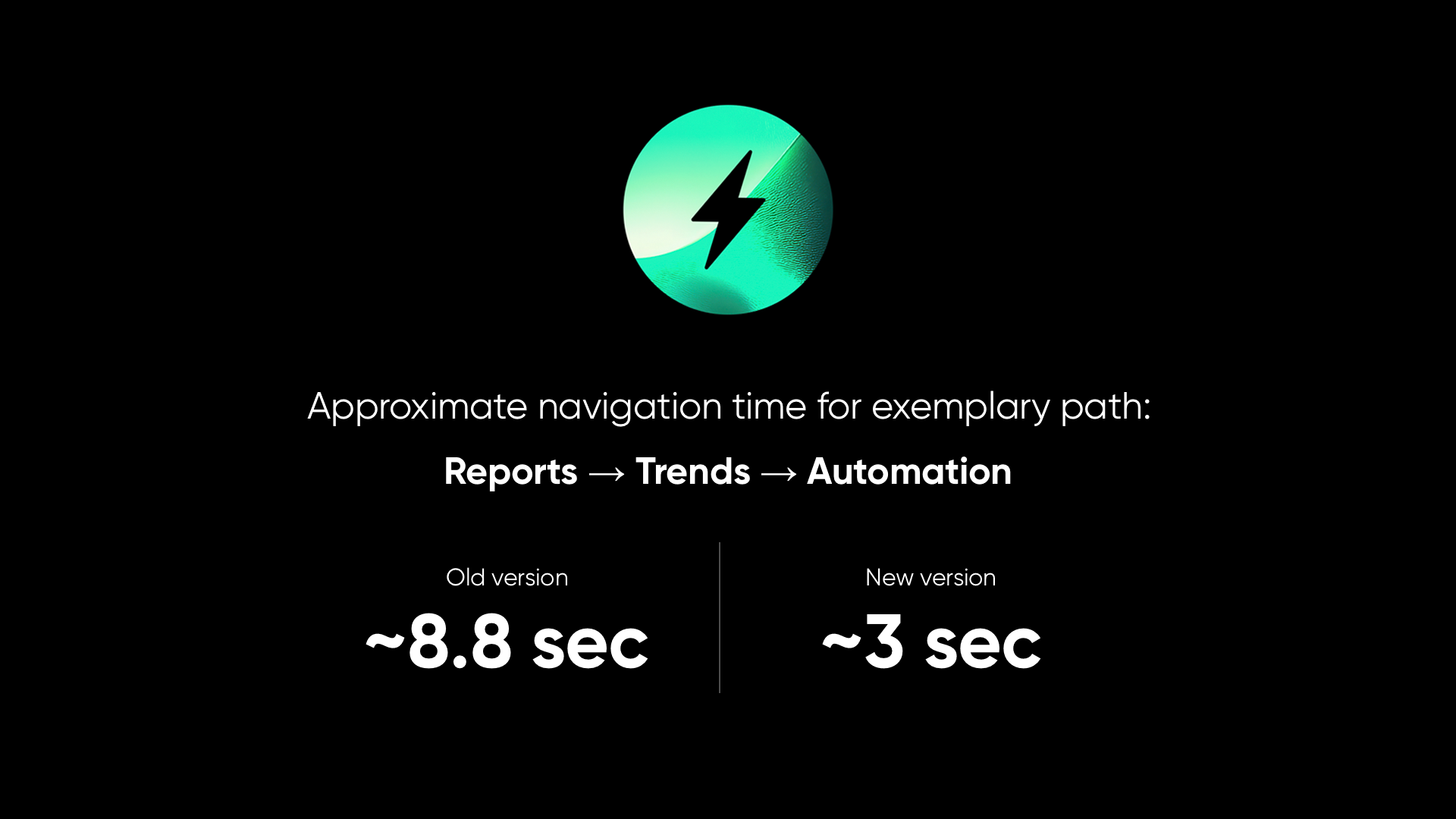
Significant behind-the-scenes improvements to platform responsiveness and load times. Navigating between modules like Reports → Trends → Automation now takes under 3 seconds (down from approximately 8 seconds). Optimizations are applied across the entire platform through SPA behavior improvements and intelligent prefetching.
AI
Search Explain
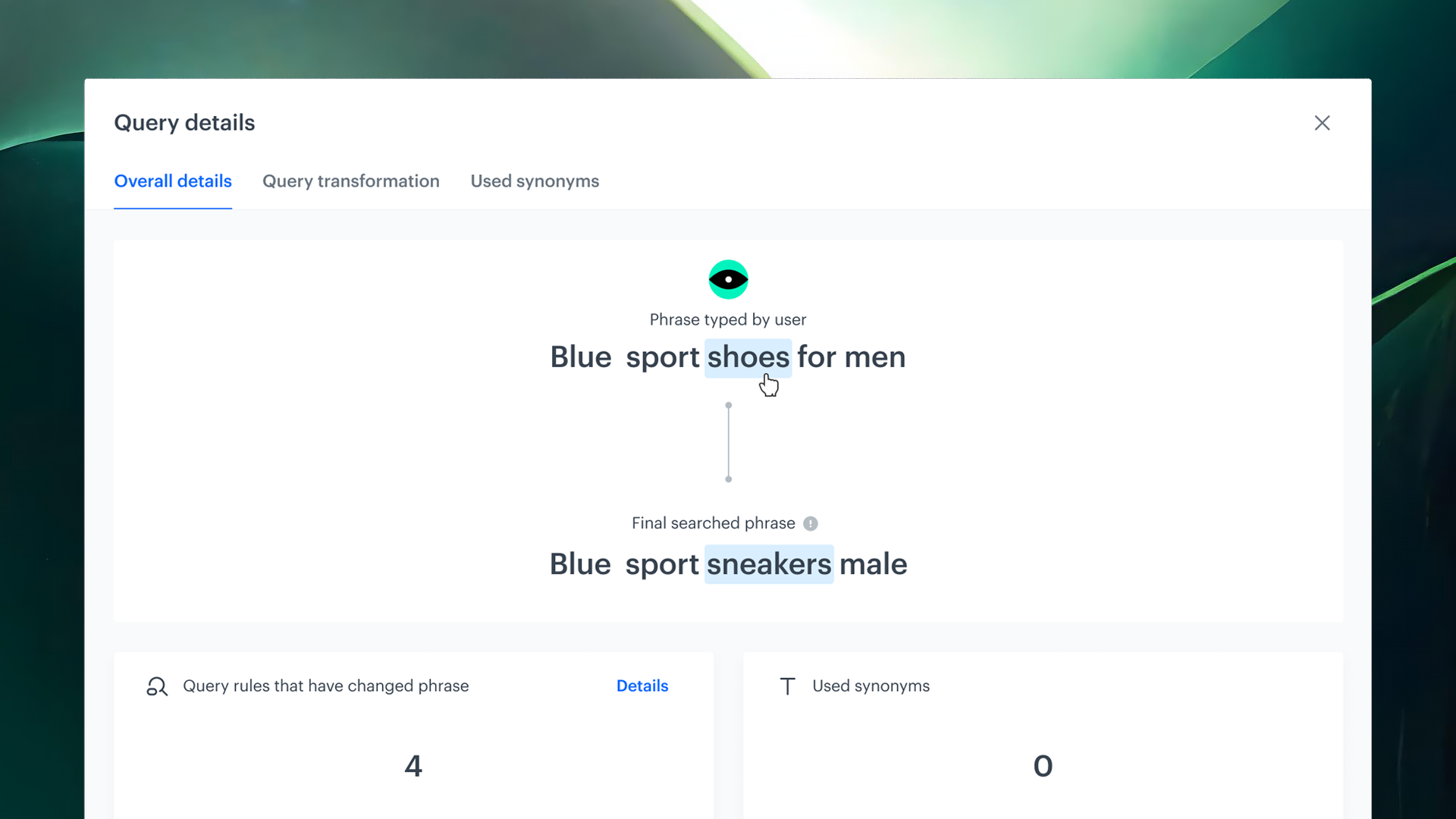
Complete transparency into how search results are generated. Search Explain breaks down every step — from query transformation and synonym handling to ranking logic and individual item scoring — helping users understand, trust, and optimize search performance.
Query Suggestions Preview
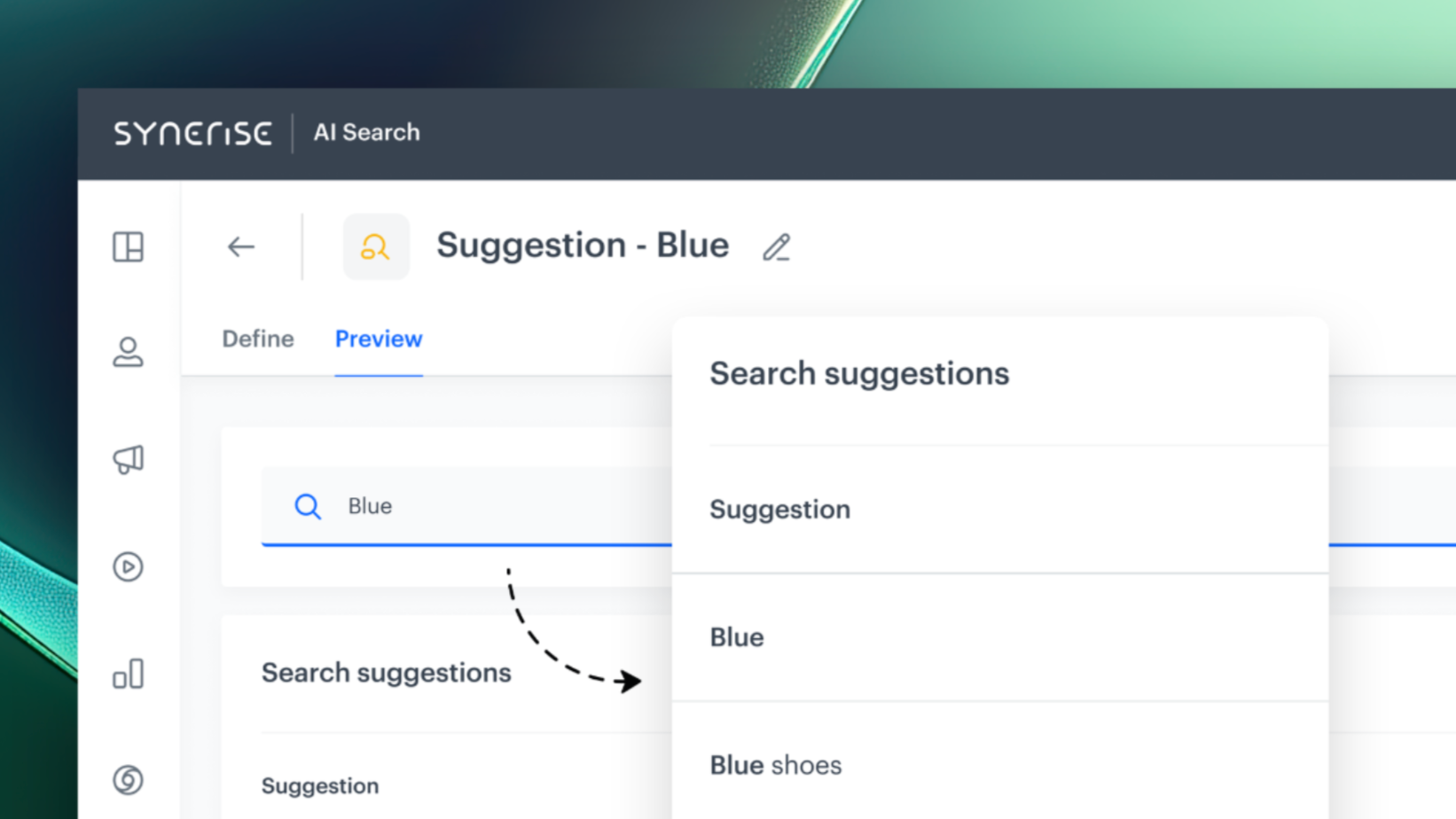
Greater visibility into how search suggestions are generated and more control over which ones are shown. Preview suggestions live, inspect relevance scores, identify suggestion origins (engine-based, attribute-based, manually added), and manage a deny list for unwanted suggestions.
Automation
New Data Nodes: Get Metrics
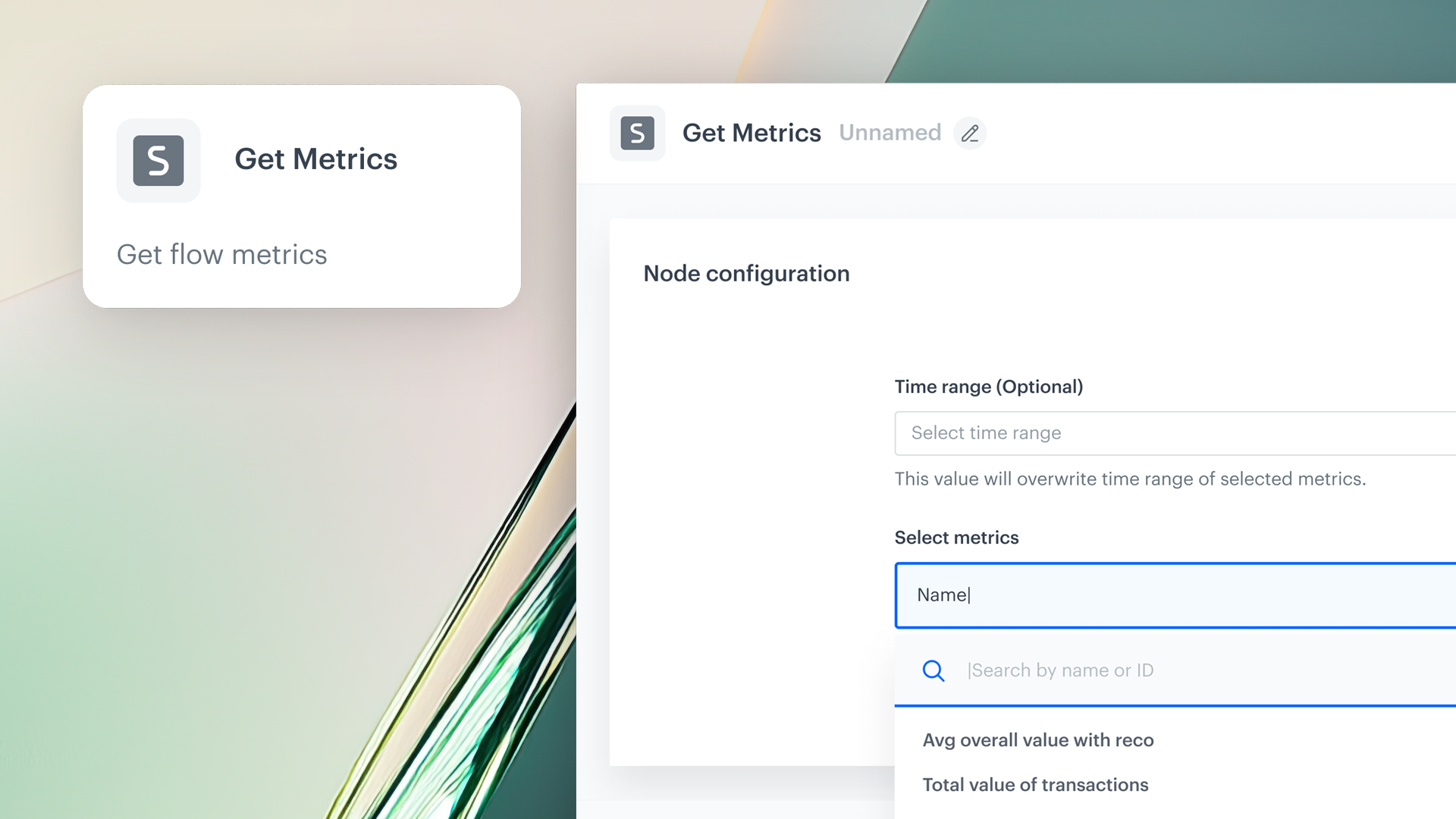
A new automation node that pulls results from up to 50 defined metrics in a single operation. Track revenue, engagement, conversion rates, or other KPIs and route the data to any destination within the Automation catalog.
New Data Nodes: Get Profiles
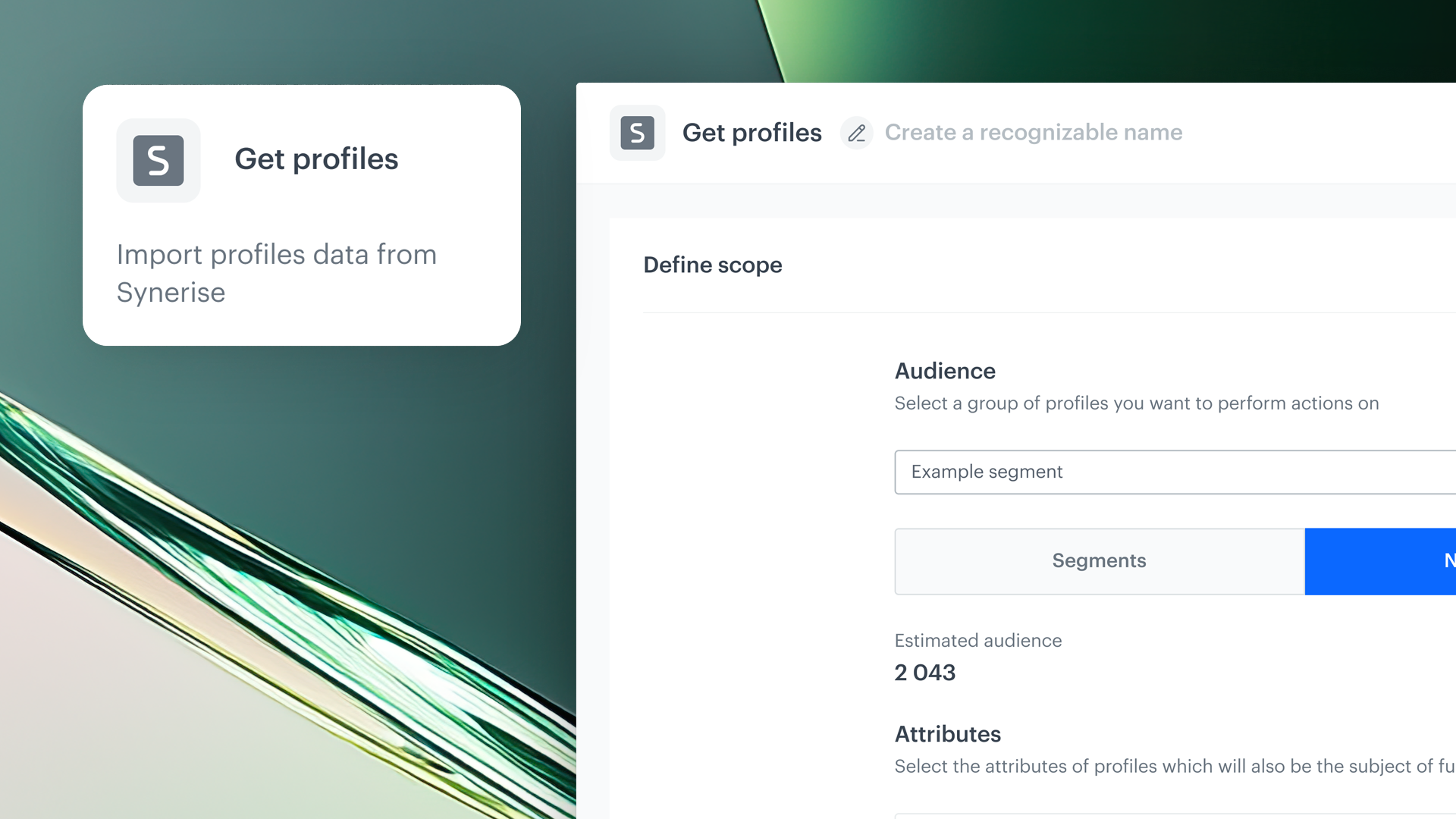
Export comprehensive customer data beyond basic attributes — including tags, selected expressions, aggregates, and other profile data. Build hyper-targeted campaigns, sync profile data across tools, or trigger automations based on up-to-date customer properties.
Dedicated Permissions for Data Export Nodes
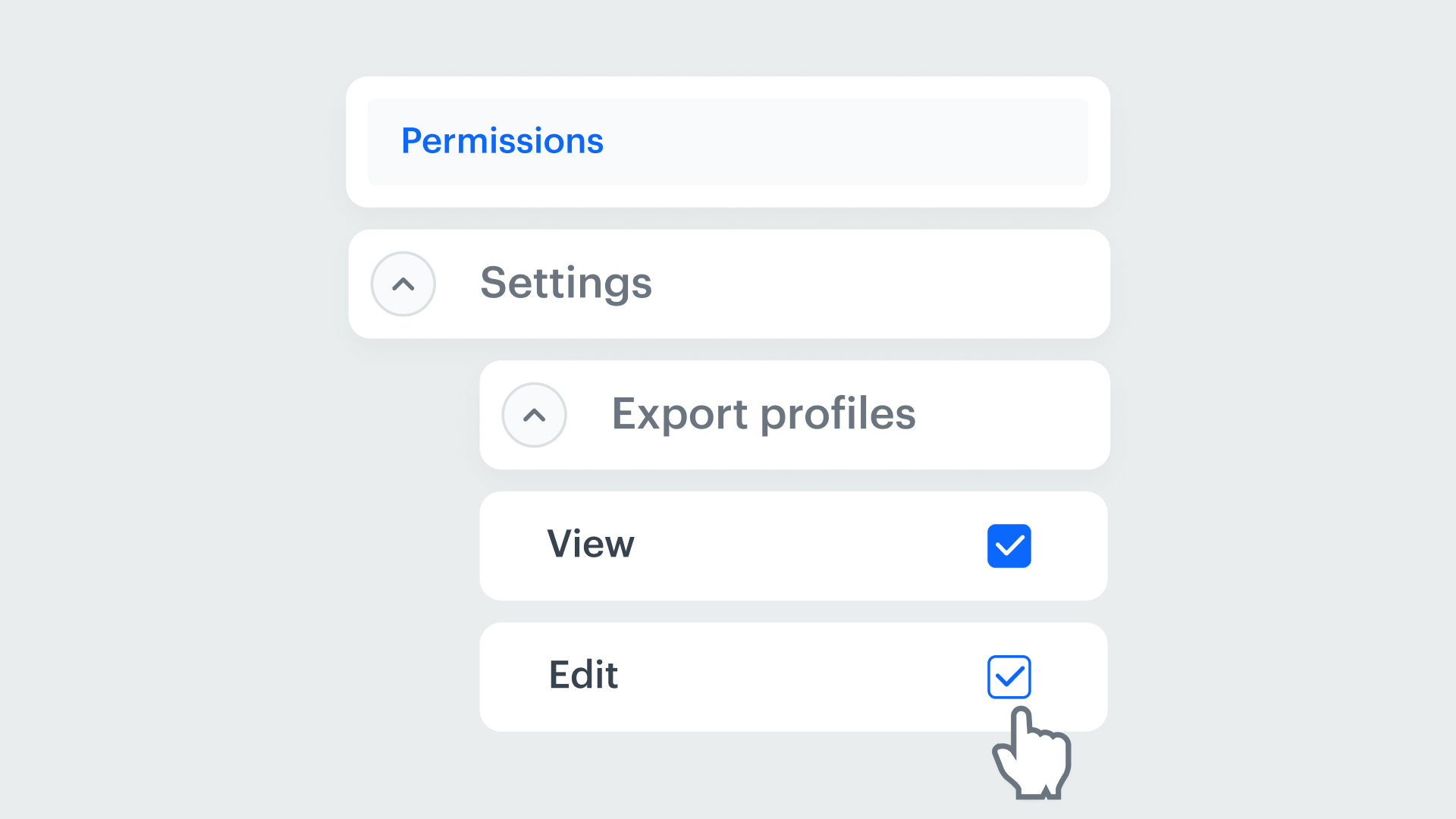
Permission controls for data export nodes in Automation. Workspace administrators can define exactly who has access to export which datasets — adding a security layer for data governance in large teams or regulated industries.
Dynamic Conditions in Data Transformation
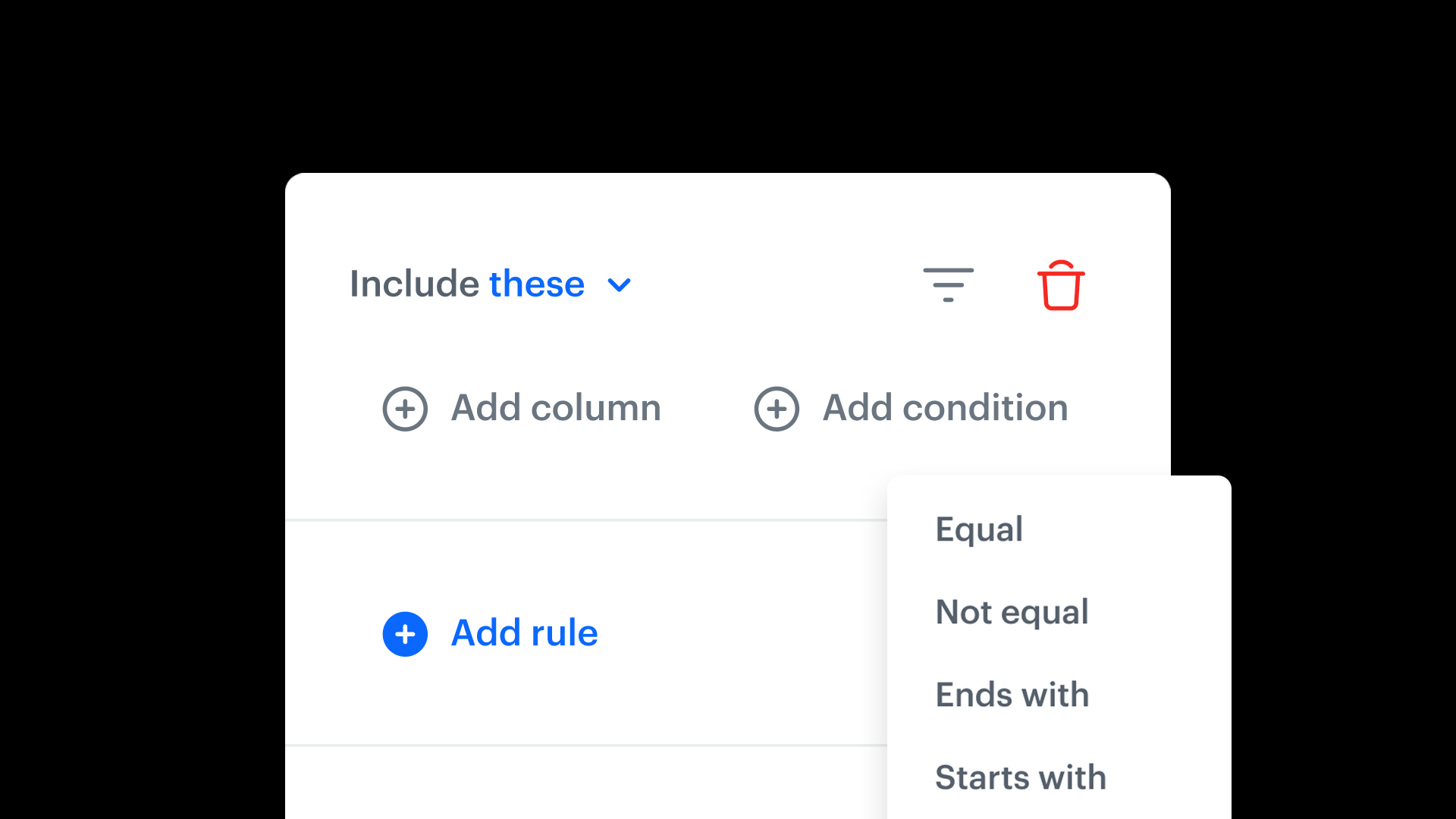
Define flexible rules that determine which input columns should be transformed based on configurable conditions (e.g., transform revenue only when the currency is USD). Handle complex data scenarios within a single transformation node.
Campaigns
On Demand Trigger
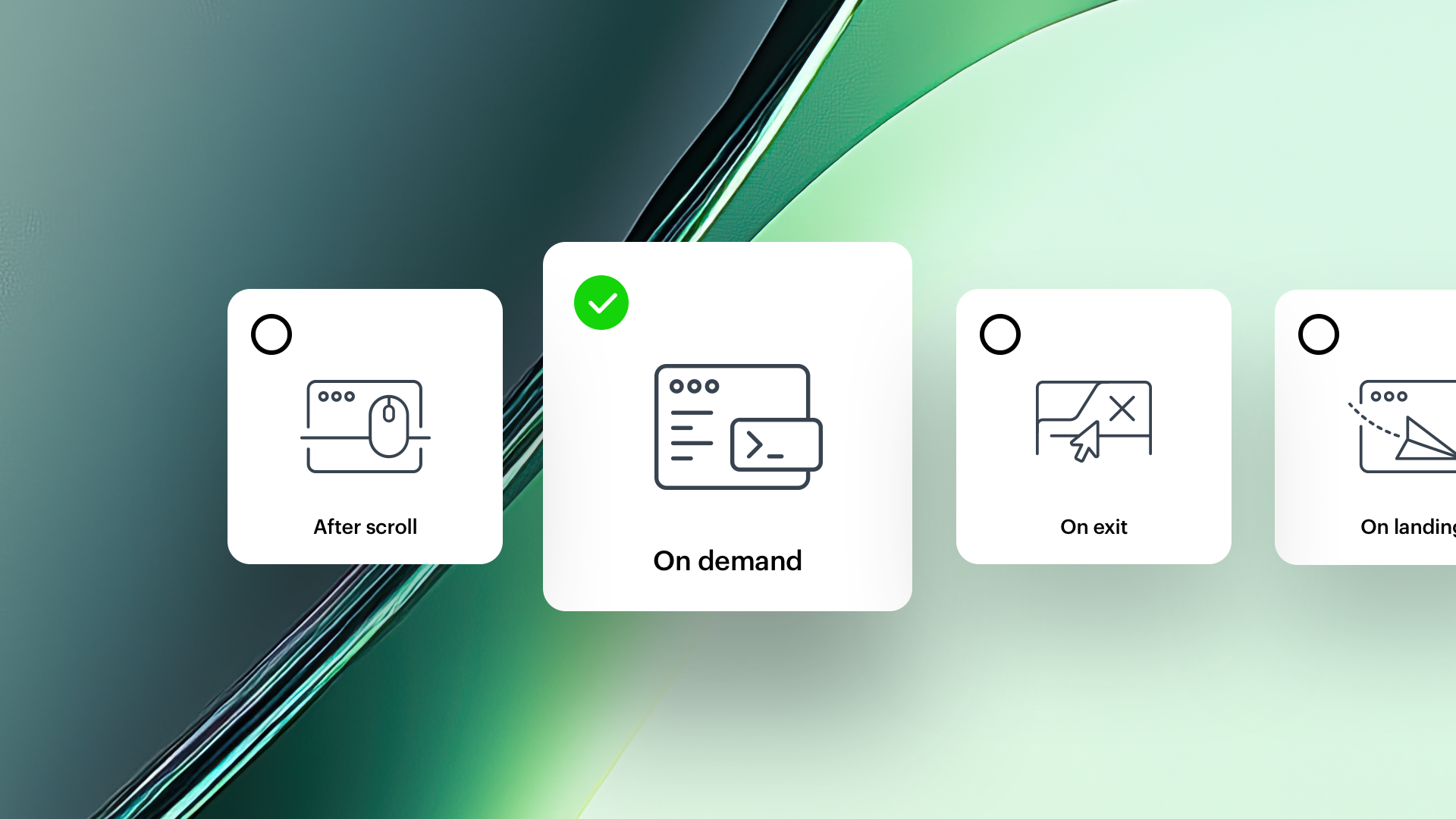
A new trigger for Dynamic Content campaigns that renders content when a specific SDK method is called. Tie campaign display to custom events or real-time user actions (clicks, scrolls, navigation) for highly contextual, user-driven messaging.
Safe Area Mode
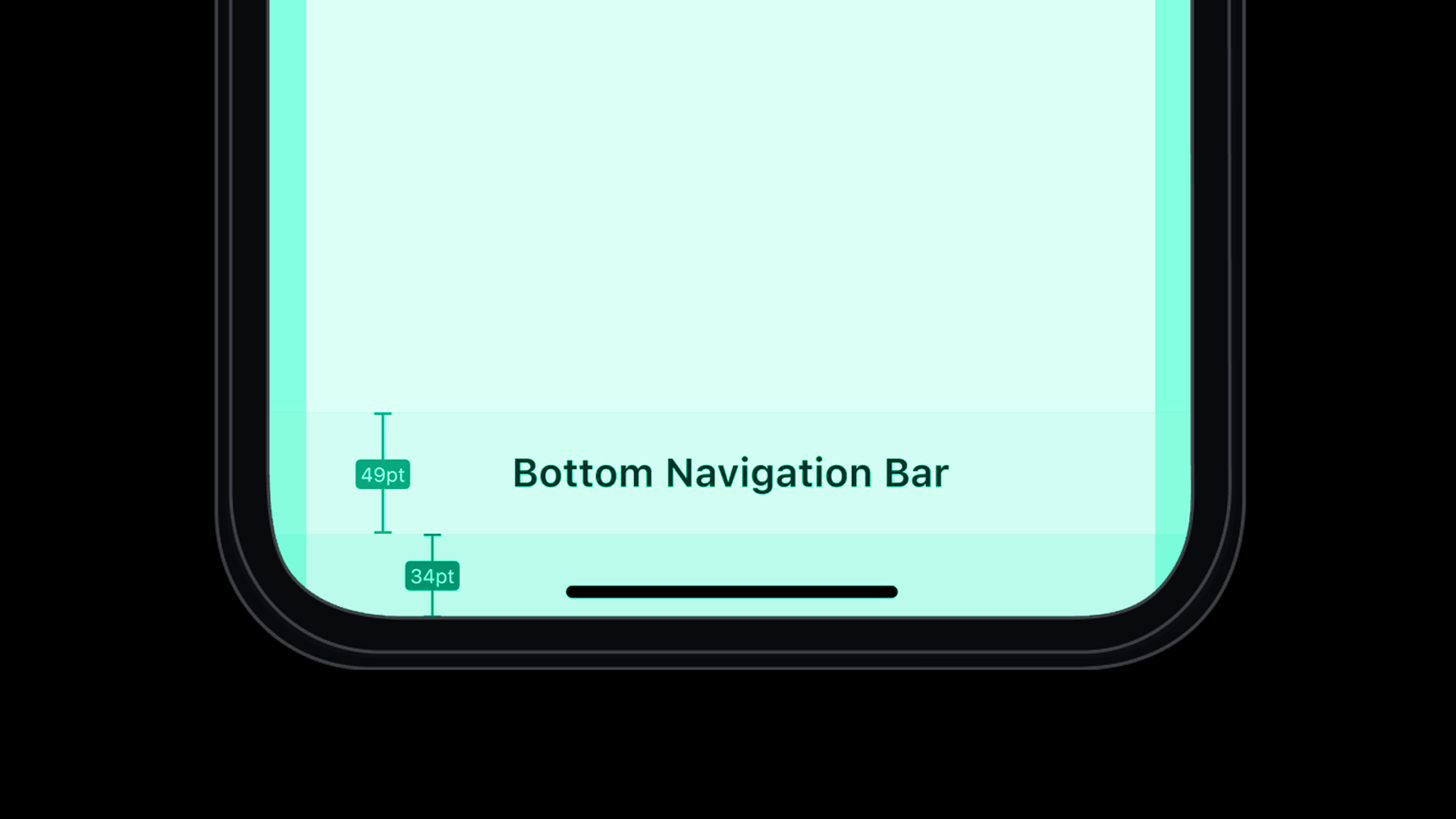
Choose whether in-app messages overlay system UI elements (status bar, home indicator) or stay within designated safe areas. Maintain visual consistency with native app layouts while supporting full-screen, top-bar, and custom formats.
Customizable One-Click Unsubscribe
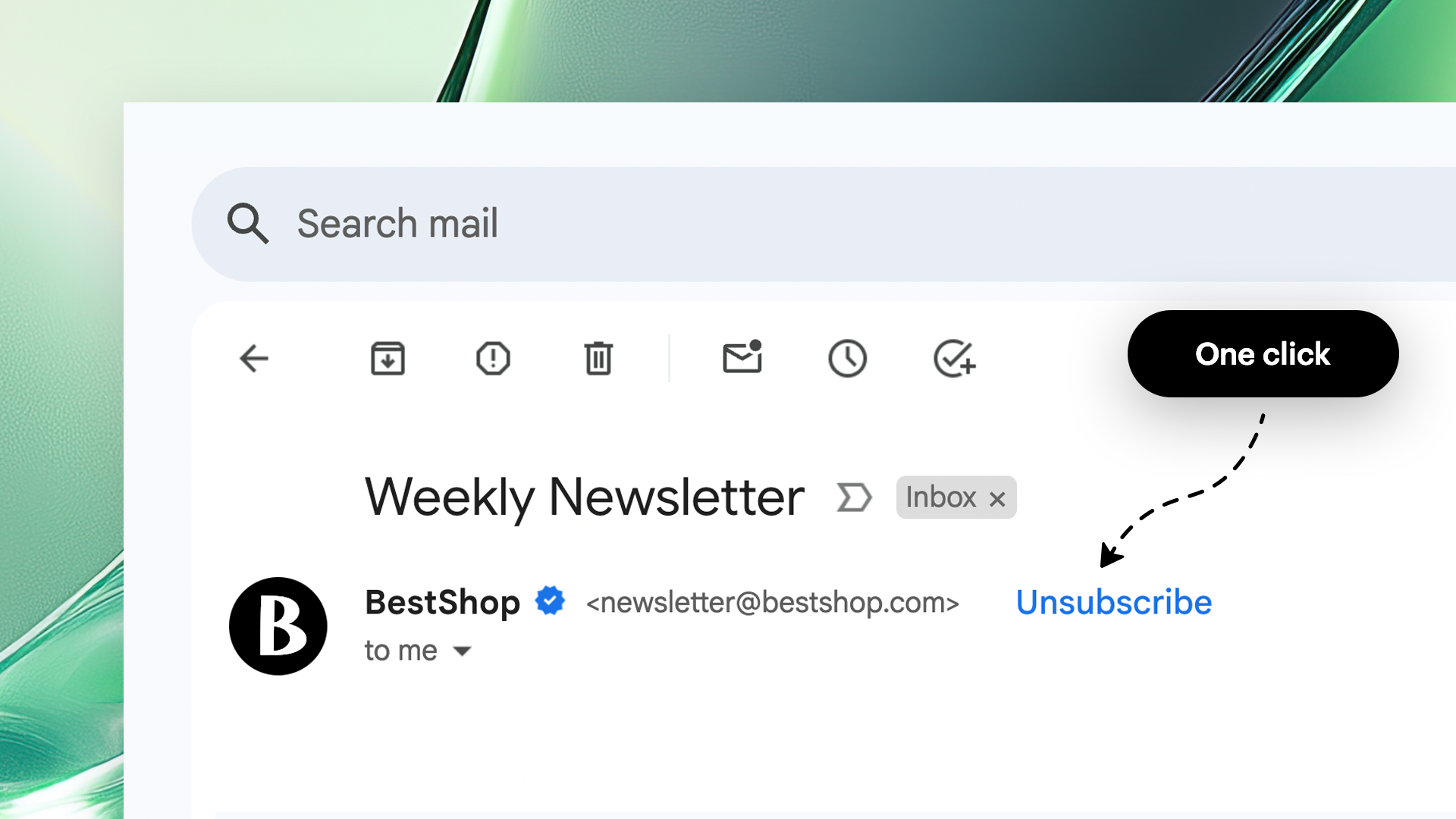
Each email account can now have its own unsubscribe behavior. Configure default Synerise handling, disable the header, set custom URL/mailto addresses, or redirect to an external confirmation page — per email account.
Custom Domain for Redirect URL

Define a custom base URL for loading external resources (JavaScript, CSS, images, fonts) in in-app and dynamic content. Serve assets from your own domain or CDN for brand consistency and security.
Code Editor Enhancements — Simplified Template Editing
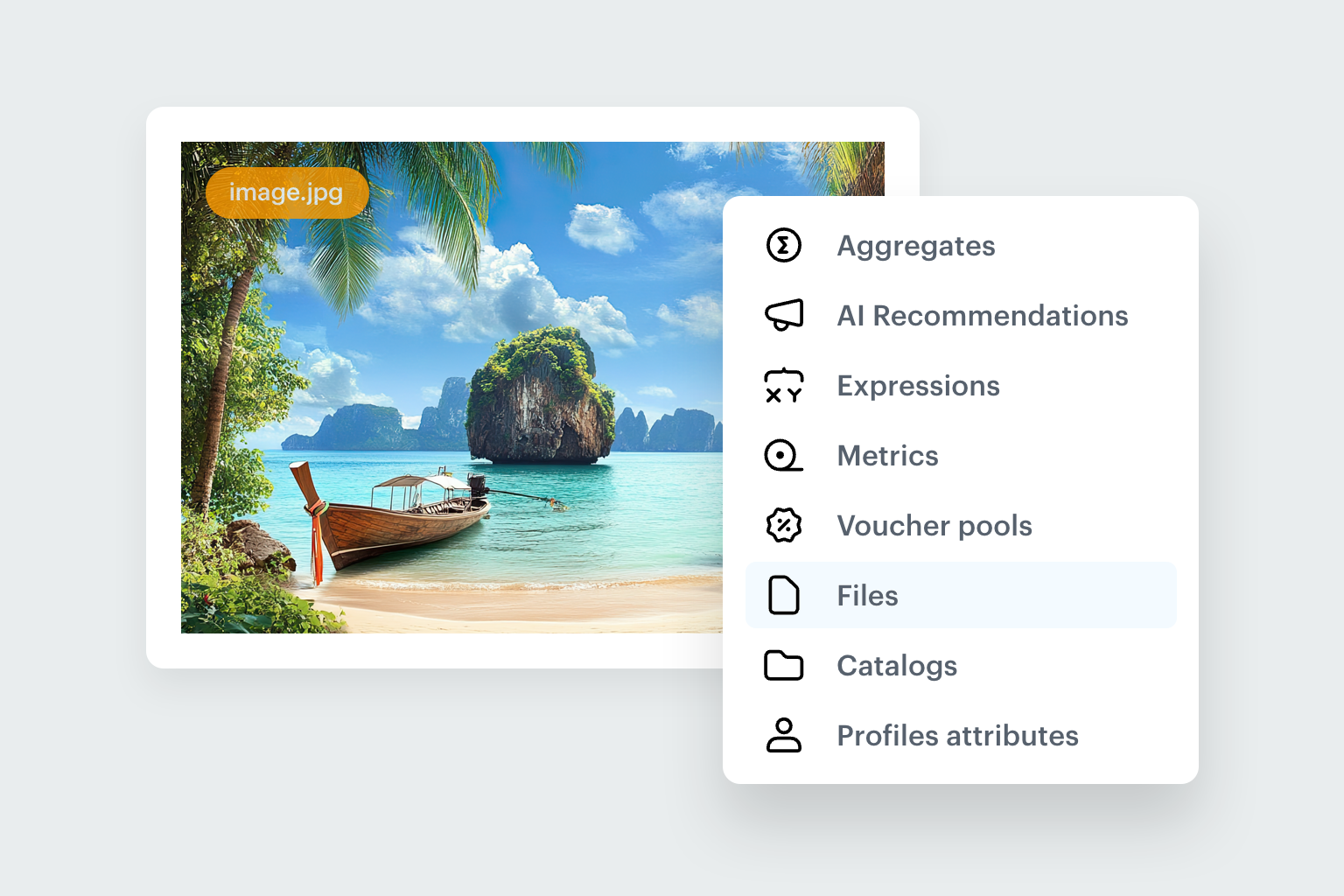
Landing Pages now adapt to each visitor with dynamic variables, intuitive editing tools, and pre-built templates for creating personalized, data-driven experiences with minimal effort.
Mobile SDK
Integration Labs: Android and iOS Course
A new course designed to help developers integrate the Synerise SDK into iOS and Android applications. Step-by-step codelabs using a sample application, with example solutions available in the GitHub repository.
Major SDK Updates: Android 6.0.0 and iOS 5.0.0

Significant new versions with structural improvements, security enhancements, and deprecated method removal. Review release notes carefully before upgrading — breaking changes may require code adjustments.
Integrations
Connection Management
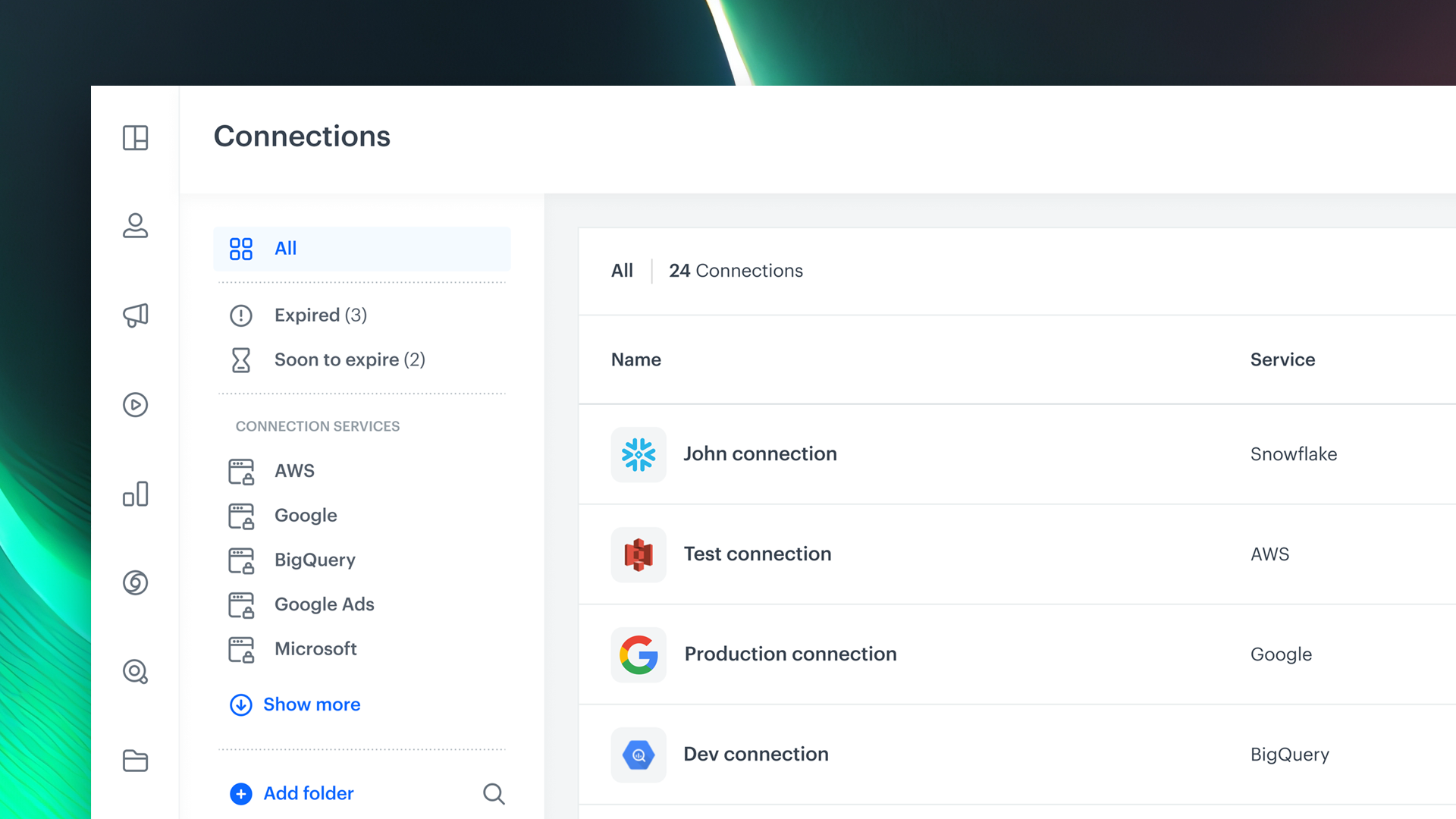
A new dedicated section in Settings for creating, viewing, and managing third-party service integrations. Assign permissions to control who can view, edit, or execute integrations — making the integration landscape transparent, secure, and operationally efficient.
Other Improvements
Favicons
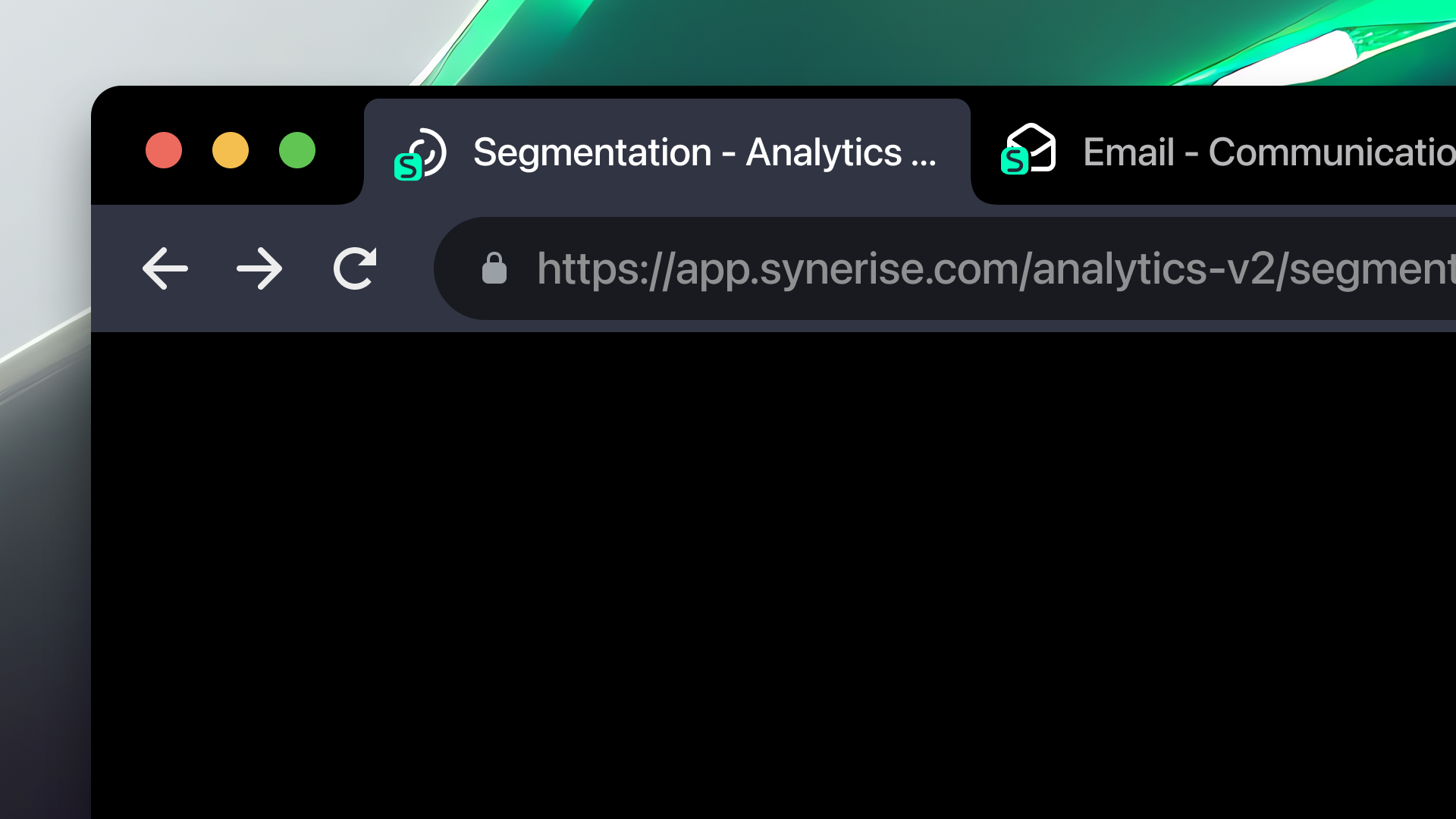
Unique favicons for each core area of the platform (Automation, Analytics, Settings, etc.) enable instant browser tab identification when working across multiple modules.
Key Facts
| Attribute | Value |
|---|---|
| Update | Quarterly Product Update Q1/2025 |
| Product | Synerise |
| Areas covered | Performance, AI, Automation, Campaigns, Mobile SDK, Integrations |
| Key features | Search Explain, Query Suggestions Preview, Get Metrics/Profiles nodes, Dynamic Conditions, On Demand Trigger, Safe Area Mode, Connection Management |
| SDK versions | Android SDK 6.0.0, iOS SDK 5.0.0 |
TL;DR
The Q1/2025 Quarterly Product Update covers improvements across the entire Synerise platform: up to 3x faster navigation, full search result transparency (Search Explain, Query Suggestions Preview), new automation data nodes (Get Metrics, Get Profiles) with dedicated permissions, campaign enhancements (On Demand Trigger, Safe Area Mode, customizable unsubscribe, custom domains), major Mobile SDK updates (Android 6.0.0, iOS 5.0.0), centralized Connection Management, and module-specific favicons.




