
Feature Overview
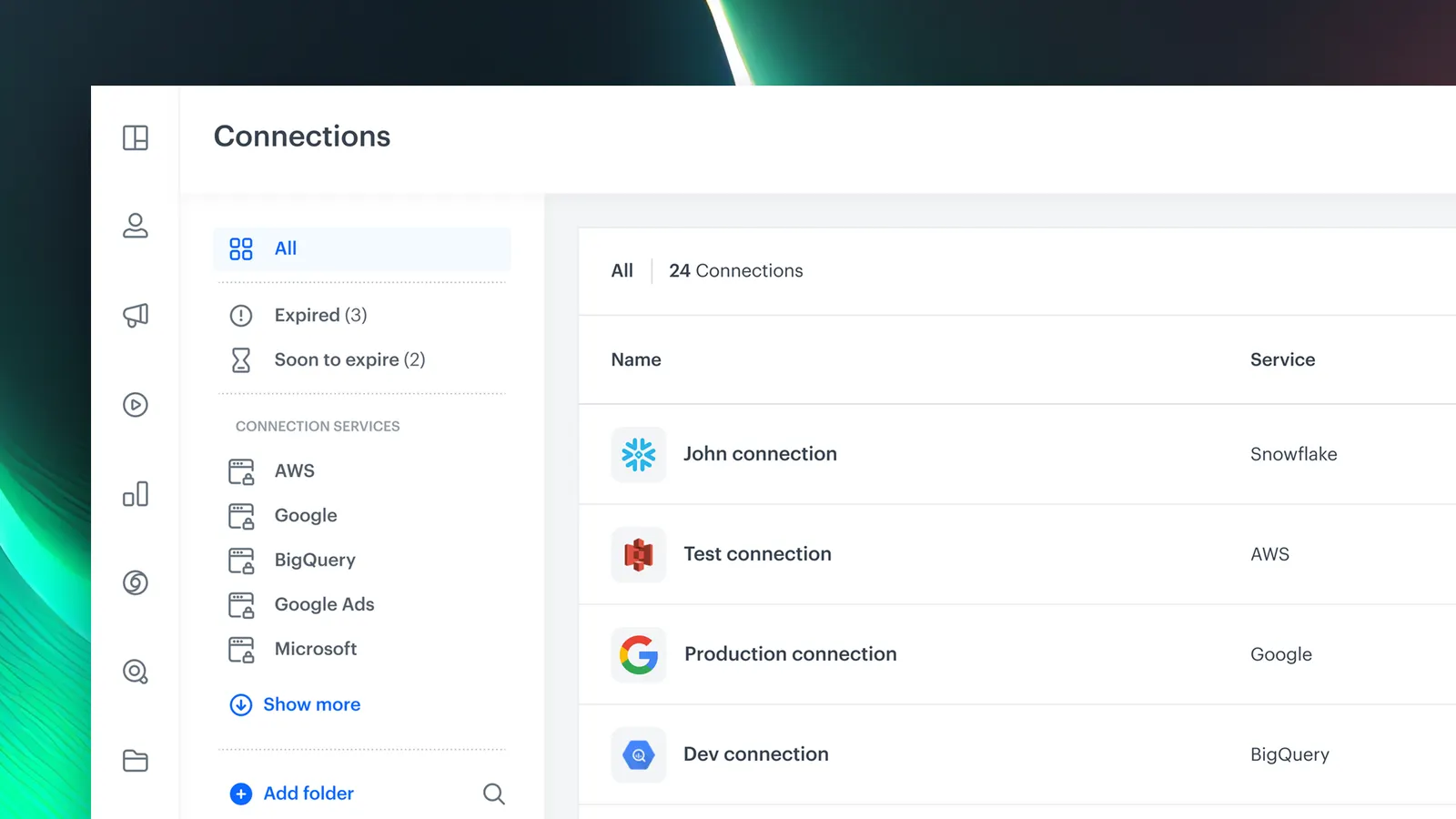
Connection Management is a dedicated section in Synerise Settings that centralizes the creation, viewing, and management of external service integrations. It provides full control over third-party connections — including permission assignment for viewing, editing, and executing actions — bringing organization, traceability, and security to the integration landscape.
The feature is available in Settings > Connections within Synerise.
What Is Connection Management?
Connection Management is a centralized interface in Synerise Settings for handling all third-party service integrations. Users can create, view, and manage connections to external platforms, assign granular permissions (view, edit, execute) to control access, and maintain a clear overview of the entire integration landscape. It supports connections to marketing tools, data warehouses, custom APIs, and other external services.
Why Connection Management Matters
As organizations integrate Synerise with multiple external services across different teams, tracking what is connected, who has access, and how connections are being used becomes increasingly difficult without a dedicated management interface.
Connection Management addresses this by:
- Providing a single, dedicated section for all external service integrations
- Enabling granular permission assignment (view, edit, execute) per connection
- Keeping integrations organized, traceable, and audit-friendly
- Supporting connections to marketing tools, data warehouses, and custom APIs
Key Capabilities
Centralized connection management
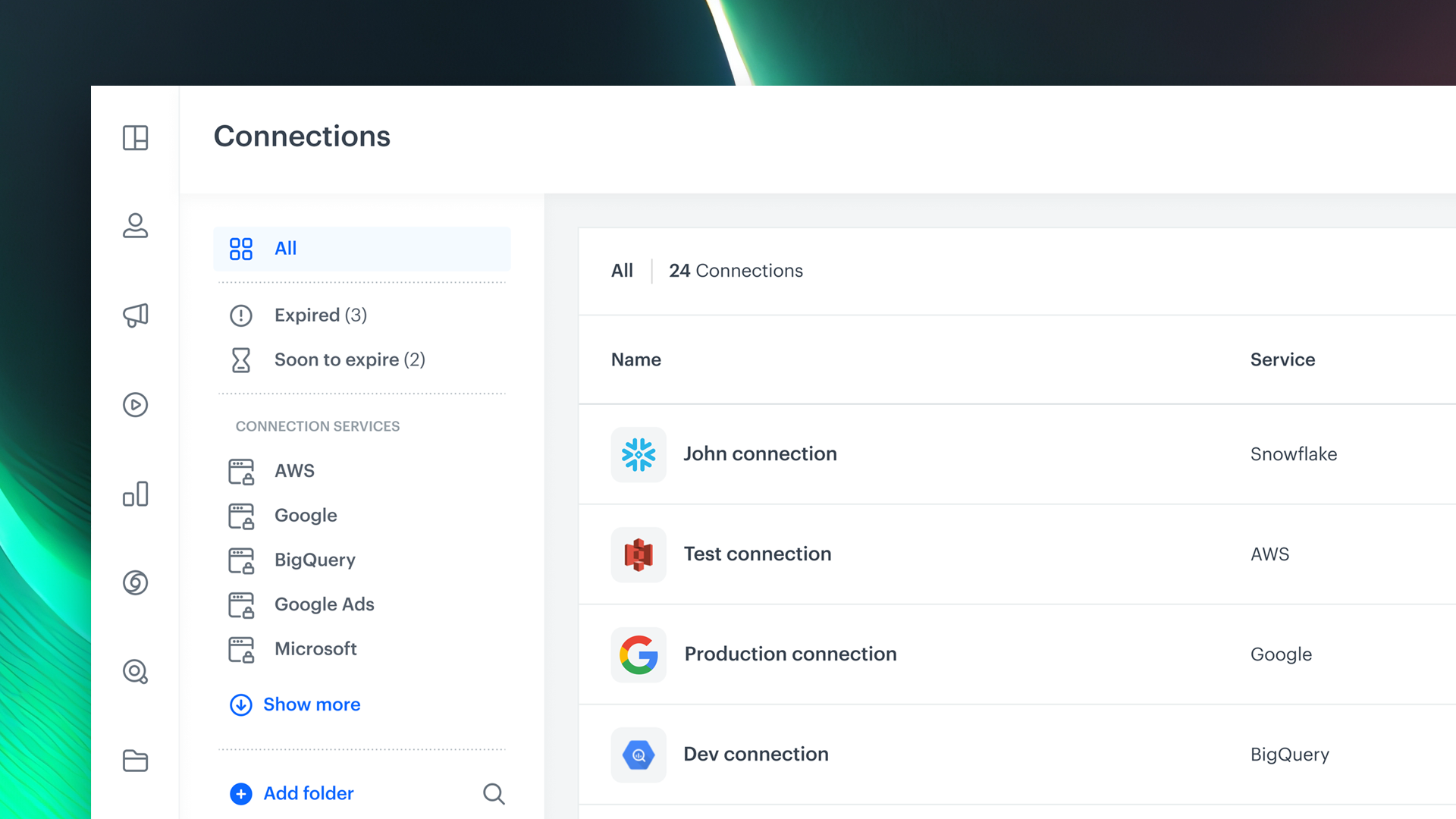
All external service integrations are managed from a single section in Settings — creating, viewing, editing, and removing connections in one place.
Granular permissions
Permissions can be assigned per connection to control who can view, edit, or execute actions through each integration, supporting security and compliance requirements.
Integration traceability
The connection overview provides visibility into what is connected, how it is being used, and who has access — making integrations auditable and manageable at scale.
How Connection Management Works
- Navigate to Settings > Connections in Synerise.
- Create a new connection by selecting the external service and providing credentials or configuration.
- Assign permissions to control who can view, edit, or execute actions via the connection.
- Manage existing connections: view status, update configuration, or remove connections as needed.
- Use the overview to track all active integrations across teams and services.
Example Use Case
A company uses Synerise integrations with a data warehouse, an email marketing platform, and a custom API for loyalty points. Using Connection Management, the IT team creates and configures all three connections in one place, assigns edit permissions only to integration administrators, and gives marketing teams view-only access. When an audit requires documentation of active integrations, the connection overview provides a complete, traceable list.
FAQ
What is Connection Management?
A centralized section in Synerise Settings for creating, viewing, and managing all external service integrations with granular permission controls.
What permissions can be assigned?
View, edit, and execute permissions can be assigned per connection to control access levels.
What services can be connected?
Marketing tools, data warehouses, custom APIs, and other external platforms.
Is it audit-friendly?
Yes. The connection overview provides full visibility into active integrations, access permissions, and usage — supporting audit and compliance requirements.
Key Facts
| Attribute | Value |
|---|---|
| Feature | Connection Management |
| Product | Synerise |
| Module | Settings |
| Purpose | Centralized management of external service integrations with permission controls |
| Permissions | View, edit, execute — per connection |
| Supported services | Marketing tools, data warehouses, custom APIs, and more |
| Documentation | hub.synerise.com — Connections |
Related Concepts
- Custom Connections in Synerise
- Outgoing integrations
- Synerise Settings and configuration
- Permission management and access control
- Third-party service integrations
TL;DR
Connection Management in Synerise Settings centralizes the creation, viewing, and management of all external service integrations. Users can assign granular permissions (view, edit, execute) per connection, supporting security and audit requirements. The feature provides a single overview of the entire integration landscape — from marketing tools and data warehouses to custom APIs.




