
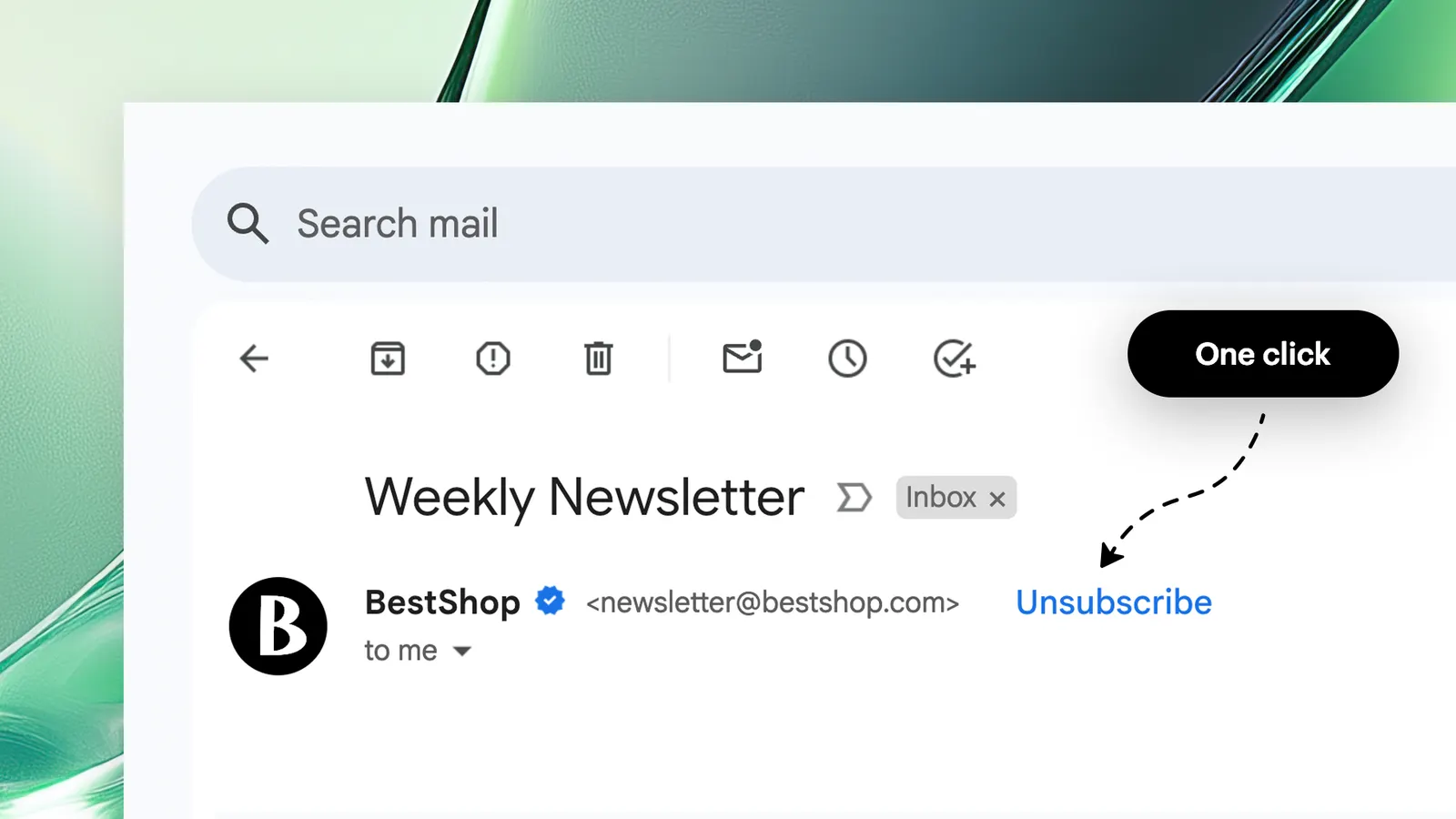
Feature Overview
Customizable One-Click Unsubscribe Header is a feature in Synerise Email Communication that gives users full control over the List-Unsubscribe header behavior for outbound emails. Each email account in a workspace can now have its own unsubscribe configuration — including default Synerise handling, disabled header, custom URL/mailto addresses, or redirection to an external confirmation page.
The feature is available in the email account configuration within Synerise.
What Is the Customizable One-Click Unsubscribe Header?
The Customizable One-Click Unsubscribe Header allows users to configure the List-Unsubscribe email header behavior per email account. The List-Unsubscribe header is an email field recognized by major inbox providers (Gmail, Outlook, Apple Mail) that enables recipients to unsubscribe with a single click. Previously, this header was automatically included in all outbound emails. Now, users can choose from four configuration options: default Synerise handling, disabled header, custom URL and mailto address, or unsubscribe URL only (redirect to external page).
Why Customizable Unsubscribe Matters
Organizations with multiple brands, departments, or communication types often need different unsubscribe behaviors for different email accounts. A one-size-fits-all approach limits flexibility and may not align with brand requirements, compliance needs, or customer experience strategy.
Customizable One-Click Unsubscribe addresses this by:
- Allowing per-email-account unsubscribe configuration
- Supporting four unsubscribe modes: default, disabled, custom URL/mailto, and URL-only redirect
- Enabling organizations with multiple brands or departments to tailor opt-out experiences
- Improving deliverability and sender reputation through compliant unsubscribe handling
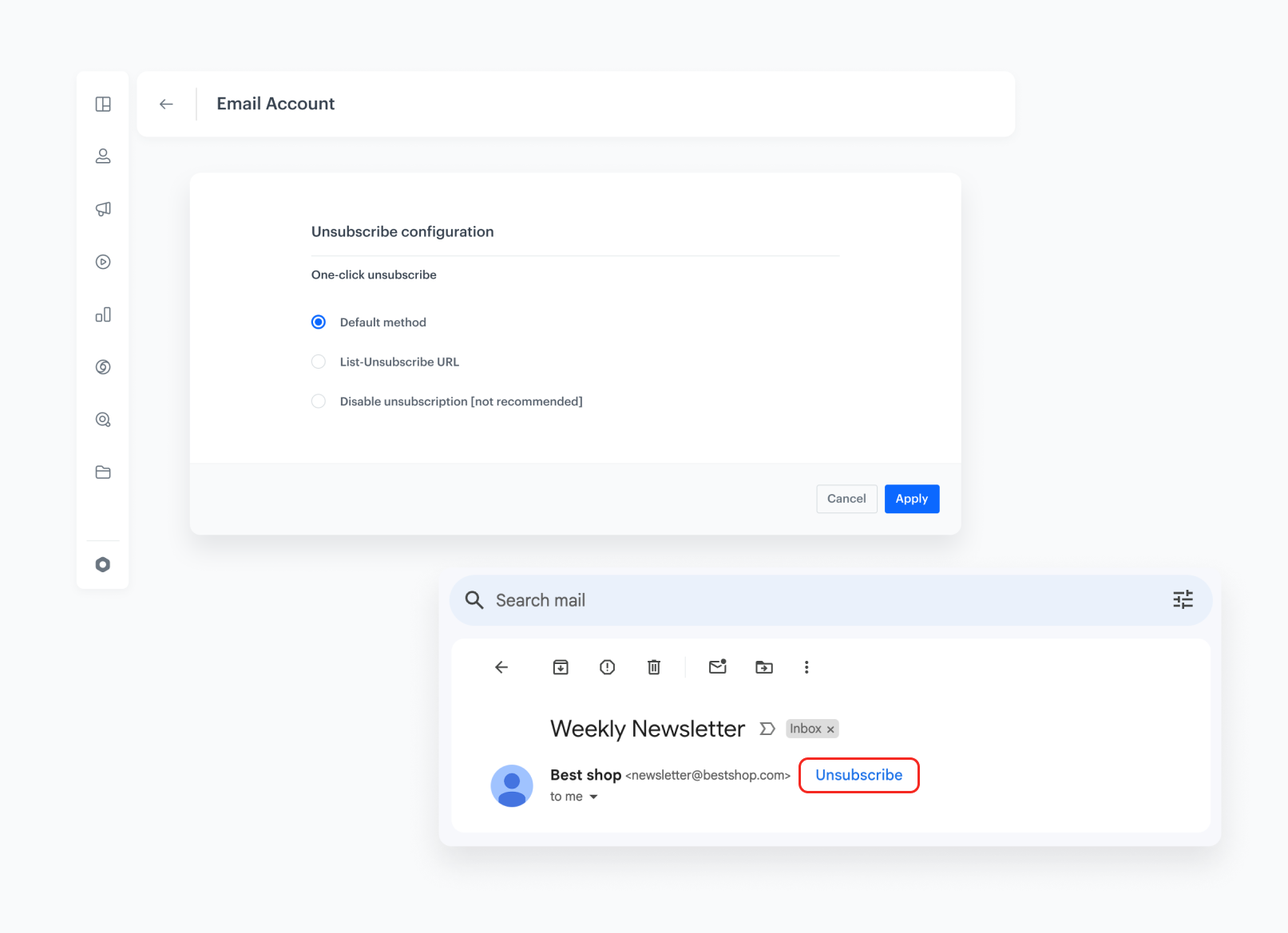
Key Capabilities
Per-account unsubscribe configuration
Each email account in the workspace can have its own unsubscribe behavior, independent of other accounts.
Four configuration options
Users can choose: default (Synerise handles unsubscription), disabled (no header), custom URL and mailto (define own addresses), or URL-only (redirect to external confirmation page).
Multi-brand and multi-department support
Organizations sending emails from multiple brands or departments can tailor the unsubscribe experience per email account, matching each brand's compliance and UX requirements.
How Customizable Unsubscribe Works
- Navigate to email account configuration in Synerise.
- Select the email account to configure.
- Choose the unsubscribe header behavior: default, disabled, custom URL/mailto, or URL-only redirect.
- For custom configurations, provide the URL and/or mailto address for processing unsubscriptions.
- The selected configuration applies to all outbound emails sent from that account.
Example Use Case
A company operates two brands from the same Synerise workspace. Brand A uses the default Synerise unsubscribe handling for marketing emails. Brand B — a premium line with a custom preference center — configures a custom URL that redirects recipients to an external page where they can manage communication preferences instead of simply unsubscribing. Each brand's email account has independent unsubscribe behavior.
FAQ
What is the Customizable One-Click Unsubscribe Header?
A feature that lets users configure the List-Unsubscribe email header behavior per email account — choosing from default, disabled, custom URL/mailto, or URL-only redirect.
What is the List-Unsubscribe header?
An email field recognized by major inbox providers (Gmail, Outlook, Apple Mail) that enables recipients to unsubscribe with a single click via a visible "Unsubscribe" link.
Can I configure different behavior for different email accounts?
Yes. Each email account in the workspace can have its own independent unsubscribe configuration.
What configuration options are available?
Default (Synerise handles unsubscription), disabled (no header), custom URL and mailto address, or URL-only (redirect to external confirmation page).
Key Facts
| Attribute | Value |
|---|---|
| Feature | Customizable One-Click Unsubscribe Header |
| Product | Synerise |
| Module | Email Communication (Campaigns) |
| Purpose | Per-email-account control over the List-Unsubscribe header behavior |
| Configuration options | Default, disabled, custom URL/mailto, URL-only redirect |
| Scope | Per email account |
| Documentation | hub.synerise.com — Unsubscribe Configuration |
Related Concepts
- Synerise Email Communication
- Email account configuration
- Email deliverability and sender reputation
- Communication tagging
- Tag-based communication limits
TL;DR
Customizable One-Click Unsubscribe Header in Synerise Email Communication gives users full control over the List-Unsubscribe header per email account. Four options are available: default Synerise handling, disabled, custom URL/mailto addresses, or URL-only redirect to an external page. This enables organizations with multiple brands or departments to tailor the unsubscribe experience per email account while maintaining compliance and deliverability.




